
Voice
Voice AI for EHR: turning patient calls into structured records
Streamline clinical documentation and improve care with Voice AI tools integrated into EHR systems from Telnyx.

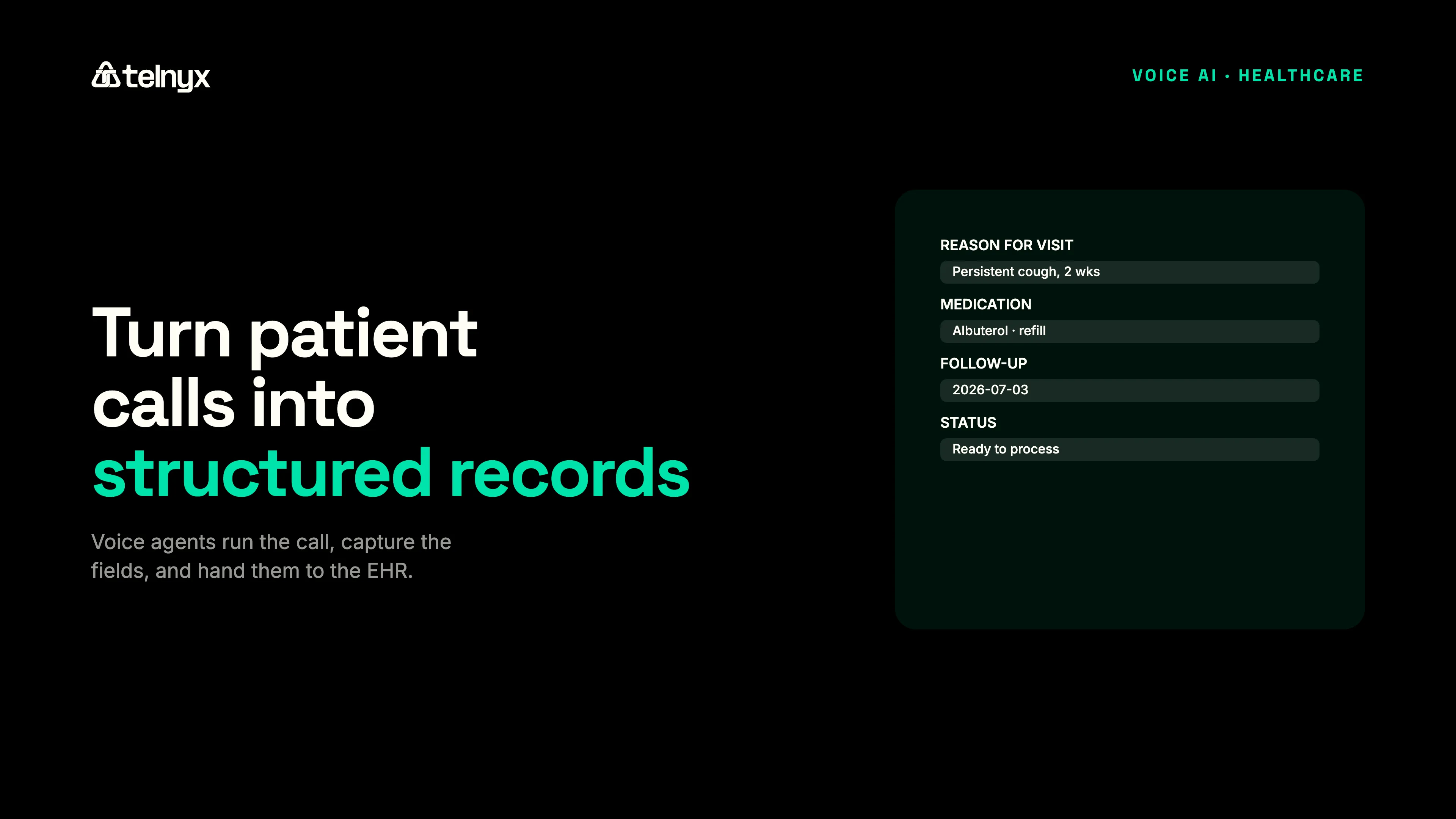
Most coverage of AI in the EHR is about what happens inside the record once data is there: summarizing a chart, suggesting a code, flagging a risk. The harder problem is getting accurate data in. A large share of what belongs in a patient's chart starts as a phone conversation, and a person usually has to listen and retype it.
Voice AI changes where that work happens. Instead of a staff member transcribing a call into the chart, an agent runs the call, captures the structured fields, and hands them back for the EHR to store.
What is AI for EHR?
AI for EHR systems uses voice agents to run patient phone calls (intake, scheduling, post-visit follow-up, telehealth transcription) and turn each conversation into structured data the record can store. The agent transcribes the call, extracts the relevant fields, and returns them over an API your team writes back to the EHR. The Telnyx Voice AI Agents platform runs these calls on a Tier-1 carrier network, under HIPAA and a signed BAA.
In practice, AI for EHR covers two different jobs. One is intelligence applied to data already in the record: summarization, coding support, and risk flags. The other is capture, turning live patient conversations into structured entries. This page focuses on the capture layer, because that is where voice agents change the daily workload for clinical and front-desk staff.
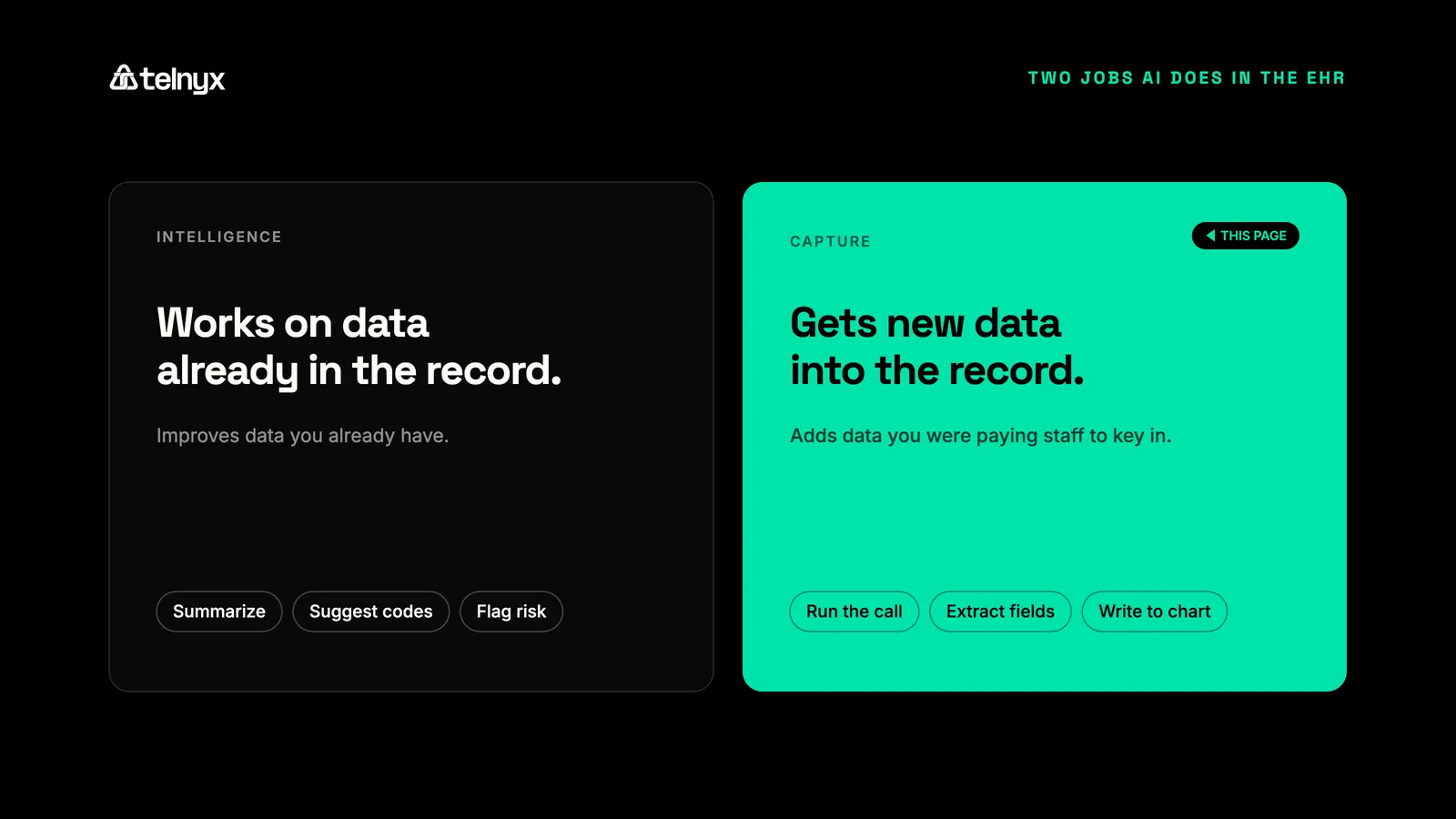
The distinction matters when you evaluate tools. A summarization feature improves data you already have. A voice agent adds data you were otherwise paying staff to key in by hand, which is a different line on the budget and a different source of error.
How do EHR platforms incorporate AI into clinical workflows?
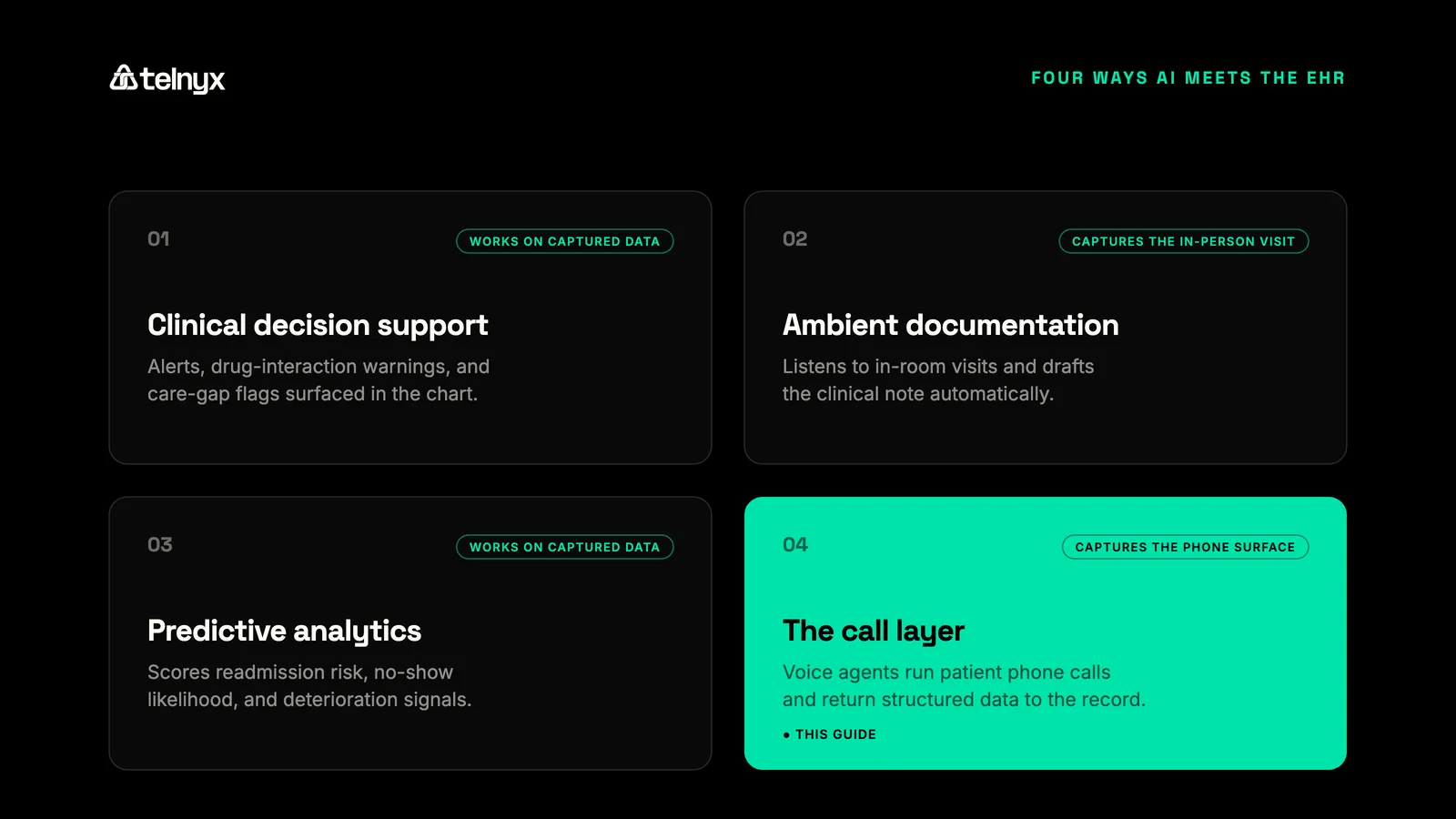
EHR platforms incorporate AI across four broad categories. It helps to place them side by side before narrowing to the one this page covers.
AI in the EHR, by category and contact point
| AI category | What it does | Where it captures |
|---|---|---|
| Clinical decision support | Surfaces alerts and care-gap flags | Data already in the chart |
| Ambient documentation | Drafts notes from the visit | The in-room exam |
| Predictive analytics | Scores readmission and no-show risk | Data already in the chart |
| Voice agents (call layer) | Capture call data as structured fields | Patient phone calls |
Decision support and predictive analytics work on data that is already captured, so their value depends on the record being complete. Ambient documentation and the call layer both address capture, but at different points of contact. Ambient tools cover the in-person visit. Voice agents cover everything that happens by phone.
For most practices, phone volume is the larger unmanaged surface. Most patient scheduling, intake, and follow-up still happens by phone rather than online, and the data those calls generate is retyped by staff or lost. An AI-native EHR workflow closes that gap by treating the call as a structured data source, not an interruption to be logged later.
The cost of manual EHR documentation
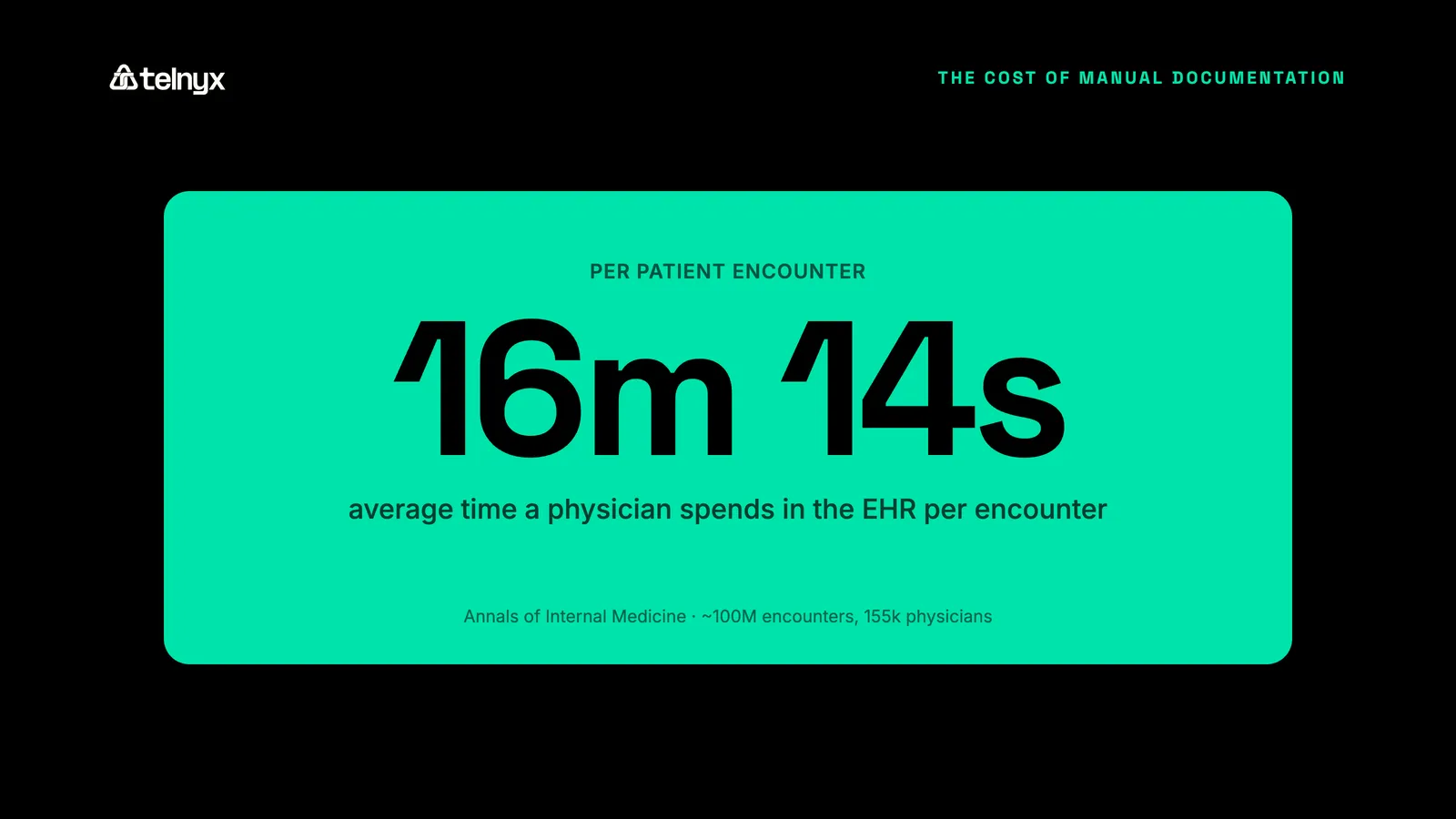
Manual EHR documentation is a well-documented driver of clinician burnout, and the measured numbers show why. Physicians spend an average of 16 minutes and 14 seconds in the EHR per patient encounter, according to an Annals of Internal Medicine study of roughly 100 million encounters across 155,000 physicians. Chart review took 33% of that time, documentation 24%, and ordering 17%.
That load does not stay inside clinic hours. More than one in five physicians report over eight hours a week on the EHR outside normal working hours, the pajama time the American Medical Association tracks as a burnout driver.
The cost compounds with volume. Every phone intake retyped into the chart and every follow-up note written after a shift adds time that scales with patient count. It also adds an error rate, because rushed manual entry is where transposed numbers and missing fields enter the record.
How voice agents send call data to the EHR via webhooks and FHIR
AI EHR integration through voice follows a fixed path. A call connects, the agent transcribes it in real time, a language model extracts the structured fields (reason for visit, medication, follow-up date), and the agent returns that data as a structured payload over a webhook. Your team writes the payload to the EHR using the system's FHIR or API. The record updates without manual entry.
The Telnyx Voice API returns call transcripts and structured data over webhooks. That structured output is the part that matters for interoperability. A raw recording still needs a person to read and key it. A structured payload maps directly to chart fields, which is what makes EHR interoperability AI useful rather than another inbox of audio files.
A working payload carries more than a transcript. It carries the extracted entities (the caller's identity, the intent of the call, the specific values to write) plus metadata like call time, agent confidence, and a flag for anything that needs human review. That last field matters in clinical settings, because the system should route a low-confidence extraction to a person rather than write it silently.
A refill request shows the shape of it. A patient calls, the agent confirms identity, captures the medication and pharmacy, and checks the request against simple rules. The agent returns a payload with the medication, the pharmacy, and a status: ready to process, or held for a clinician. Your system reads the status and either queues the refill or drops it into a work list.
The boundary is worth stating plainly. The voice platform runs the call and produces the structured data. The write into Epic, Cerner, or any other system happens through that EHR's own interface, built and controlled by your team. That separation keeps the patient data flow auditable, and it is why no single vendor should claim a one-click write into a record it does not own.
Automating clinical documentation from patient calls
Documentation automation from calls captures the structured note at the moment of the conversation. For a phone intake, the agent records the reason for visit, symptoms, and insurance details, then returns them as fields. For a telehealth session, it transcribes the consultation and produces a draft note. The clinician reviews and signs rather than types.
This is narrower than in-room ambient scribing, and deliberately so. Ambient scribe tools cover the exam room. The phone surface, where most practices have no automated capture at all, is the gap voice agents fill. EHR documentation automation that covers calls turns a retyping task into a review task.
The review step is the safeguard, not a limitation. The agent drafts; the clinician confirms. That keeps a human accountable for what enters the record while removing the keystrokes that drive after-hours documentation.
Accuracy is where this approach earns trust or loses it. Medical terminology, drug names, and dosages are unforgiving, so the agent's transcription and extraction have to be tuned for clinical vocabulary, and the confidence threshold for an automatic write should be set conservatively. When the agent is unsure, it should flag and route, not guess. A tool that quietly writes a wrong dosage is worse than one that asks a human to check.
Voice AI use cases in clinical call workflows
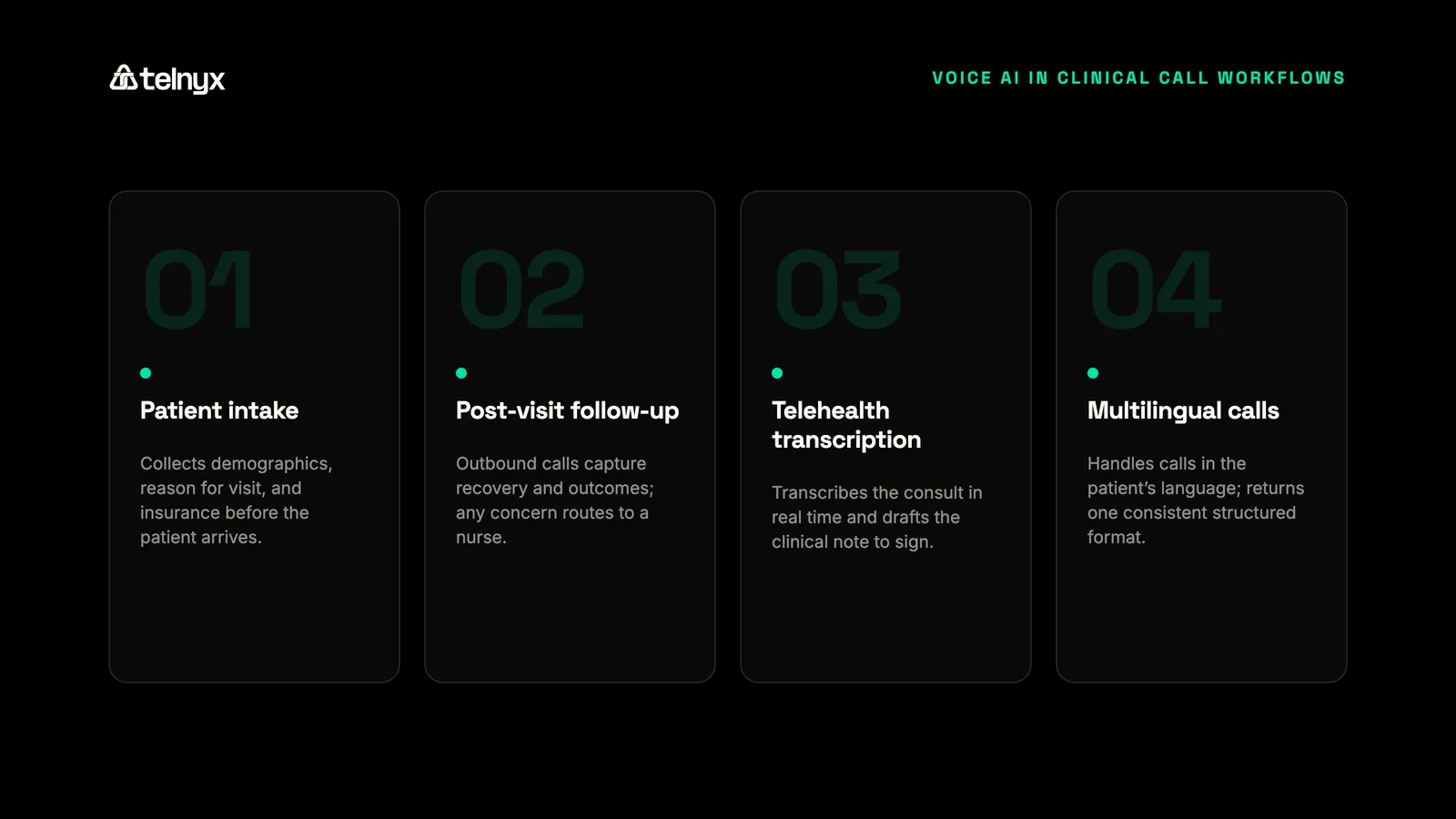
Patient intake by phone
A voice agent runs the intake call, collects demographics, reason for visit, and insurance, and returns the fields as a structured payload. The intake record reaches the chart before the patient arrives, so the front desk confirms rather than transcribes. For high-volume practices, that removes the intake backlog that builds during peak hours.
Post-visit follow-up
The agent places outbound follow-up calls to check on recovery and capture patient-reported outcomes. Responses return as structured data, and any flagged concern (a worsening symptom, a missed medication) routes to a nurse. The follow-up note lands in the record without staff time per call, which makes routine outreach feasible at scale.
Telehealth session transcription
The agent transcribes the telehealth consultation in real time and produces a draft clinical note. The clinician reviews and signs, and the note writes to the chart. The visit and its documentation finish together rather than the note waiting until evening.
Multilingual patient communication
The agent handles calls in the patient's language, then returns the structured output in a consistent format regardless of the spoken language. Language access improves for the patient, and the data still maps cleanly to the record for the care team.
EHR integration: what your IT team needs to know
The integration work sits on your side of the boundary, and it is straightforward to scope. Four pieces cover most of it.
Authentication and encryption protect the data in transit (TLS 1.2 or higher) and at rest. Transcription triggers define when the agent starts and stops capturing, so only the relevant part of the call becomes data. Field mapping connects the agent's structured payload to chart fields through FHIR or the EHR's API. Audit logging records every write.
FHIR is the path for most modern integrations, and HL7 v2 still covers many legacy interfaces. The practical question is not which standard the voice vendor supports, but whether its output is structured cleanly enough to map. A clean payload maps to either.
Name your systems of record up front. Epic, Cerner, athenahealth, Allscripts, and NextGen each expose their own integration interface, and the write happens through that interface, not through a connector shipped by the voice vendor. Your team, or an integration engine you already run, owns the mapping. That ownership keeps the integration maintainable as the EHR changes its fields or upgrades its API.
Scope the first build narrow. One call type (appointment reminders or refill requests), one EHR, one set of fields, running in parallel with the current manual process so staff can compare the agent's output against what a person would have entered. That parallel run is where you tune the confidence threshold and the field mapping before the agent writes to a live chart.
HIPAA, BAA coverage, and call-path security
Compliance at a glance: SOC 2 Type II, HIPAA, PCI DSS Compliant, ISO 27001, GDPR with EU-deployed infrastructure, a signed BAA, and STIR/SHAKEN A-attestation on a Tier-1 carrier network.
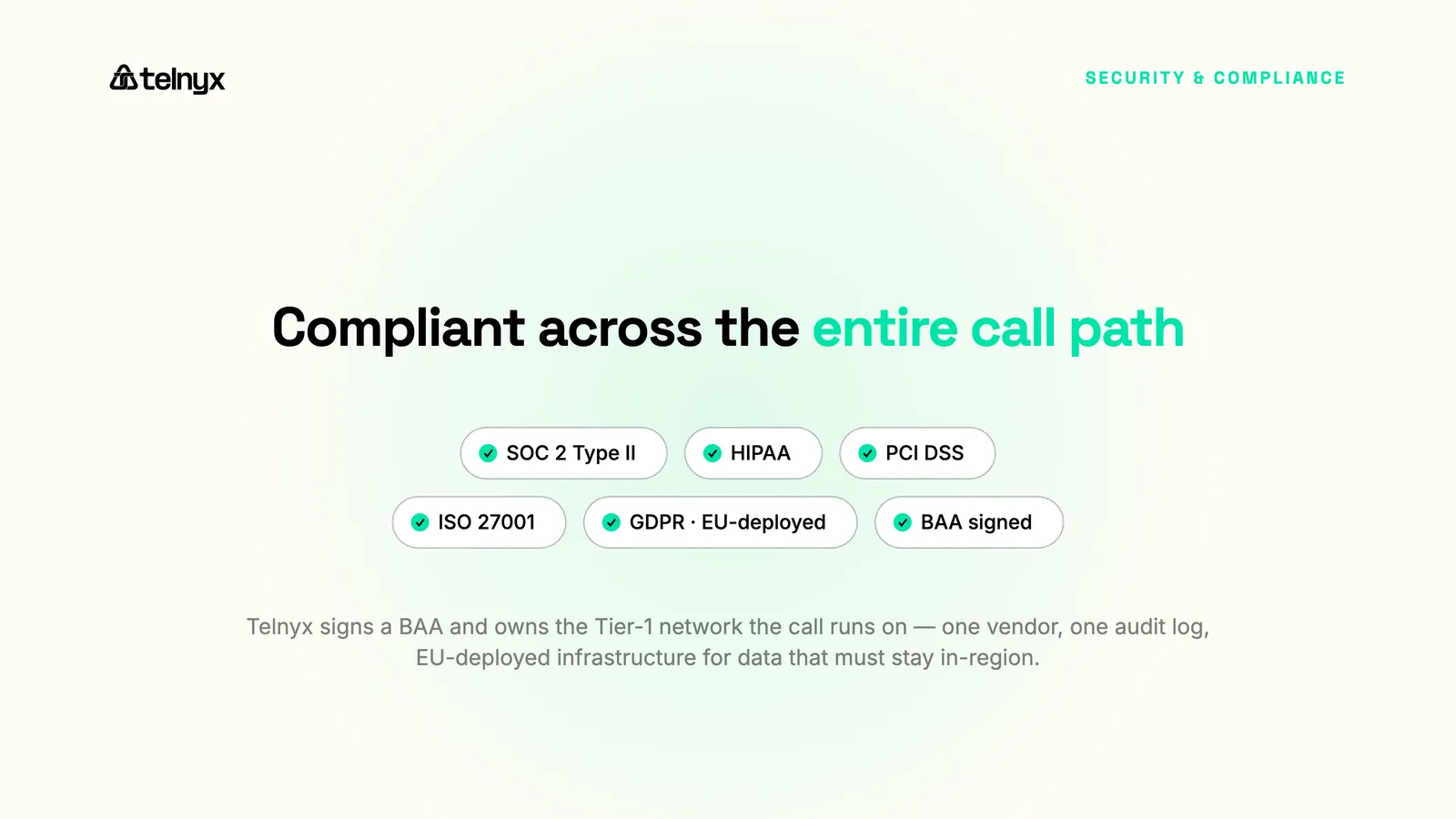
Voice AI for EHR is HIPAA-eligible when the vendor signs a BAA and the call path is covered end to end. Telnyx is SOC 2 Type II, HIPAA, PCI DSS Compliant, ISO 27001, GDPR with EU-deployed infrastructure, and signs a BAA, with flow-down BAAs for subprocessors. That coverage spans the call, the transcription, and the data return, not just one segment.
The call path is part of compliance, not just the data store. A platform that secures storage but routes calls through telephony it does not own leaves a gap in the chain of custody. Telnyx owns the network the call enters, so the BAA and the call path are the same vendor, with one audit log rather than several stitched together.
Data residency belongs in the same conversation. For organizations handling EU patient data, GDPR adds a location requirement on top of HIPAA, and the data needs to stay in-region. Telnyx runs EU-deployed infrastructure for exactly this, so the call, the transcription, and the structured output can stay where the regulation requires. Confirm the deployment region during scoping, because it is cheaper to set than to migrate later.
Carrier ownership also affects whether patients answer. Telnyx signs outbound calls at STIR/SHAKEN A-attestation on its own Tier-1 network, so a follow-up call lands as verified caller ID rather than "Spam Likely." Co-located inference holds sub-200ms round-trip latency, which keeps the conversation natural enough that patients stay on the line. For the broader vertical view, see the Telnyx healthcare solutions page and the guide to voice AI for healthcare.
Frequently asked questions
Can voice AI write directly to Epic or Cerner? A voice agent does not write to Epic or Cerner directly. It returns the call's structured data over a webhook, and your team writes that data into Epic or Cerner through the EHR's FHIR or API interface. The voice platform produces the data; the EHR's own interface receives it, which keeps the write auditable and under your control.
Which voice AI solutions work with major EHR systems? Any voice platform for healthcare that returns structured, mapped data over an API can work with major EHR systems, because the write happens through the EHR's interface rather than a built-in connector. The practical test is whether the platform outputs structured fields, not just a recording, and whether it signs a BAA to cover the call path.
How accurate is voice AI for capturing medical terminology? Accuracy depends on tuning the transcription and extraction for clinical vocabulary, drug names, and dosages. The safeguard is a conservative confidence threshold: when the agent is unsure, it flags the field for human review instead of writing it. That keeps a clinician accountable for what enters the record while still removing most of the manual entry.
Does AI patient intake integrate with EHR systems? Yes. An AI intake agent collects demographics, reason for visit, and insurance during the call, then returns them as structured fields. Your team maps those fields to the chart through FHIR or the EHR's API, so the intake record reaches the EHR without manual entry.
Build voice AI into your EHR workflows
Run patient calls, transcribe them in real time, and return structured data your team writes to the EHR. Need it HIPAA-eligible? Telnyx Voice AI Agents signs a BAA and runs on a carrier network you control.
Contact usShare on Social


