Announcing the GA of the Telnyx Video API, empowering customers to build custom video solutions on our global, private network.

We’re happy to announce that Telnyx Video API is now live and generally available for all users! Here, we’ll take a closer look at our latest product and show you how to get started with the Telnyx Video API.
In 2022, customers expect applications that deliver reliable, personalized, intuitive experiences. It’s time to do more than just make do.
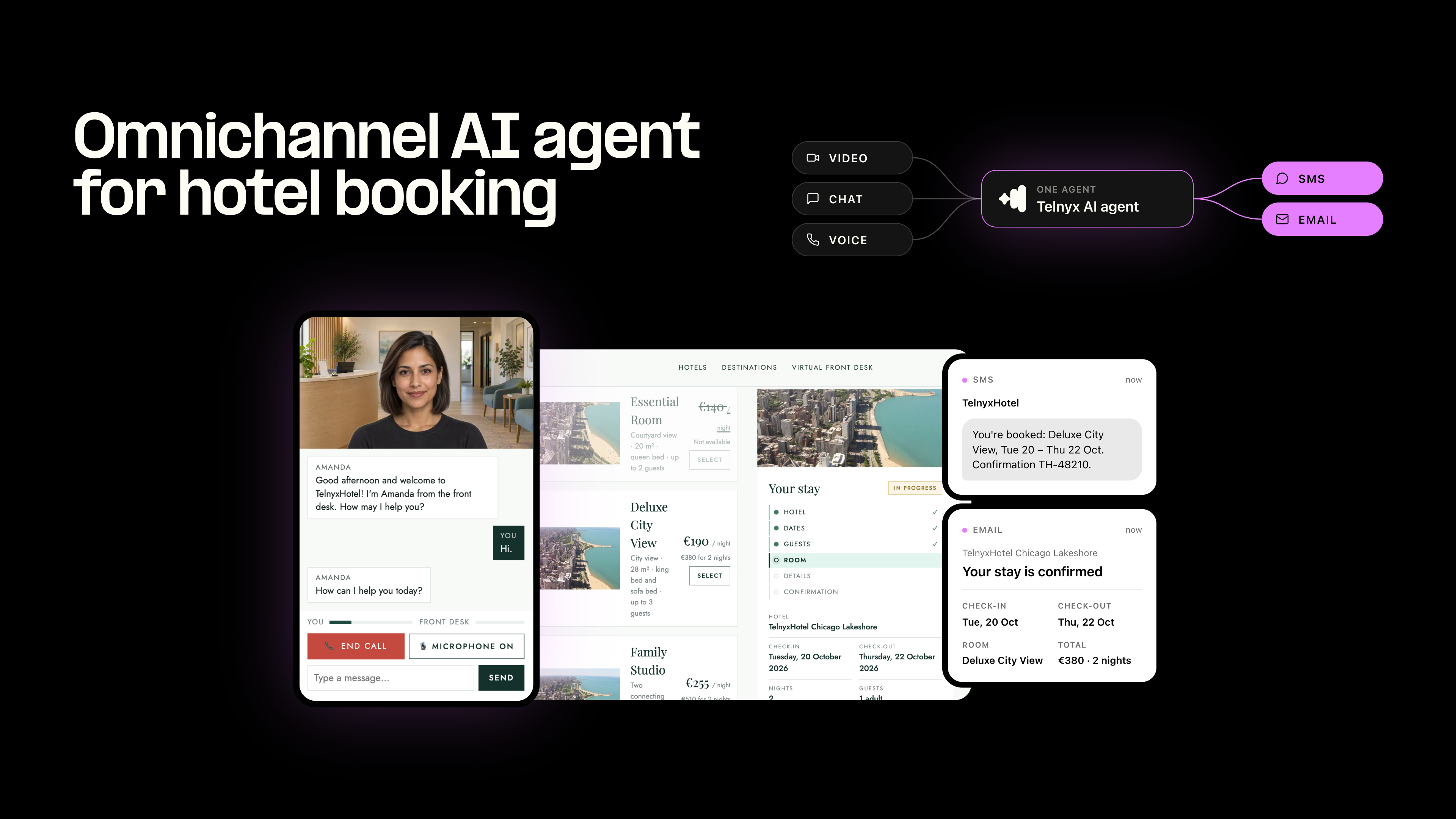
Whether you’re building for a browser-based solution, or looking to embed video directly into your application, Video APIs can help you create a unique video product that completes and elevates your customer experience. If you’re a UCaaS provider, you might need to implement screen-sharing for effective workplace collaboration.If you’re a telehealth platform, you might want to prioritize a speech-to-text feature for increased accessibility.
Throughout the beta development, Telnyx worked closely with customers to create features for our Video API that address concrete customer needs—gearing users up to build video experiences that are completely customizable. Let’s take a closer look at some features you can integrate with the Telnyx Video API…
Keep a hold of key conversations for later. Our APIs allow users to record sessions in your desktop browser to watch back or share with other team members.
Programmatically control which participants are added, removed, and muted in your Video application.
Implement text chat in your browser applications and enrich your conversations by sending messages and links to everyone in the room.
Test and build straight away with our Developer Docs
At Telnyx, we built our global, private network from the ground up to make high-quality, real-time communications accessible and secure. Our network enabled us to build a Video API that offers unmatched audio and video quality. With Telnyx, your media runs on a private highway—reducing latency, lag, and packet loss. And with our Video API we’ve gone the extra mile to ensure your customers have a clear, smooth video experience from start to finish.
Sometimes, you don’t need to see (or hear) everyone in a Video room—but participants can still be soaking up precious bandwidth, impacting the overall streaming quality. With the Telnyx Video API mobile SDKs for iOS and Android, developers have the option to control bandwidth for any given stream on mobile devices.
By choosing to pause a subscription developers can control the bandwidth capacity provided to a given mobile device, as media will not flow to a device when it’s paused or stopped. This helps manage CPU resources and memory consumption, and improves overall call quality for users.
→ Build a demo app in minutes in the Mission Control Portal to see and hear the quality of Telnyx Video and Voice.
Selecting a video solution that’s equipped to support your growth projections saves time and resources upfront and down the line. The Telnyx Video API includes extensive SDKs and documentation for seamless volume and bandwidth expansion, to help you build for scale from day one.
Create a video solution that fits perfectly into your bigger picture—and don’t pay for anything more or less. With Telnyx, you only pay for what you use, no matter your size. Pricing starts at $0.00295/ participant/ minute, plus your chosen additional features.
Ready to build your dream Video application? Get started straight away with our developer docs or reach out to a member of our team.
Does Telnyx have a video API for real-time calling? Telnyx currently focuses on voice, messaging, and Voice AI rather than a public video API. If your use case is sharing visuals instead of live video, the difference between SMS and MMS can help you choose a simpler path.
What is a video API and how does it work? A video API typically uses WebRTC to set up encrypted peer-to-peer connections for audio, video, and data channels. It relies on STUN and TURN servers for NAT traversal, adaptive bitrate, and codecs like H.264 and VP8 for smooth playback.
How is a video API different from voice or messaging features? Video adds high-bandwidth, bidirectional media streams and real-time synchronization, while voice and messaging handle lower-bandwidth audio or discrete payloads. For rich media without live interaction, MMS messaging supports images, GIFs, and short clips that users can view asynchronously.
What latency and codec targets should I plan for in live video? Aim for sub-200 ms glass-to-glass latency for natural conversations, with jitter kept low and packet loss minimized. Use Opus for audio, H.264 or VP8 for video, and enable adaptive bitrate and simulcast to handle varying network conditions.
Can a video workflow integrate with SIP or PSTN for voice fallback? Yes, many architectures pair video sessions with call control so sessions can downgrade to voice or escalate from voice to video as needed. This approach preserves continuity when bandwidth drops or when users cannot access a camera.
How do recording and compliance typically work in video apps? Recording policies should require explicit consent, clear retention settings, and role-based access to stored media. For regulated data, route and store recordings regionally, encrypt in transit and at rest, and document practices aligned to frameworks like GDPR and SOC 2.
What are alternatives when live video is overkill? If you need to distribute visuals at scale, MMS group or broadcast messaging can deliver images and short clips without coordinating a live session. Use live video when real-time collaboration or troubleshooting is essential, and default to messaging for updates, confirmations, and marketing content.
Related articles