
WHY TELNYX
Building for agents, making our platform agent-first.
API-first, not GUI-first
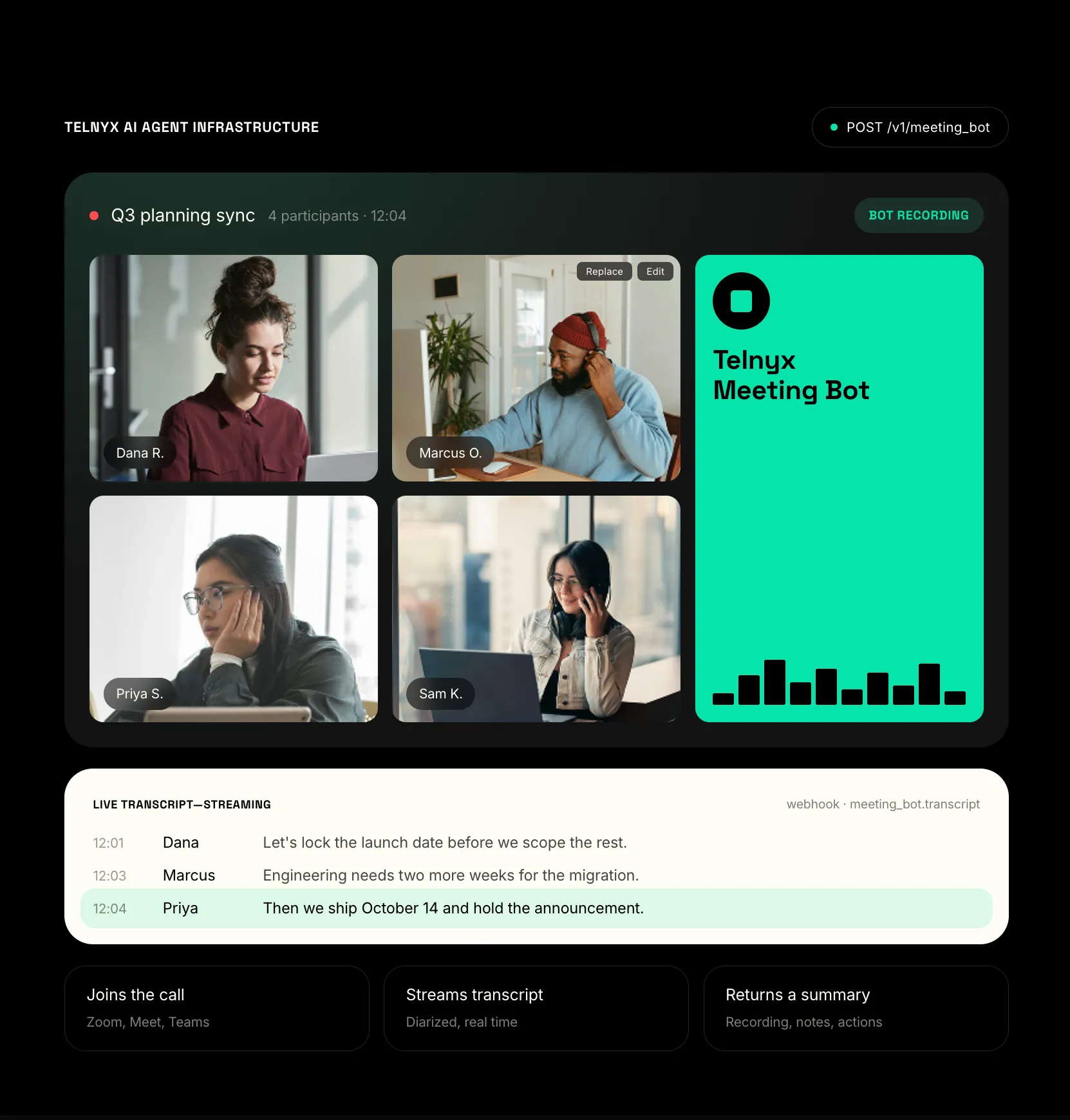
Every other notetaker assumes a human clicks join. Meeting API assumes an agent calls an endpoint. Same primitives, same API key, extended into the meeting room.
One vendor, one bill
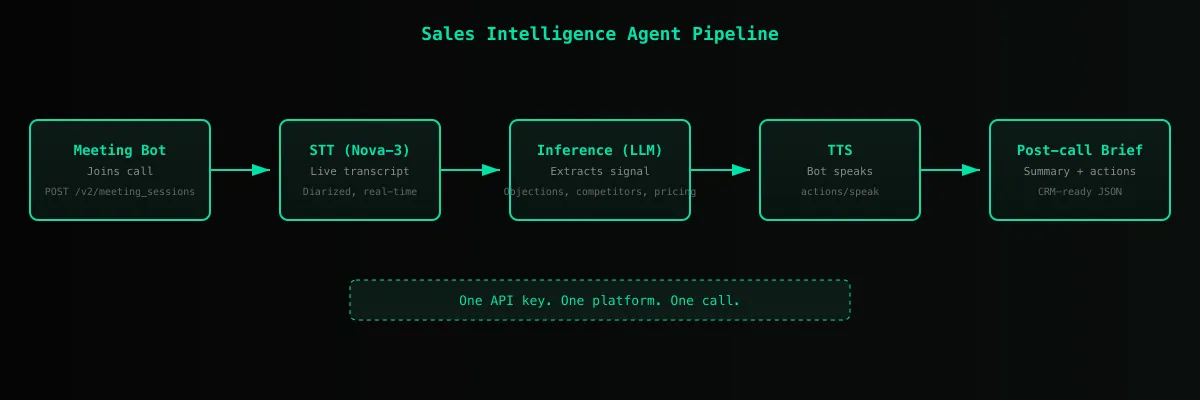
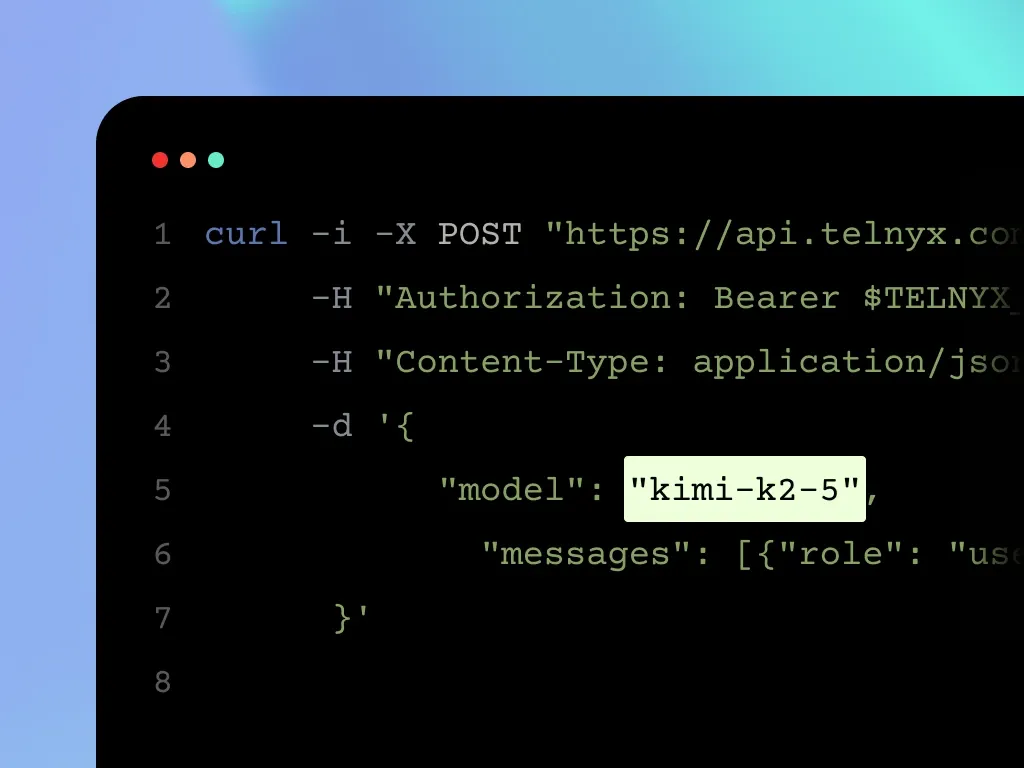
No second auth flow, no second billing relationship. STT, TTS, telephony, and meeting participation run on the Telnyx API key you already have. One account, one invoice, one support thread.
One network, one API
Call quality, latency, transcription, and TTS on the same carrier-grade network. No third-party hops. Consistent performance from session layer to model layer, all behind one API key.
FEATURES
Everything an agent needs to show up in a meeting.
Each primitive is independently useful and composes with the rest of the Telnyx stack.
Live transcription
Stream the meeting transcript to your agent as it happens, with speaker labels and timestamps, through Telnyx STT.
Programmable speech
Your agent can make the bot say anything at any point in the meeting. Text goes through Telnyx TTS and plays into the meeting audio.
Chat injection
Drop messages into the meeting chat on Zoom, Google Meet, and Teams. Webex supports joining and transcription but not chat.
Post-meeting artifacts
When the meeting ends, receive structured summaries and action items generated by Telnyx Inference. summarize_on_end auto-generates a summary from the final transcript.
Webhook-driven lifecycle
Set a webhook_url on session create to receive signed meeting lifecycle events. No polling required, but polling is supported for batch workflows.
Cross-platform support
One API surface for Zoom, Google Meet, Microsoft Teams, and Webex. Same request shape, same response shape, same webhook contract.
HOW IT WORKS
Four API calls cover the full meeting lifecycle.
Create a session, poll for status, fetch the transcript, and tell the bot to speak.
PRODUCTS
One API key. Every primitive your agent needs.
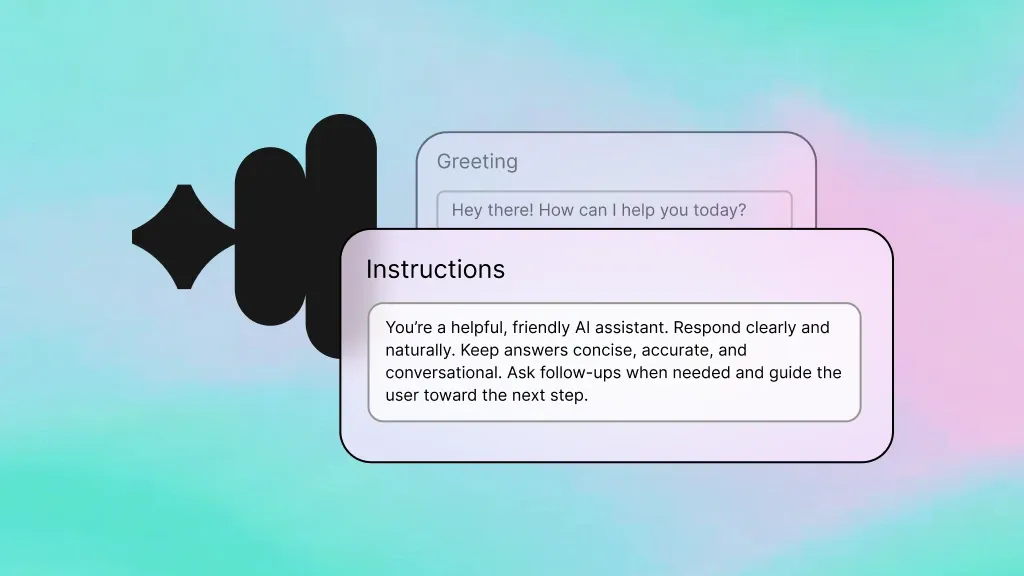
Voice AI Agents
Programmable voice agents for inbound and outbound calls. Same STT, TTS, and orchestration primitives that power Meeting API.
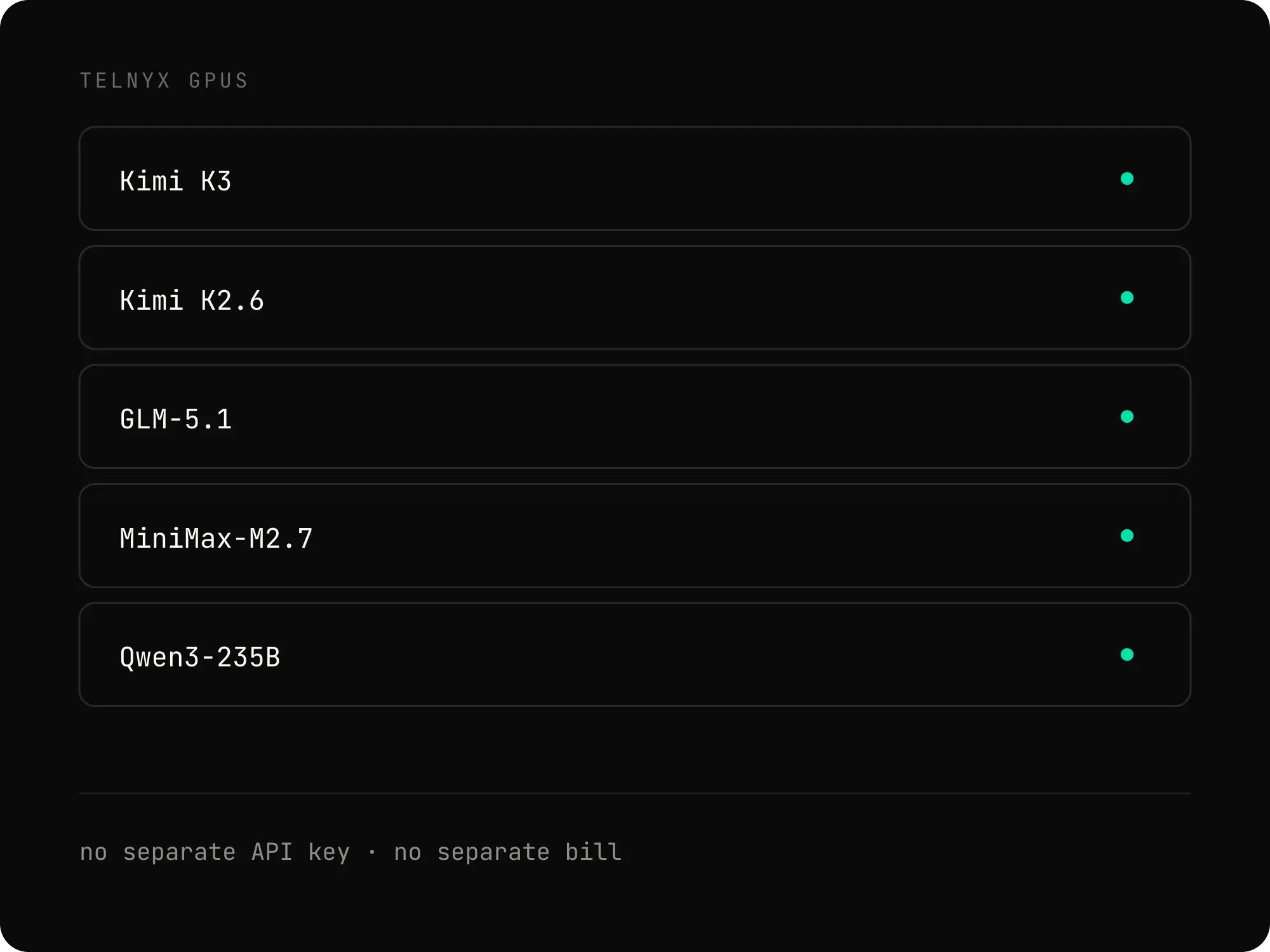
Inference
Open-weight and frontier models on edge-deployed GPUs. Per-token pricing with global availability.
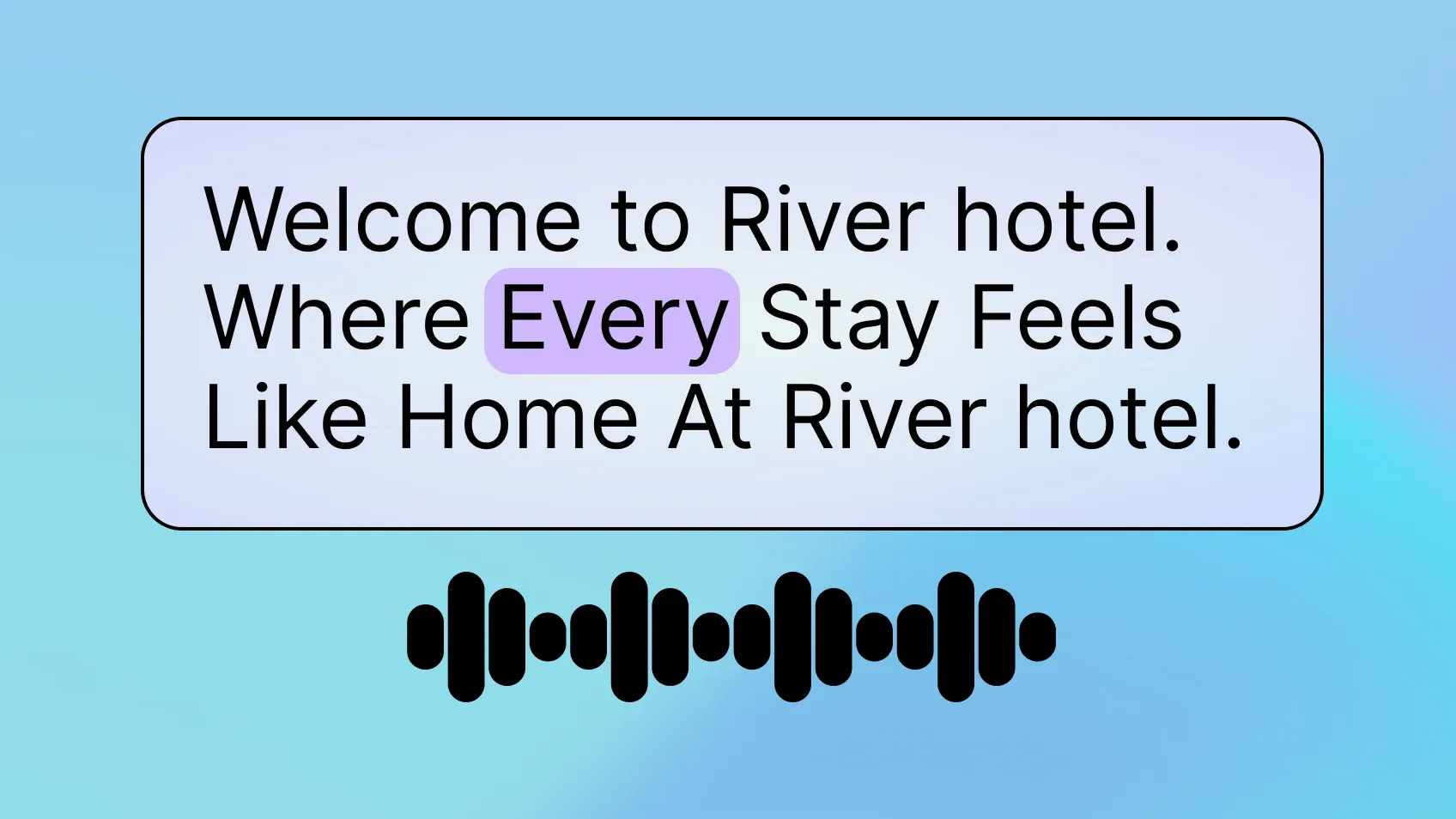
Text-to-Speech
Hosted voices from Telnyx and third-party providers. Use the same voice in your meeting bot, your voice agent, and your IVR.

Speech-to-Text
Real-time and batch transcription with multiple model options. Pick the model that fits your latency, accuracy, and cost targets.
PRICING
$0.65 per hour of bot time in the meeting.
One rate covers the bot in the room and live transcription, billed by the minute. Add speech, an AI assistant, or artifacts only when your agent needs them.
$0.65 per hour
Bot presence and live transcription in one rate. The meter runs from the moment the bot starts joining until it leaves, and is billed per minute.
Add what your agent needs
Speech is $0.000003 per character. An AI Assistant is $0.05 per minute plus LLM tokens. Summaries and action items bill at Inference token rates.
Recordings free for 7 days
Recording starts automatically. After 7 days, retention is $0.05 per recording media hour per 30 days, and deleting the recording stops the meter.
Storage, chat, and webhooks are free
Transcript and artifact storage, in-meeting chat, session events, webhooks, and the Calendar API carry no charge.