








WHY VOICE DESIGN
Your voice, your brand, every surface
Stock voices sound like everyone else. Voice Design lets you create one that sounds like you, then use it everywhere Telnyx handles speech.
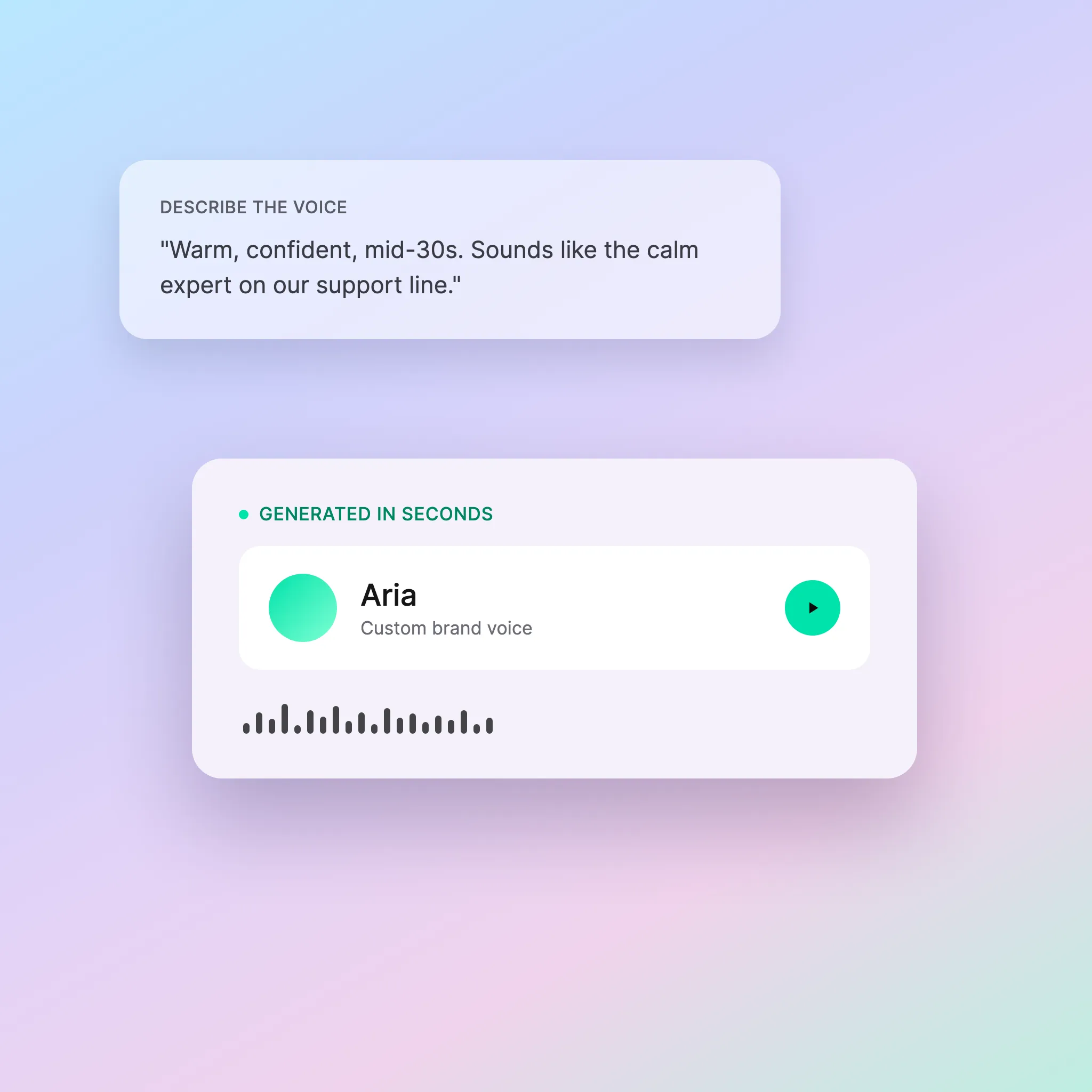
Designed for your brand
Describe the voice that fits your product and generate it. Iterate on tone, accent, and energy until it sounds right. No studio, no dataset, no waiting.
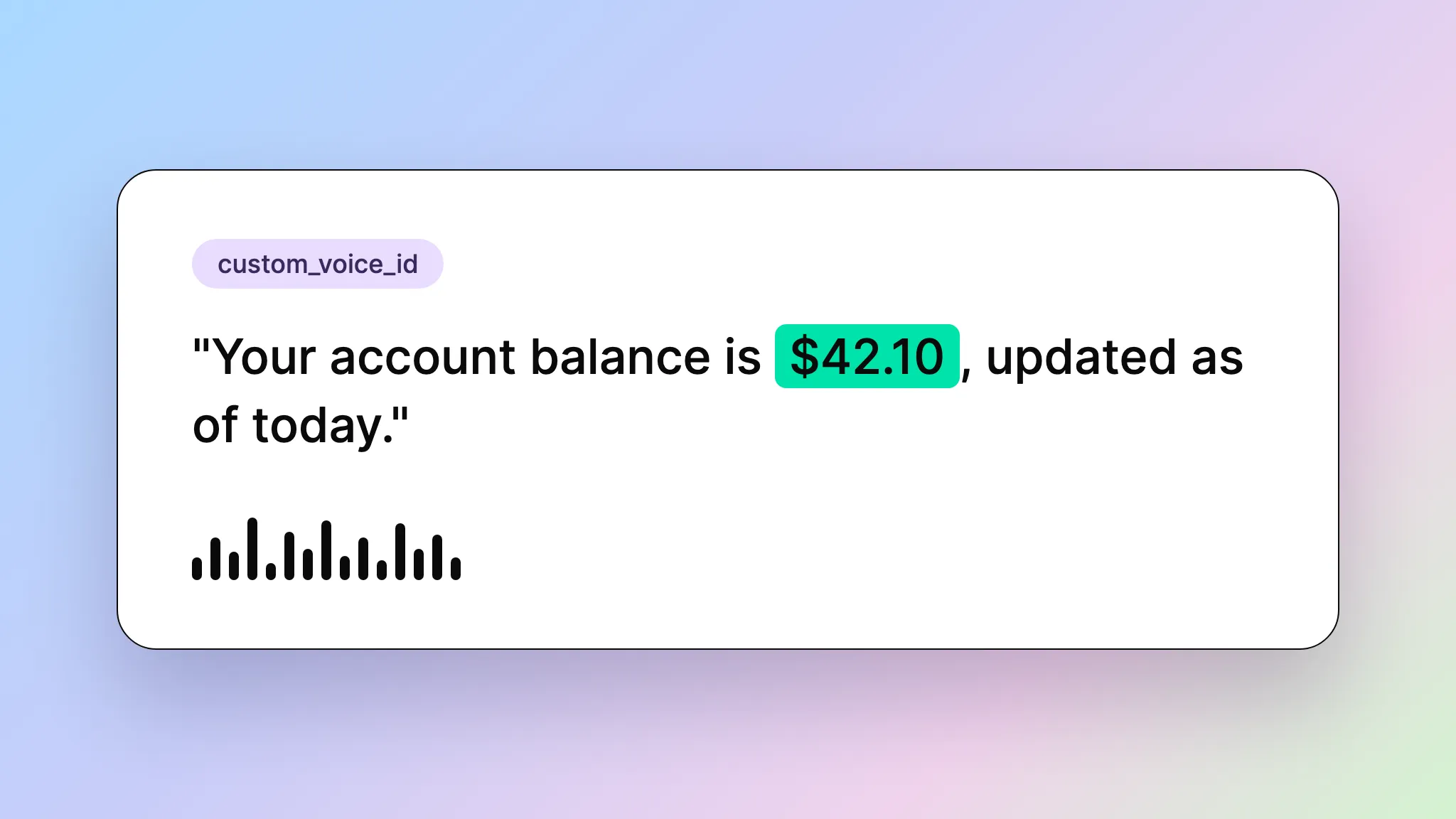
One voice across every channel
Use your custom voice in AI Assistants, Call Control, IVRs, and the TTS WebSocket. Same voice ID, same quality, no re-recording.
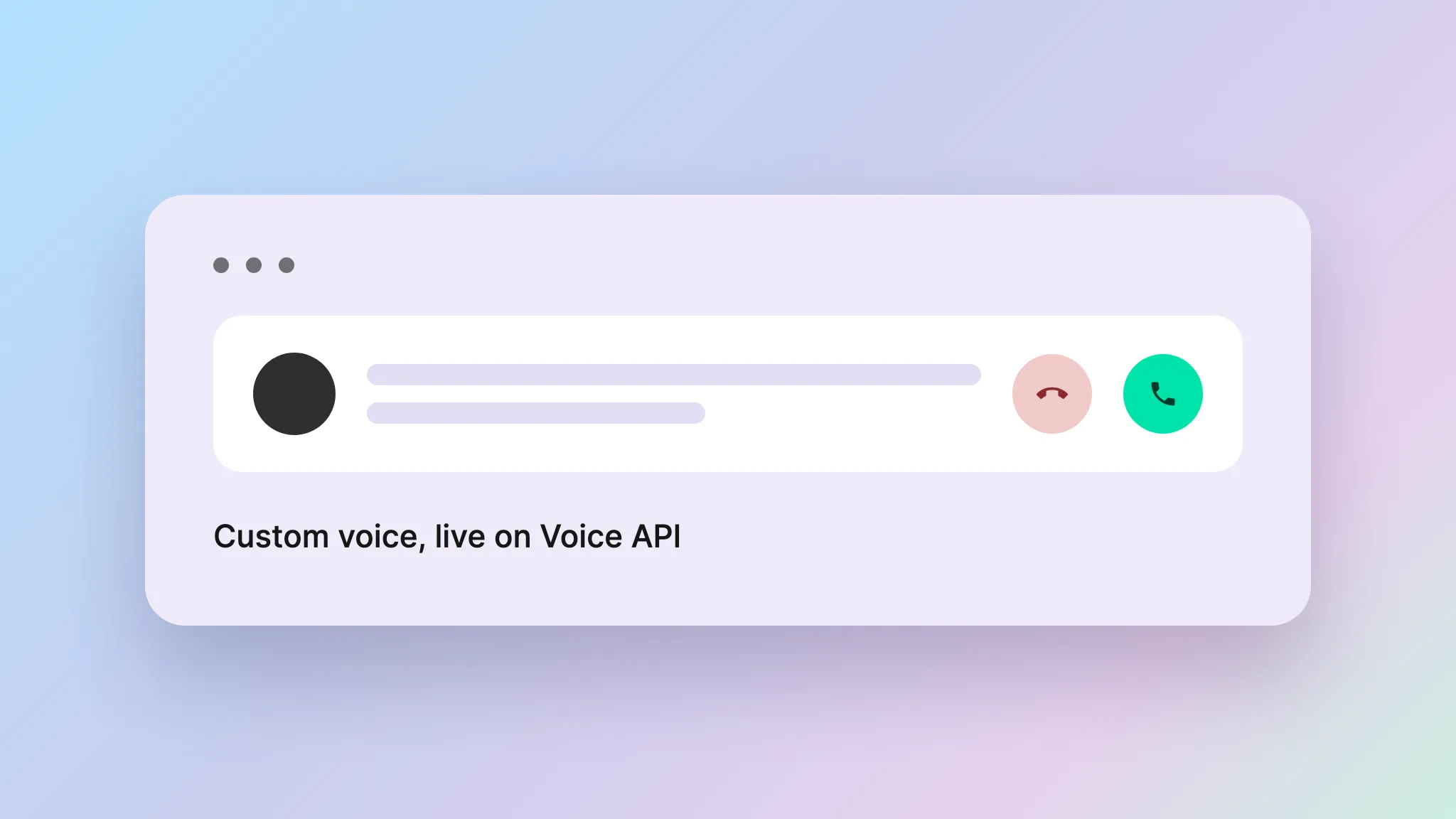
From design to live in one platform
Create, preview, save, and deploy a voice without wiring together separate providers. The same API that generates the voice carries it into production.
FEATURES
Built for control, not just generation
Voice Design gives you the tools to create, refine, and ship a voice that is exclusively yours.
Minutes to a custom voice
From a text description to a production-ready voice in under a minute. Brand-fit voice creation at the speed of a prompt.
Iterate until it sounds right
Generate as many samples as you need. Refine the description, try again. You commit only when the voice lands.
Quality that fits the use case
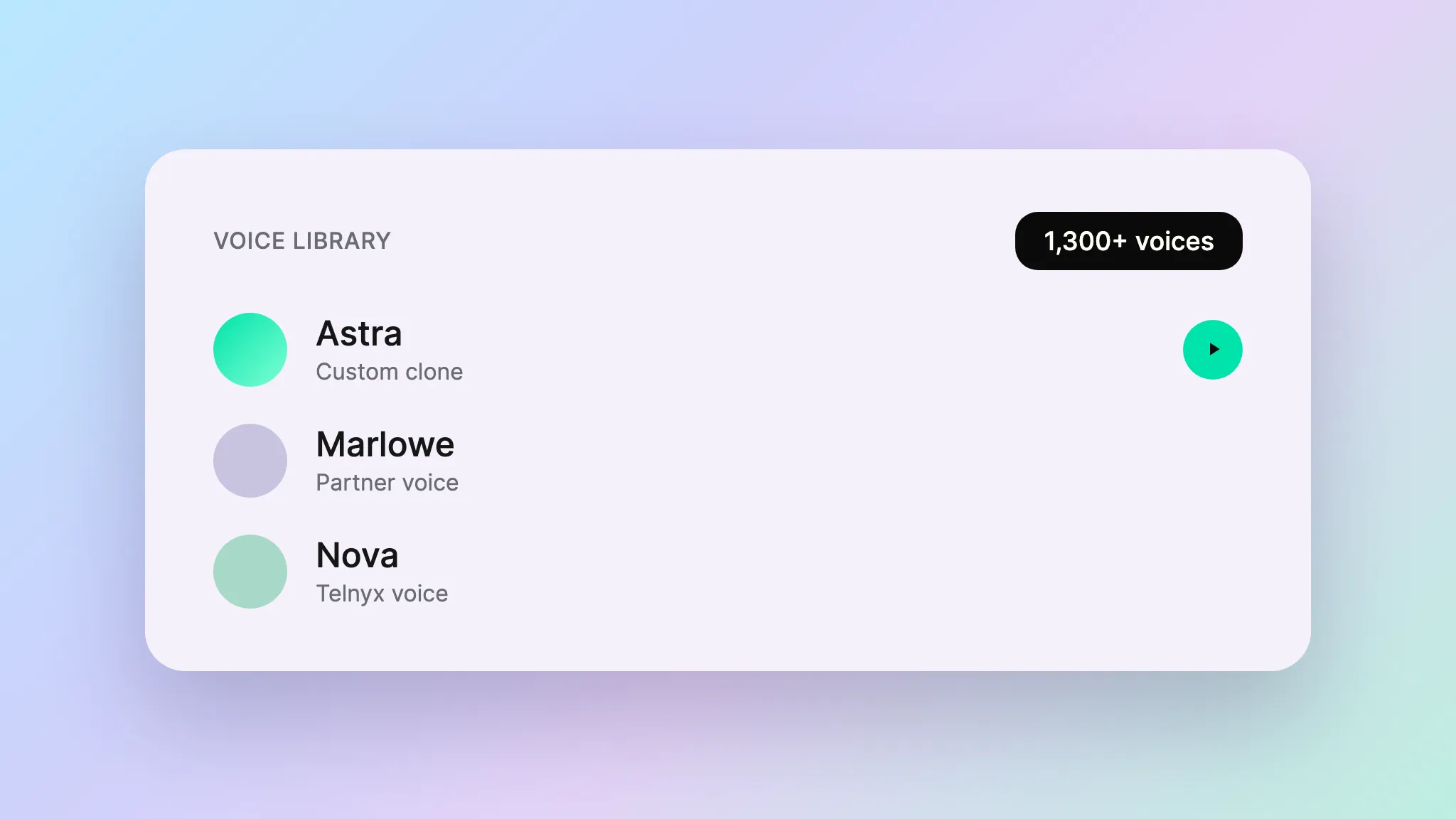
Default for speed, Ultra for flagship content, Minimax for longer source recordings. Match the model to the job.
A voice exclusive to your product
A designed or cloned voice serves only your product. Your IVR, your agents, your TTS, all sounding like you.
Voice infrastructure included
Create, store, and deploy from the same platform that carries your calls and runs your agents. Your voice lives where your speech happens.
Built for live voice
Voice Design outputs work in real-time AI Assistants, Call Control, and the TTS WebSocket. The voice is ready for live conversation, batch synthesis, and everything between.
HOW IT WORKS
From idea to production voice
Design a voice from a text prompt or clone one from audio, then use it across AI Assistants, Call Control, and the TTS WebSocket.