Give AI agents controlled access to a real browser. Each session runs in an isolated pod with a fail-closed egress proxy, domain allowlists, and accessibility-tree navigation. Nine actions, one API.


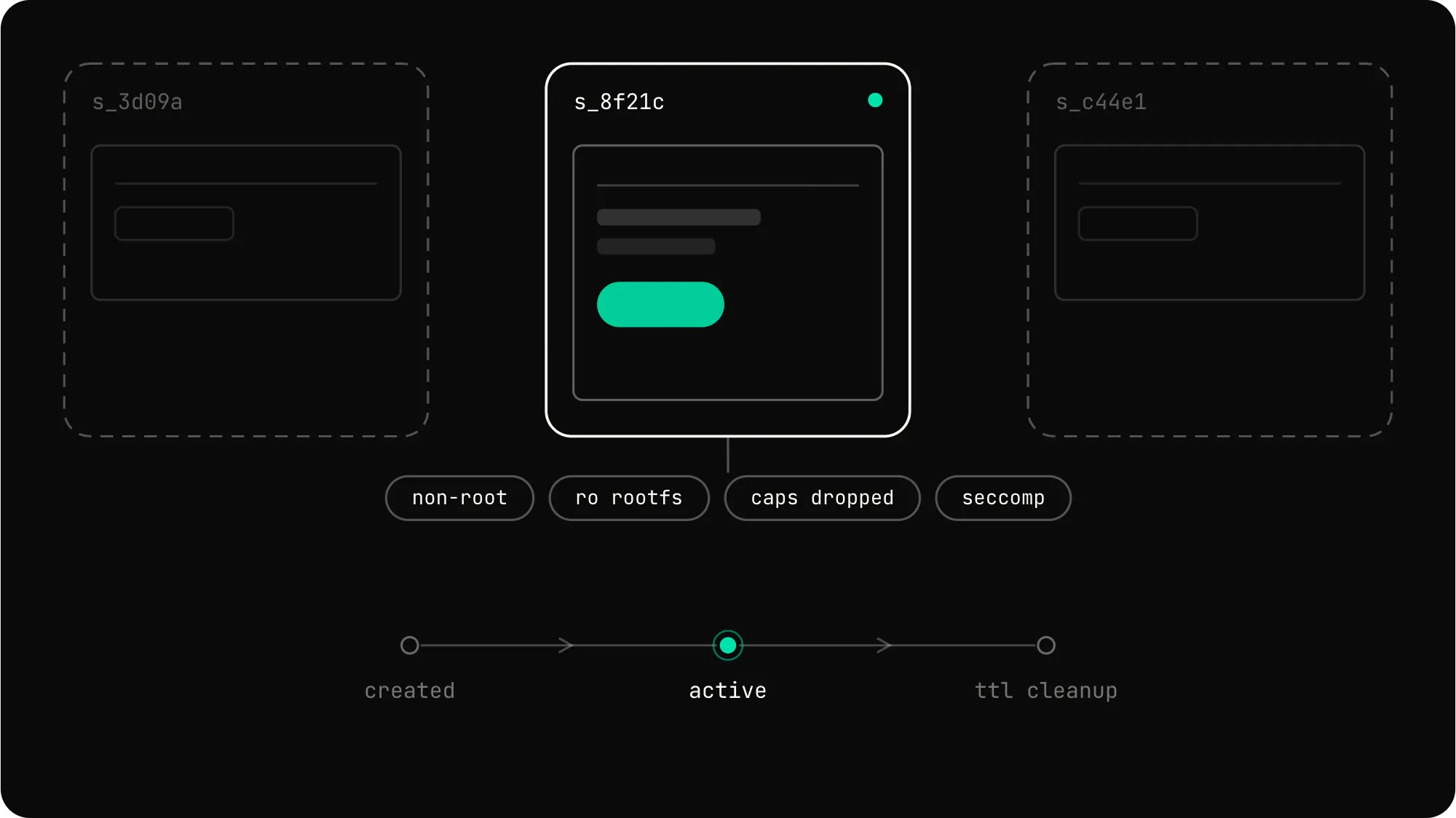
Every session runs in its own hardened Kubernetes pod. No shared state, no cross-session leaks.
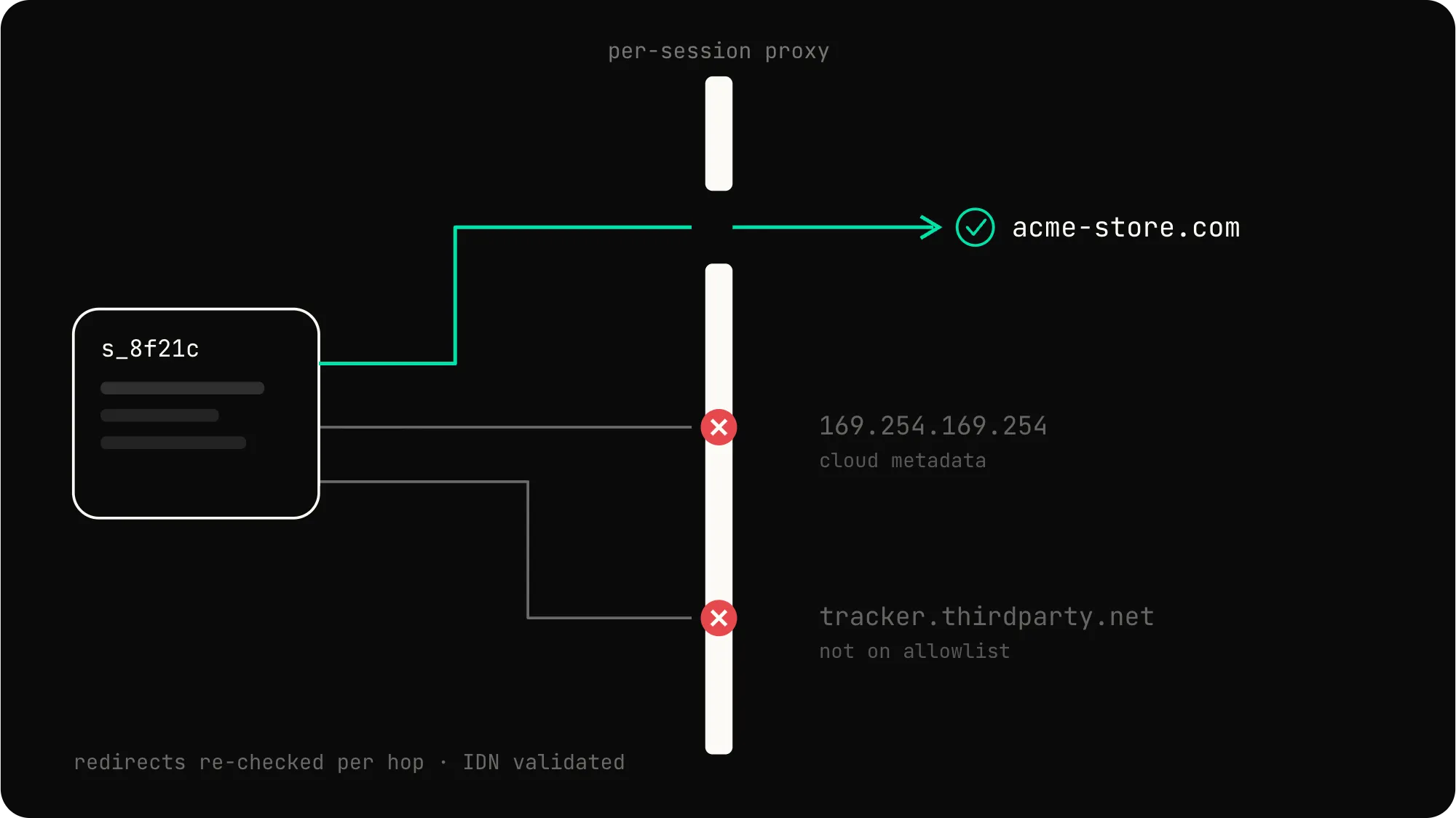
A per-session proxy enforces your domain allowlist. Private networks and cloud metadata endpoints stay blocked.
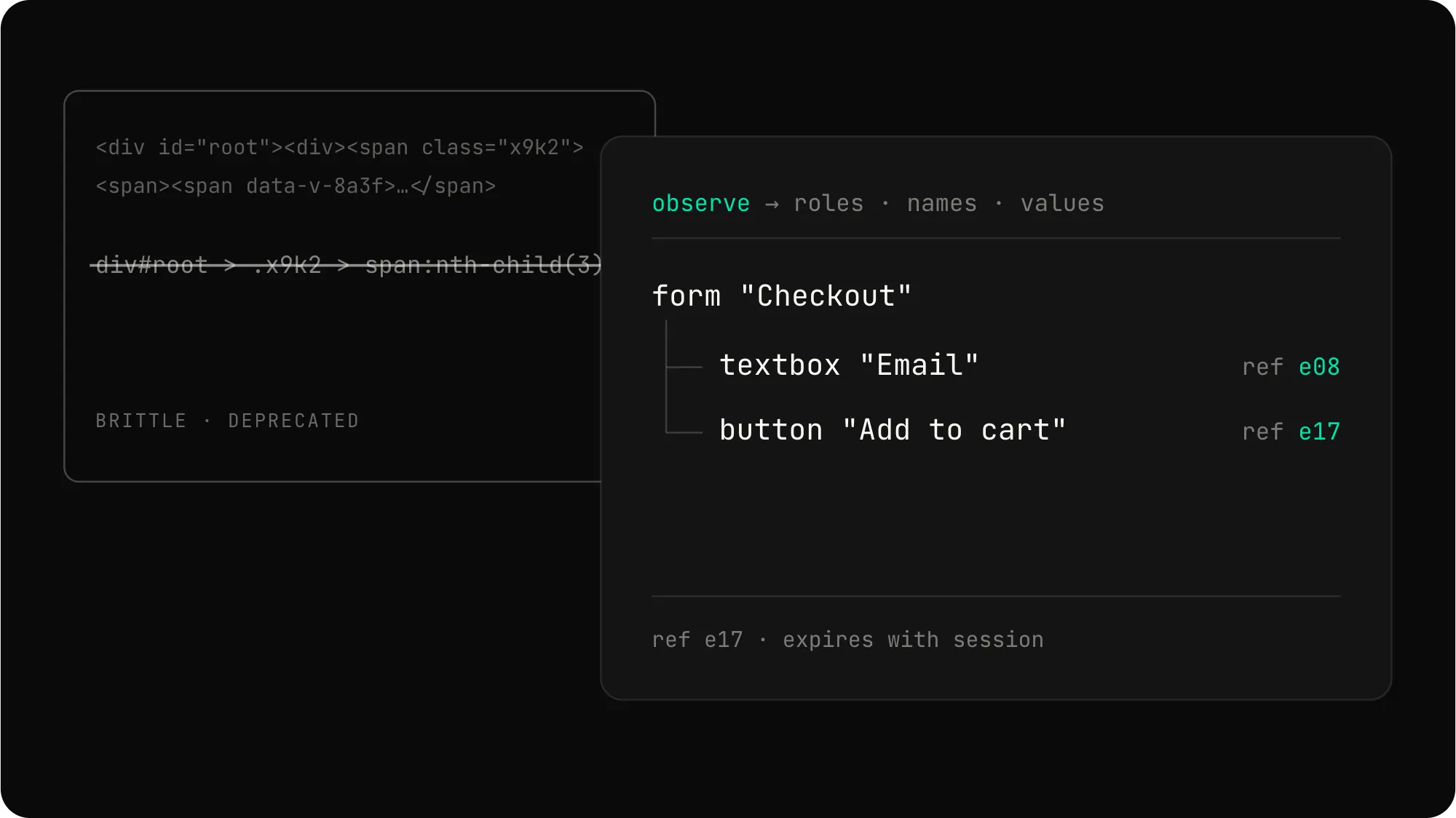
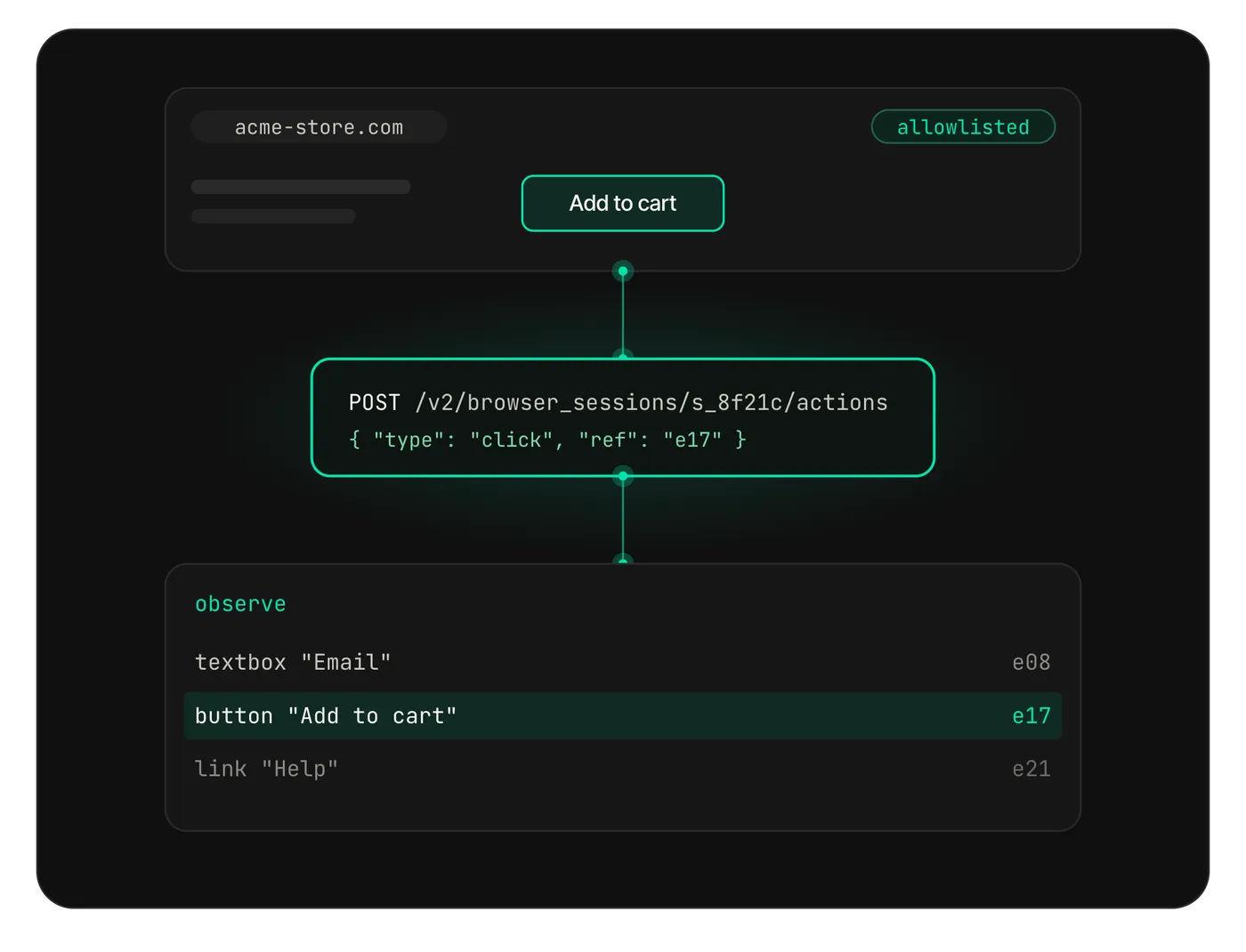
Agents read the accessibility tree, not raw HTML. Short-lived element refs replace brittle CSS selectors.
Every action is a single API call. Every egress request is checked against your allowlist.
Hardened container
Non-root user, read-only rootfs, dropped Linux capabilities, RuntimeDefault seccomp profile.
Egress allowlist
Set the domains each session can reach. Anything outside the list is refused at the proxy.
Accessibility tree
Agents see a structured tree of roles, names, and values. No raw HTML, no raw CDP.
Session-scoped refs
Element references expire with the session. No persistent IDs to leak across runs.
Closed action set
navigate, observe, click, fill, select, press, scroll, wait_for, screenshot. Nothing else.
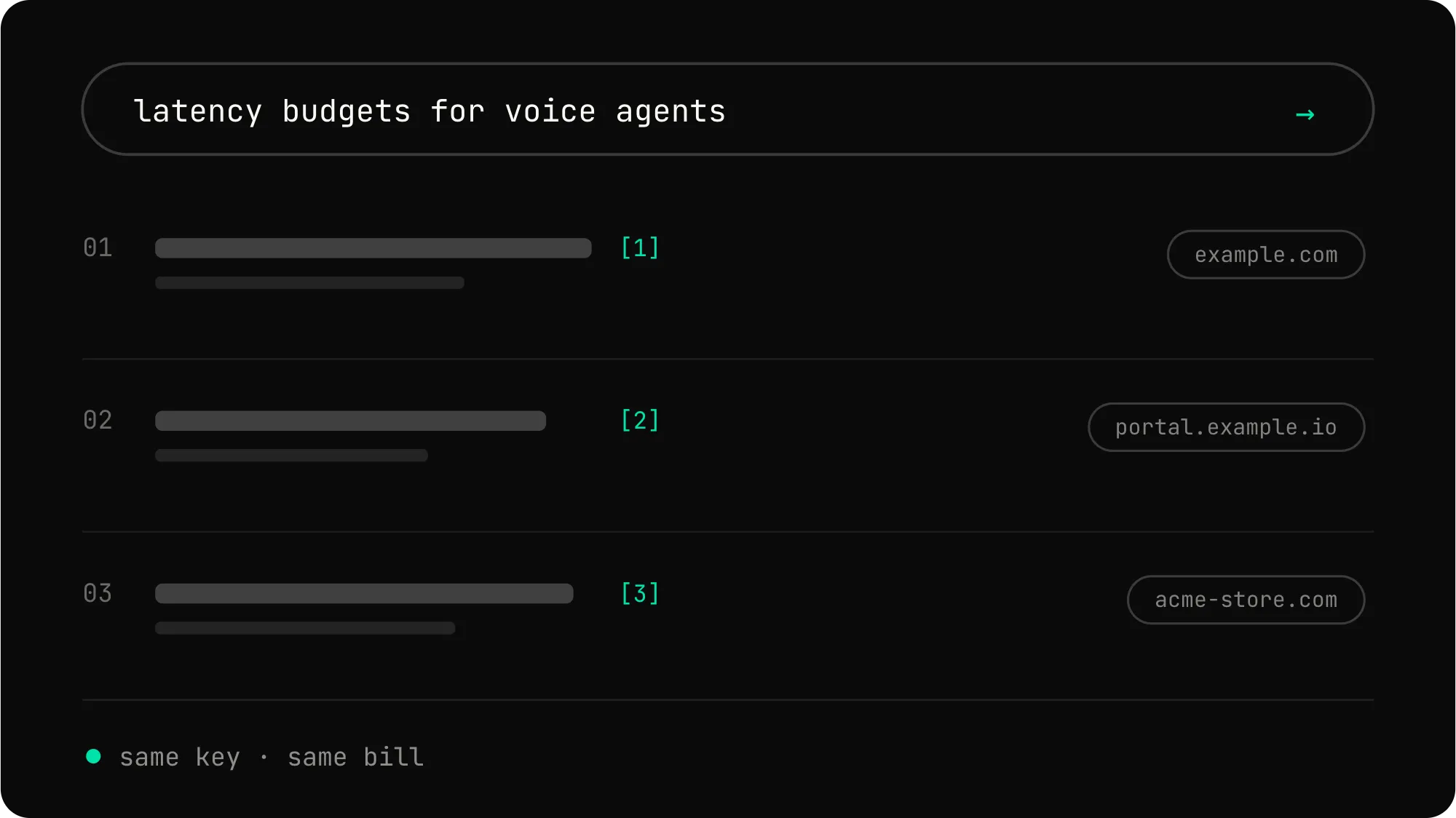
One integration
One Telnyx API key covers Agent Browser, Web Search, and Inference.
Create a session, navigate to a page, observe the result. The full API surface fits in a few hundred lines.
cURL
# Create an isolated browser session
curl -X POST "http://telnyx-agent-browser.query.dev.telnyx.io:8080/v2/browser_sessions" \
-H "Authorization: Bearer $TELNYX_API_KEY" \
-H "Content-Type: application/json" \
-d '{
"policy": {
"allowed_domains": ["acme.com", "example.com"]
}
}'
# Navigate to a page
curl -X POST "http://telnyx-agent-browser.query.dev.telnyx.io:8080/v2/browser_sessions/{session_id}/actions" \
-H "Authorization: Bearer $TELNYX_API_KEY" \
-H "Content-Type: application/json" \
-d '{"type": "navigate", "url": "https://acme.com/about"}'
# Observe the rendered page
curl -X POST "http://telnyx-agent-browser.query.dev.telnyx.io:8080/v2/browser_sessions/{session_id}/actions" \
-H "Authorization: Bearer $TELNYX_API_KEY" \
-H "Content-Type: application/json" \
-d '{"type": "observe"}'Python
import os
import requests
API_KEY = os.environ["TELNYX_API_KEY"]
BASE = "http://telnyx-agent-browser.query.dev.telnyx.io:8080"
HEADERS = {"Authorization": f"Bearer {API_KEY}", "Content-Type": "application/json"}
# Create an isolated browser session
session = requests.post(f"{BASE}/v2/browser_sessions",
headers=HEADERS,
json={"policy": {"allowed_domains": ["acme.com"]}}
).json()["data"]
session_id = session["id"]
# Navigate and observe
requests.post(f"{BASE}/v2/browser_sessions/{session_id}/actions",
headers=HEADERS,
json={"type": "navigate", "url": "https://acme.com/about"}
)
observation = requests.post(f"{BASE}/v2/browser_sessions/{session_id}/actions",
headers=HEADERS,
json={"type": "observe"}
).json()["data"]["result"]["observation"]
print(f"Page title: {observation['title']}")
print(f"Element refs: {len(observation['refs'])}")TypeScript
// Agent Browser: isolated browser sessions for AI agents
const BASE = "http://telnyx-agent-browser.query.dev.telnyx.io:8080";
// Create a session with a domain allowlist
const session = await fetch(`${BASE}/v2/browser_sessions`, {
method: "POST",
headers: {
"Authorization": `Bearer ${process.env.TELNYX_API_KEY}`,
"Content-Type": "application/json",
},
body: JSON.stringify({
policy: { allowed_domains: ["acme.com"] },
}),
}).then(r => r.json());
// Navigate, observe, and act
const sessionId = session.data.id;
await fetch(`${BASE}/v2/browser_sessions/${sessionId}/actions`, {
method: "POST",
headers: { "Authorization": `Bearer ${process.env.TELNYX_API_KEY}`, "Content-Type": "application/json" },
body: JSON.stringify({ type: "navigate", url: "https://acme.com/about" }),
});
const observation = await fetch(`${BASE}/v2/browser_sessions/${sessionId}/actions`, {
method: "POST",
headers: { "Authorization": `Bearer ${process.env.TELNYX_API_KEY}`, "Content-Type": "application/json" },
body: JSON.stringify({ type: "observe" }),
}).then(r => r.json());
Real-time web search with the same API key. Pair it with Agent Browser for grounded agents.
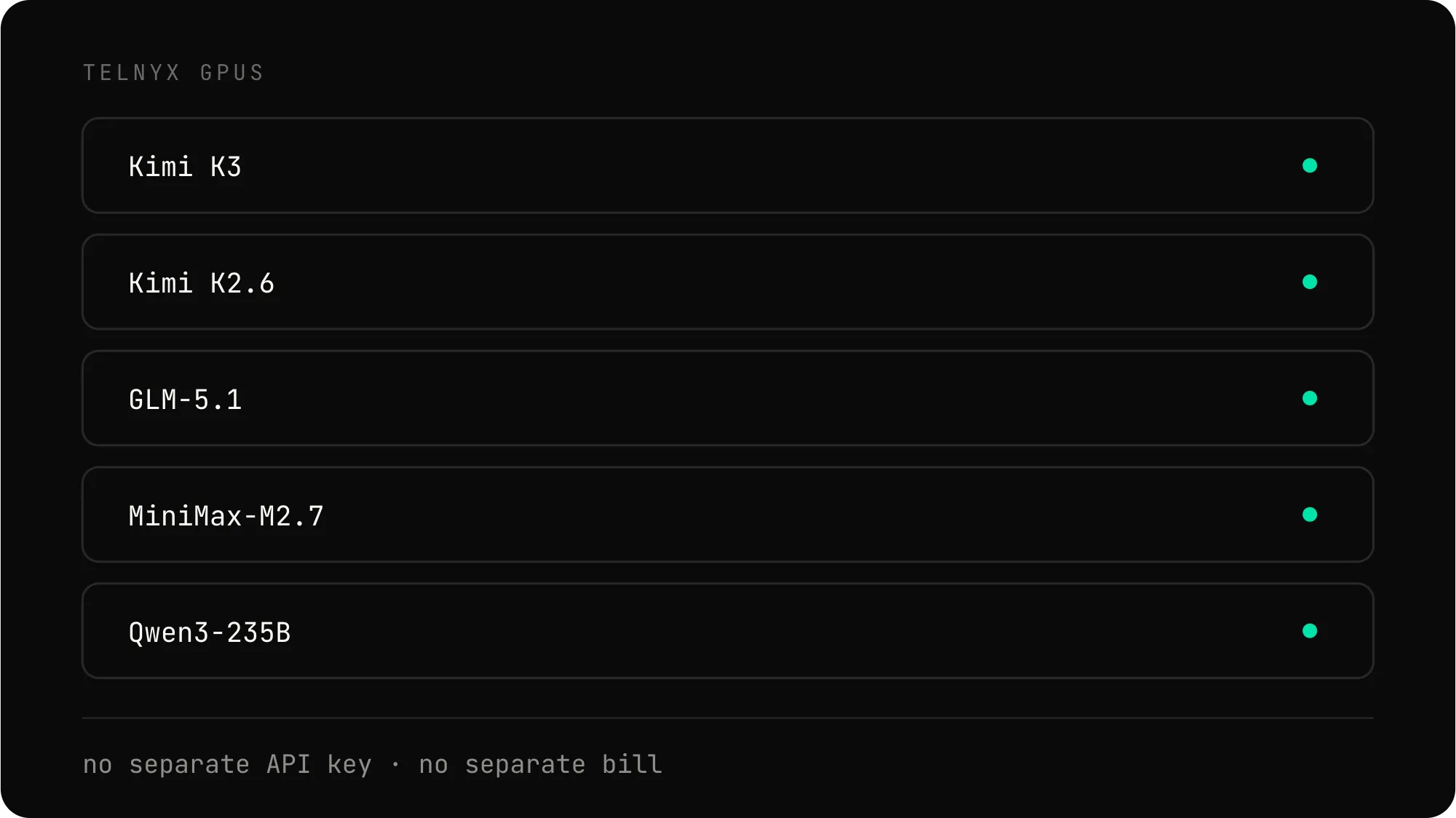
Run open-weight models on Telnyx GPUs with the same API key.
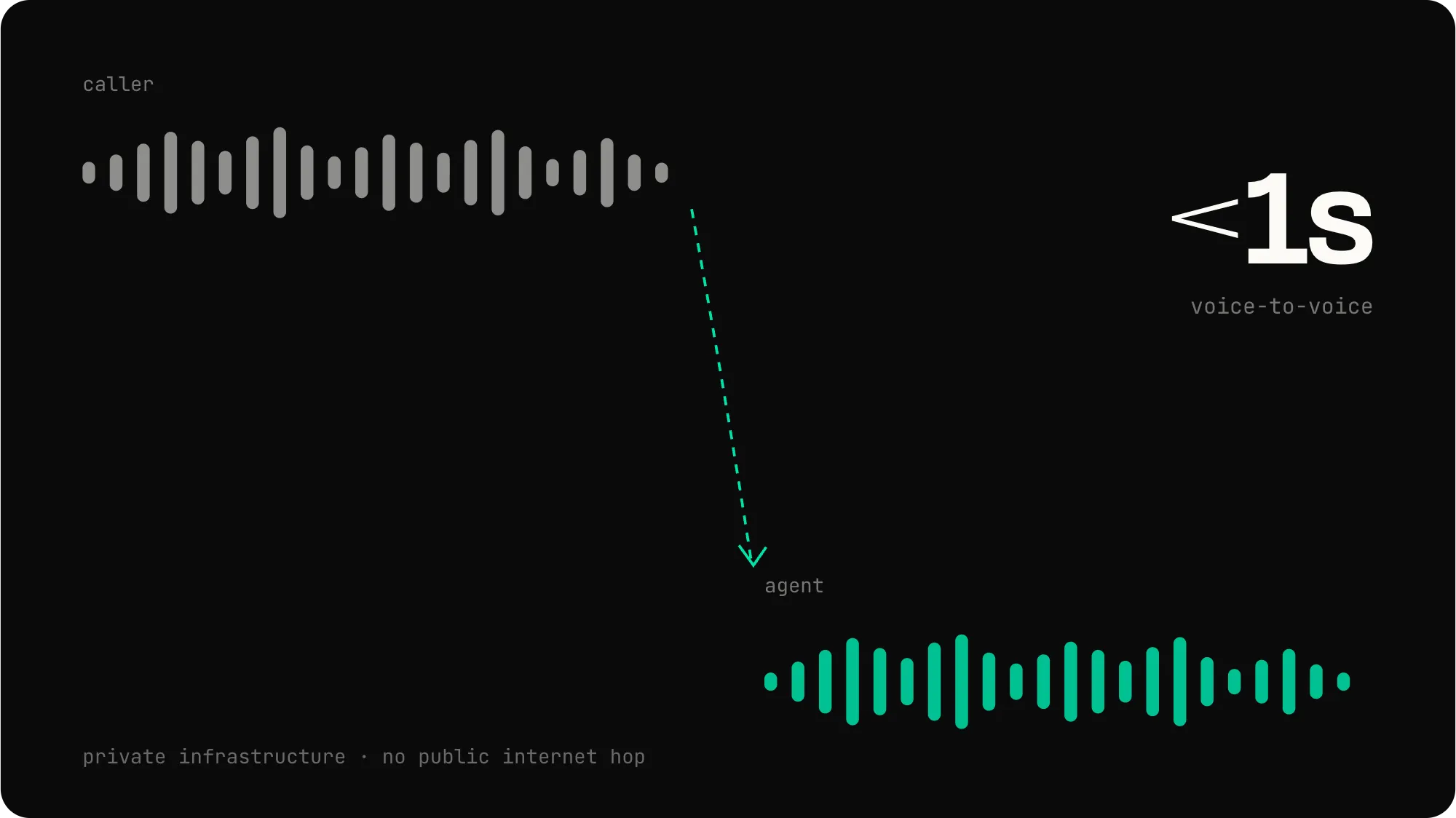
Add a voice channel to your agent. Sub-second RTT on private infrastructure.
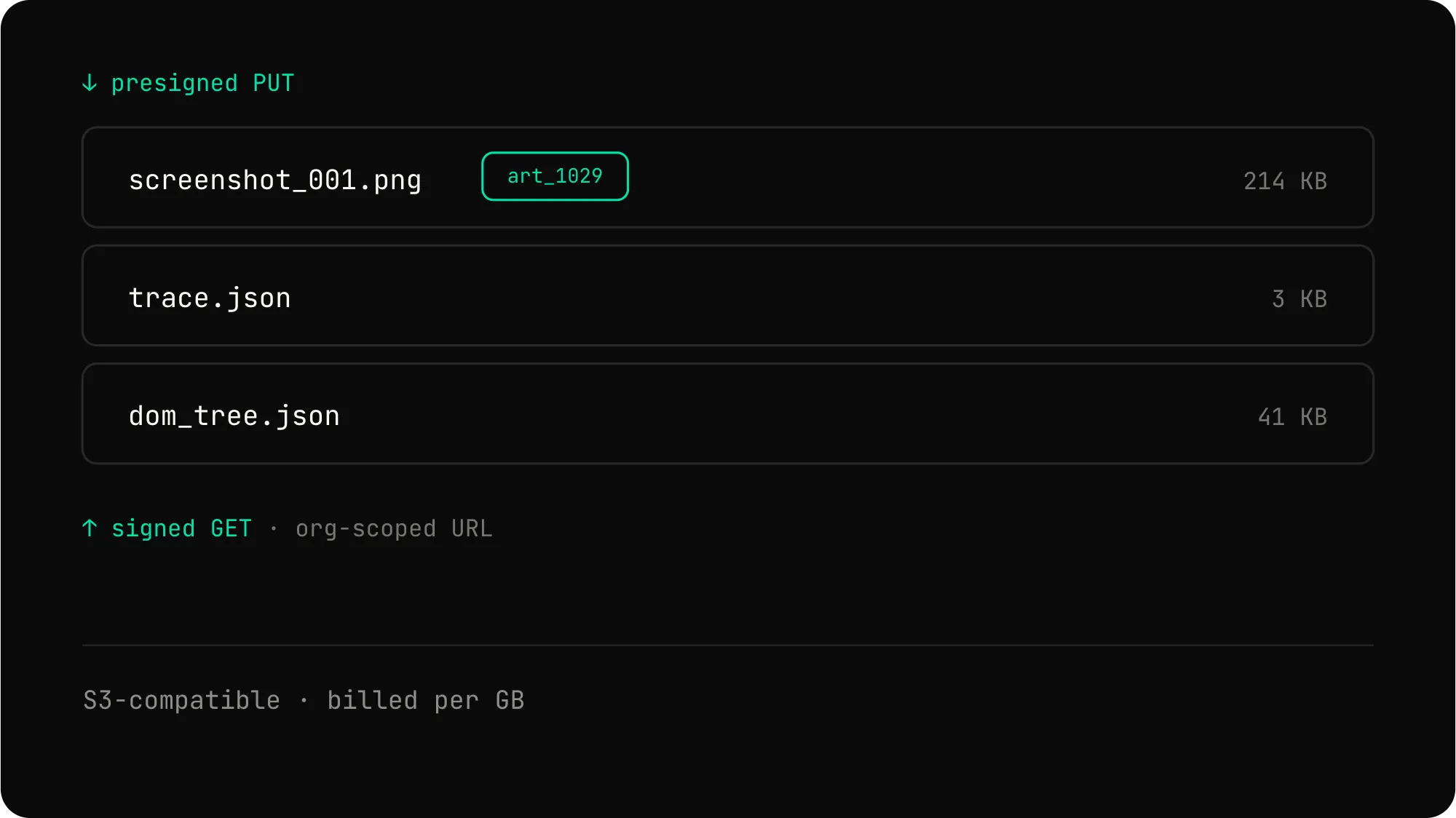
Persist session artifacts, screenshots, and traces. S3-compatible, billed by the gigabyte.
Agent Browser is in active development. Request access to start building with isolated browser sessions today.
Agent Browser is a developer preview API that gives AI agents controlled access to a real browser. Each session runs in an isolated Kubernetes pod with a fail-closed egress proxy that enforces a per-session domain allowlist.
Nine actions: navigate, observe, click, fill, select, press, scroll, wait_for, and screenshot. Agents read the rendered accessibility tree and act on short-lived element references.
Every session runs in its own hardened Kubernetes pod. The pod uses a non-root user, a read-only root filesystem, dropped Linux capabilities, and the RuntimeDefault seccomp profile. No state carries between sessions.
navigate, observe, click, fill, select, press, scroll, wait_for, and screenshot. Each is a single API call against the session endpoint.
A per-session proxy sits between the browser pod and the public internet. It checks every outbound request against the session's domain allowlist. Requests outside the list are refused. Private network ranges and cloud metadata endpoints are blocked by default.
No. Agent Browser does not include CAPTCHA solving, anti-bot evasion, or fingerprint randomization. If a site requires a CAPTCHA, the session will stop there.
No. Agent Browser does not store credentials, cookies, or session tokens across runs. Each session starts clean. If you need authenticated flows, your agent must handle credentials outside the browser.
The observe action returns a structured tree of roles, names, and values from the rendered page. Agents use this tree to find elements and act on them. Raw HTML and raw CDP messages are not exposed.
Sessions are short-lived by design. They expire after a fixed timeout or when your agent ends them. Element references expire with the session.
No. Agent Browser is a developer preview. The API surface, action set, and policy format may change before general availability.