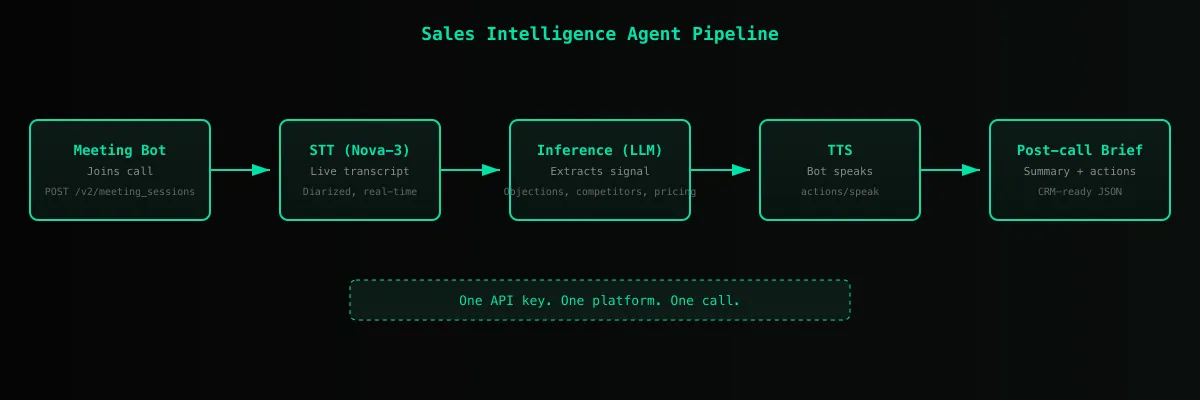
Add real-time transcripts, concise summaries, and actionable next steps to your product. With the Meeting API, a participant managed by Telnyx joins your calls, captures conversations as they happen, and returns the key takeaways when the call ends.
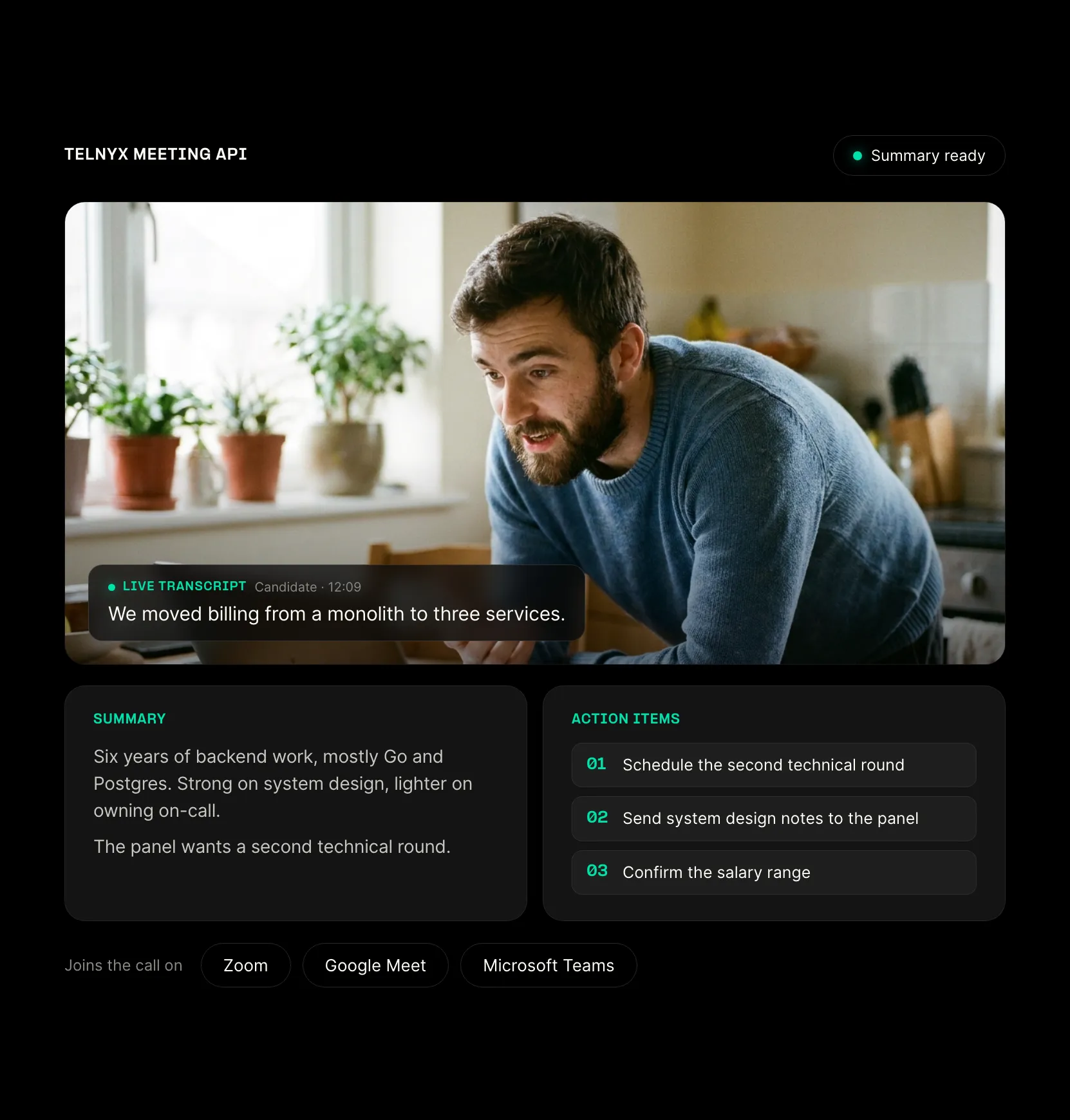

Zoom, Google Meet and Teams work through the same API, with the same request shape and the same webhooks.
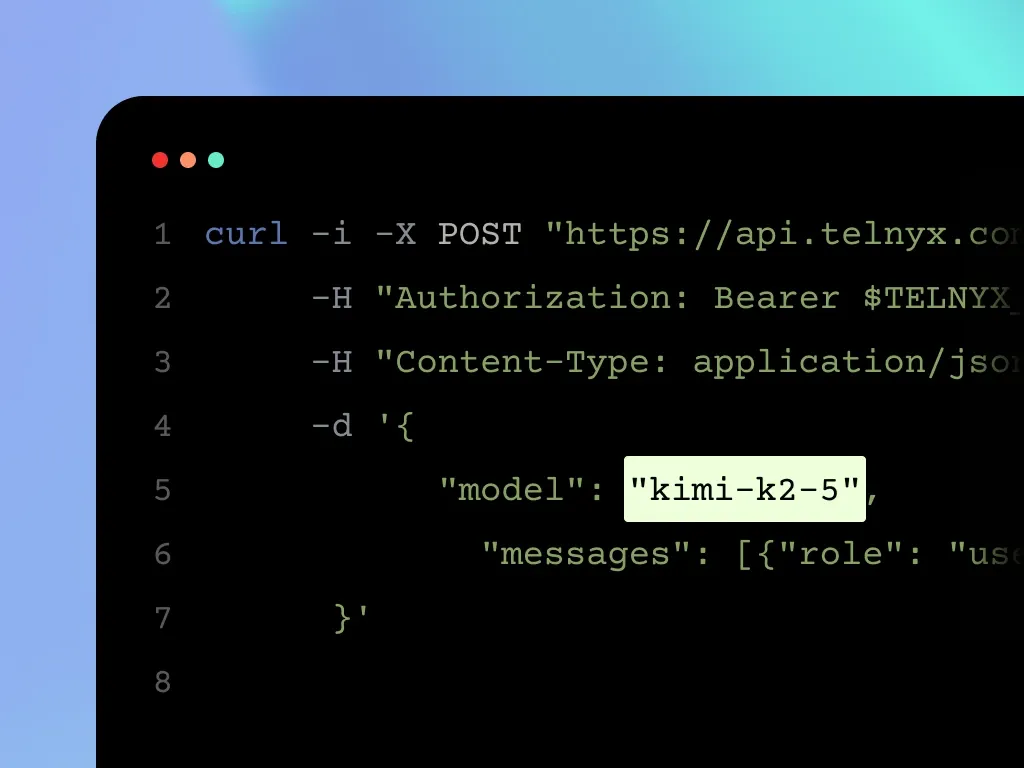
The bot, live transcripts, speech and summaries run on one Telnyx API key, so your team does not manage a separate transcription or model provider.
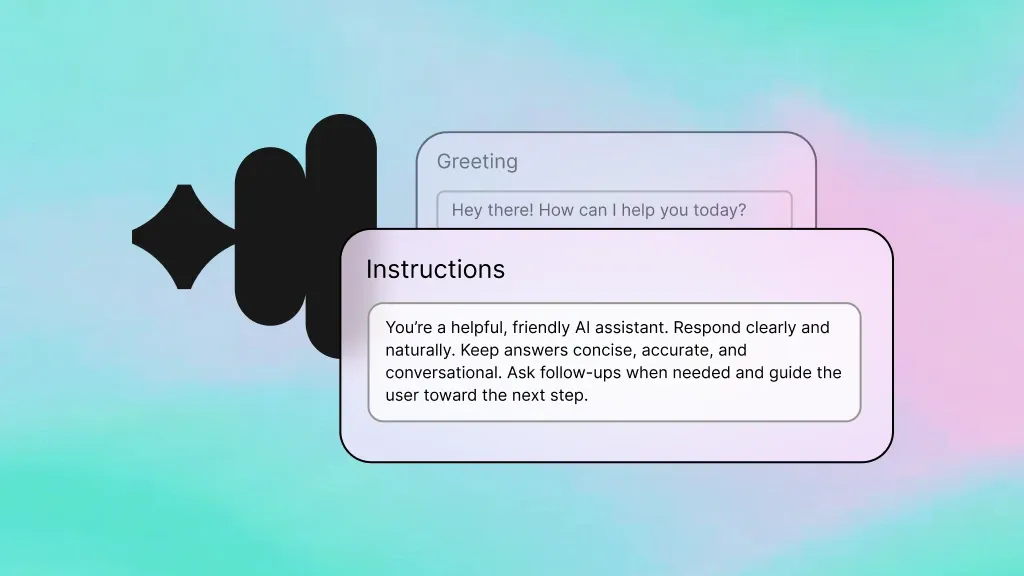
The bot can speak in the meeting and post in the chat, not only listen. Attach a Telnyx AI Assistant to answer questions and act in the meeting in real time.
Send the bot into the call, get the transcript and summary back through the API, and put them where your users already work.
Recruiting and interviews
Capture every interview in your applicant tracking product. The transcript, with speaker labels and timestamps, and a structured summary arrive as the call ends, so recruiters stop typing notes and hiring teams can review what was said.
Sales coaching
Give reps and managers a transcript and a list of action items for every call, inside your coaching tool. Live transcription also lets you surface prompts while the conversation is still happening.
CRM and customer success
Log meeting notes and follow-ups on the right account without anyone filling in a form. Summaries and action items come back through the same API, so your product can write them to the record.
Notetakers and meeting assistants
Build a notetaker for your own users. The bot joins their calls, returns the transcript with speaker labels, and produces a summary with action items. Attach a Telnyx AI Assistant if you want it to answer questions during the meeting.
Use each feature on its own, or combine them with the rest of the Telnyx platform.
Live transcription
Stream the meeting transcript to your application as it happens, with speaker labels and timestamps, through Telnyx STT.
Programmable speech
Your application can make the bot say anything at any point in the meeting. Text goes through Telnyx TTS and plays into the meeting audio.
Chat injection
Drop messages into the meeting chat on Zoom, Google Meet, and Teams.
Post-meeting artifacts
When the meeting ends, receive structured summaries and action items generated by Telnyx Inference. summarize_on_end auto-generates a summary from the final transcript.
Webhook-driven lifecycle
Set a webhook_url on session create to receive signed meeting lifecycle events. No polling required, but polling is supported for batch workflows.
Cross-platform support
One API surface for Zoom, Google Meet, and Microsoft Teams. Same request shape, same response shape, same webhook contract.
Create a session, poll for status, fetch the transcript, and tell the bot to speak.
Create, poll, transcribe, speak
# 1. Create a meeting session
curl -X POST https://api.telnyx.com/v2/meeting_sessions \
-H "Authorization: Bearer $TELNYX_API_KEY" \
-H "Content-Type: application/json" \
-d '{
"meeting_url": "https://meet.google.com/abc-defg-hij",
"bot_name": "Standup Bot",
"summarize_on_end": true
}'
# 2. Poll session status until active
curl https://api.telnyx.com/v2/meeting_sessions/$SESSION_ID \
-H "Authorization: Bearer $TELNYX_API_KEY"
# 3. Fetch the live transcript
curl "https://api.telnyx.com/v2/meeting_sessions/$SESSION_ID/transcript?after=0&limit=100" \
-H "Authorization: Bearer $TELNYX_API_KEY"
# 4. Make the bot speak
curl -X POST https://api.telnyx.com/v2/meeting_sessions/$SESSION_ID/actions/speak \
-H "Authorization: Bearer $TELNYX_API_KEY" \
-H "Content-Type: application/json" \
-d '{ "text": "I have the action items from last week." }'Same flow with requests
import os, time, requests
API = "https://api.telnyx.com/v2"
HEADERS = {"Authorization": f"Bearer {os.environ['TELNYX_API_KEY']}", "Content-Type": "application/json"}
# 1. Create a meeting session
session = requests.post(f"{API}/meeting_sessions", headers=HEADERS, json={"meeting_url": "https://meet.google.com/abc-defg-hij", "bot_name": "Standup Bot", "summarize_on_end": True}).json()["data"]
session_id = session["id"]
# 2. Poll until active
while True:
status = requests.get(f"{API}/meeting_sessions/{session_id}", headers=HEADERS).json()["data"]
if status["status"] == "active": break
time.sleep(5)
# 3. Fetch the transcript
transcript = requests.get(f"{API}/meeting_sessions/{session_id}/transcript?after=0&limit=100", headers=HEADERS).json()["data"]
# 4. Make the bot speak
requests.post(f"{API}/meeting_sessions/{session_id}/actions/speak", headers=HEADERS, json={"text": "I have the action items from last week."})Same flow with fetch
const API = "https://api.telnyx.com/v2";
const headers = {Authorization: `Bearer ${process.env.TELNYX_API_KEY}`, "Content-Type": "application/json"};
// 1. Create a meeting session
const session = await fetch(`${API}/meeting_sessions`, {method: "POST", headers, body: JSON.stringify({meeting_url: "https://meet.google.com/abc-defg-hij", bot_name: "Standup Bot", summarize_on_end: true})}).then(r => r.json());
const sessionId = session.data.id;
// 2. Poll until active
let status;
do {
await new Promise(r => setTimeout(r, 5000));
status = await fetch(`${API}/meeting_sessions/${sessionId}`, {headers}).then(r => r.json());
} while (status.data.status !== "active");
// 3. Fetch the transcript
const transcript = await fetch(`${API}/meeting_sessions/${sessionId}/transcript?after=0&limit=100`, {headers}).then(r => r.json());
// 4. Make the bot speak
await fetch(`${API}/meeting_sessions/${sessionId}/actions/speak`, {method: "POST", headers, body: JSON.stringify({text: "I have the action items from last week."})});
Programmable voice agents for inbound and outbound calls. Same STT, TTS, and orchestration primitives that power Meeting API.
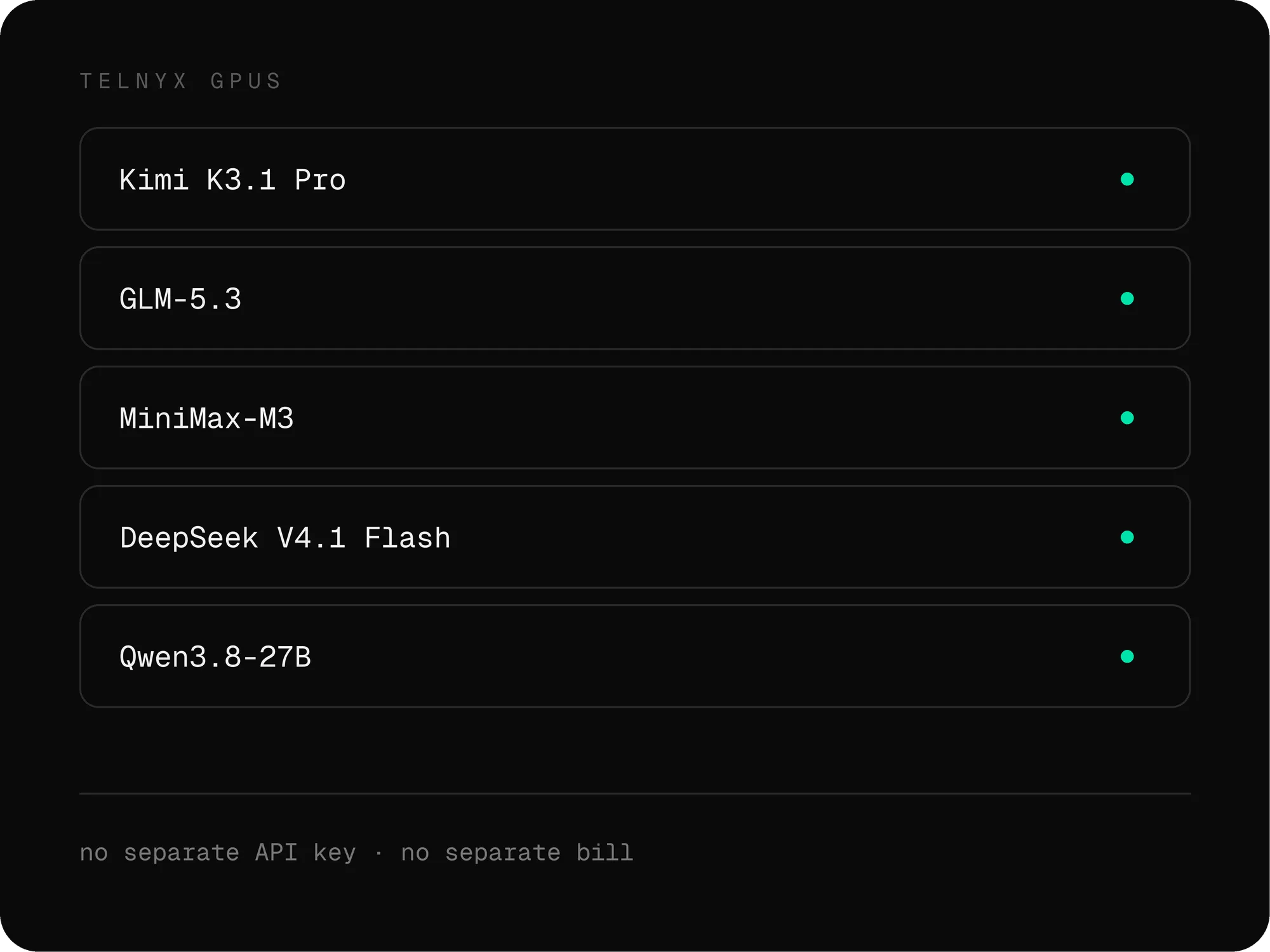
Open-weight and frontier models on edge-deployed GPUs. Per-token pricing with global availability.
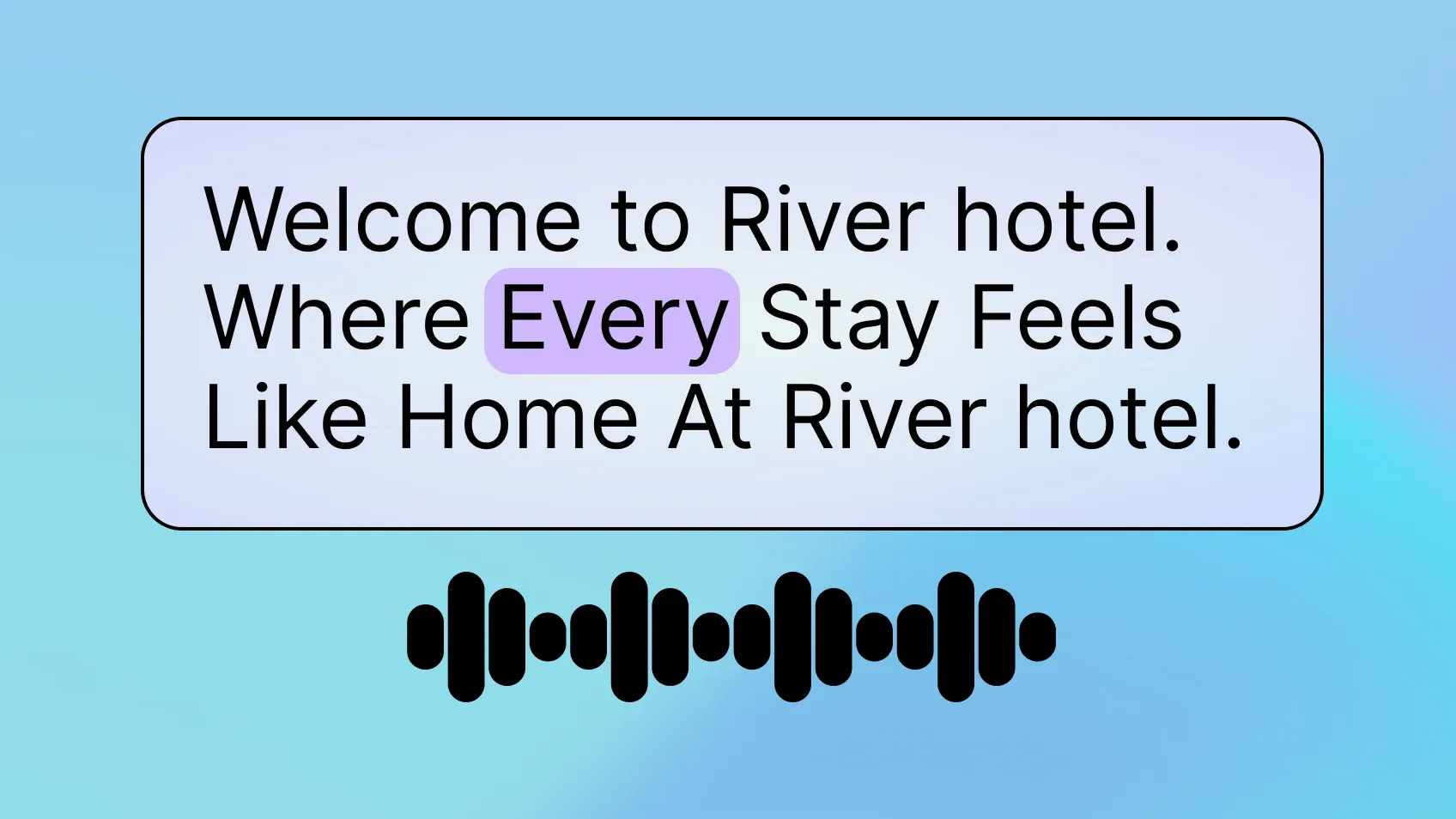
Hosted voices from Telnyx and third-party providers. Use the same voice in your meeting bot, your voice agent, and your IVR.
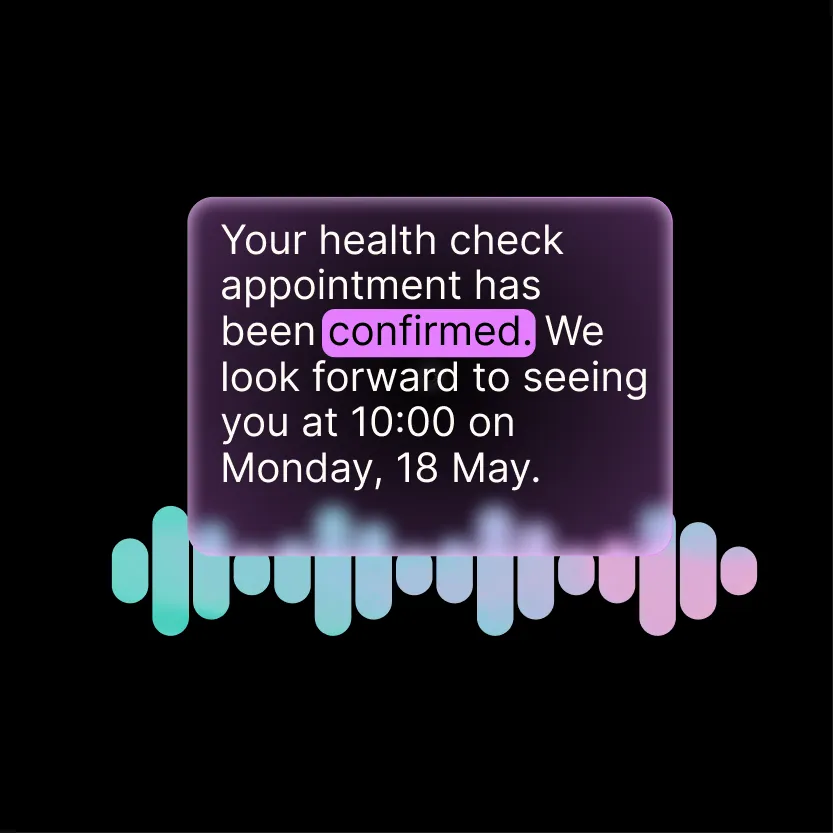
Real-time and batch transcription with multiple model options. Pick the model that fits your latency, accuracy, and cost targets.
Sign up for an API key and try the examples above, or talk to our team about your use case. Meeting API is in beta.
Meeting API lets you add a Telnyx-controlled participant to Zoom, Google Meet, or Microsoft Teams meetings from your own product. The bot transcribes the meeting live, can speak and chat into it, and returns structured summaries and action items when the meeting ends.
Zoom, Google Meet, and Microsoft Teams. The platform is detected automatically from the meeting URL. Chat works on all three. Recording export works on Google Meet and Teams.
Your application makes API calls: create a session with a meeting URL, poll for status until the bot is active, fetch the transcript, and optionally tell the bot to speak or send a chat message. Webhooks are available for event-driven workflows.
Meeting API is billed per minute of bot time in the meeting, and that rate includes live transcription. Speech, AI assistants, and summaries and action items are billed separately, and recordings are retained free for 7 days. See the Meeting API pricing page in the developer docs for current rates. Meeting API is in beta.
The bot transcribes through Telnyx STT. Model selection is not currently exposed through the API.
Yes, on Google Meet and Teams. Set recording_export when you create the session and the video is exported to your Telnyx Storage bucket. Recording export is not available for Zoom meetings. Transcription works with or without recording.
The bot can generate summary and action_items artifacts through Telnyx Inference. summarize_on_end auto-generates a summary once the final transcript settles after the meeting ends.
Set a webhook_url on session create to receive signed meeting lifecycle events. Webhooks are off by default.
Transcripts, events, and artifacts are stored in Telnyx Postgres. Recordings are retrievable through the API.
No. Meeting API is in beta. The API surface and feature set may change before general availability.
A standalone meeting bot API gives you a bot in the meeting and a transcript. Telnyx gives you the bot, the transcript, the speech, the summaries, and the same API key you already use for calls, STT, TTS, and inference. No second vendor, no second contract, no stitching a meeting bot API to a separate transcription provider and a separate LLM for summaries. You also control the bot's voice, when it speaks, what it says, and how artifacts are generated, all through the same API. Unlike traditional meeting bots that only record and transcribe, you can attach a Telnyx AI Assistant that listens to the meeting, reasons about what is being said, and speaks back in real time.