








Why Telnyx
Not just another agent framework
Most orchestration tools coordinate work across five vendors and leave you to debug the seams. Missions runs where the calls actually happen. Your agent plans steps, places calls on the Telnyx carrier network, and logs every event through one API, in one operational domain, on one bill.
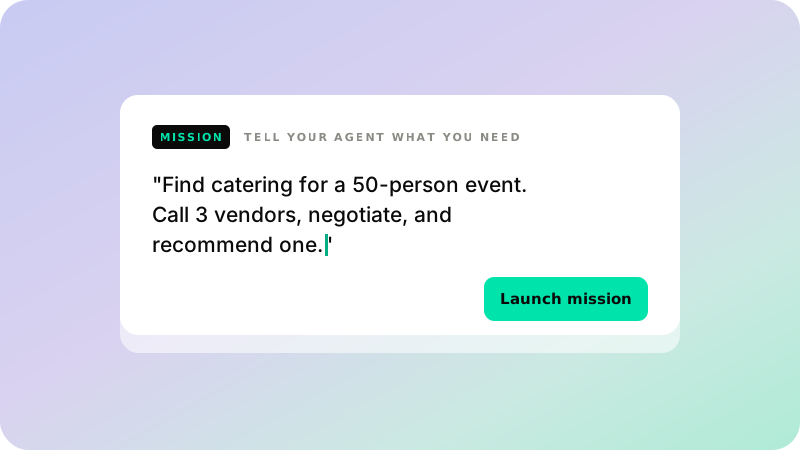
Give it a goal, not a script
Describe the task in plain language and launch. Your agent plans the steps, creates the assistant, and picks a number from your account. Orchestration code never enters the picture.
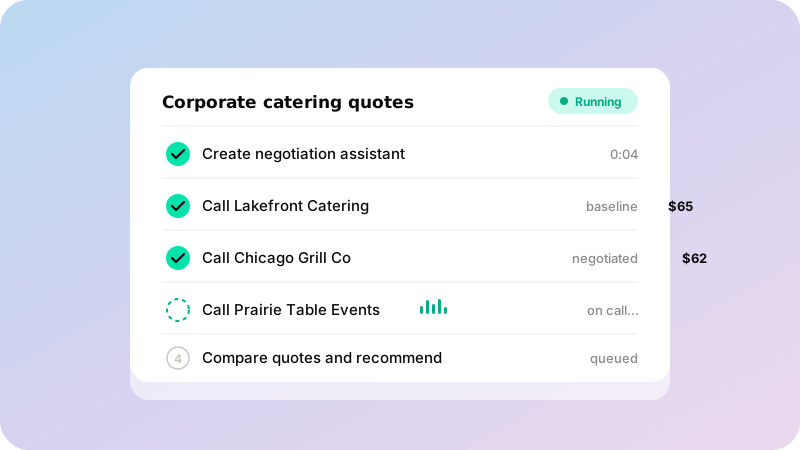
Every step tracked, every call logged
Missions break into steps with live statuses you can check in the Portal. Each call links to its transcript, audio, and structured results. The audit trail writes itself.
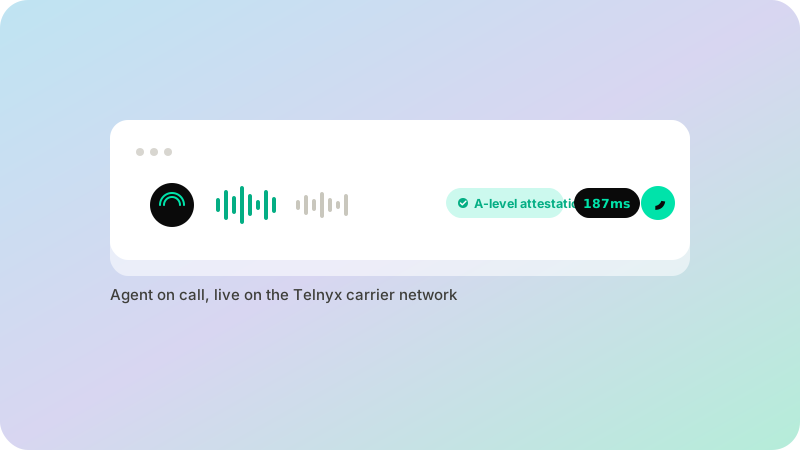
Calls on real carrier infrastructure
Outbound calls carry A-level attestation, so they get answered. Speech and inference run co-located on the Telnyx network for sub-200ms turns. The same platform that plans the mission carries the calls.
FEATURES
Built for agents, tracked for humans
Missions is an API your agent calls directly. Describe the goal in natural language and review the results in the Portal.
Agent-callable API
Your agent creates missions, plans steps, and logs events on its own. Install the Telnyx toolkit skill, set an API key, and describe the task. The agent handles the rest.
Step tracking with live status
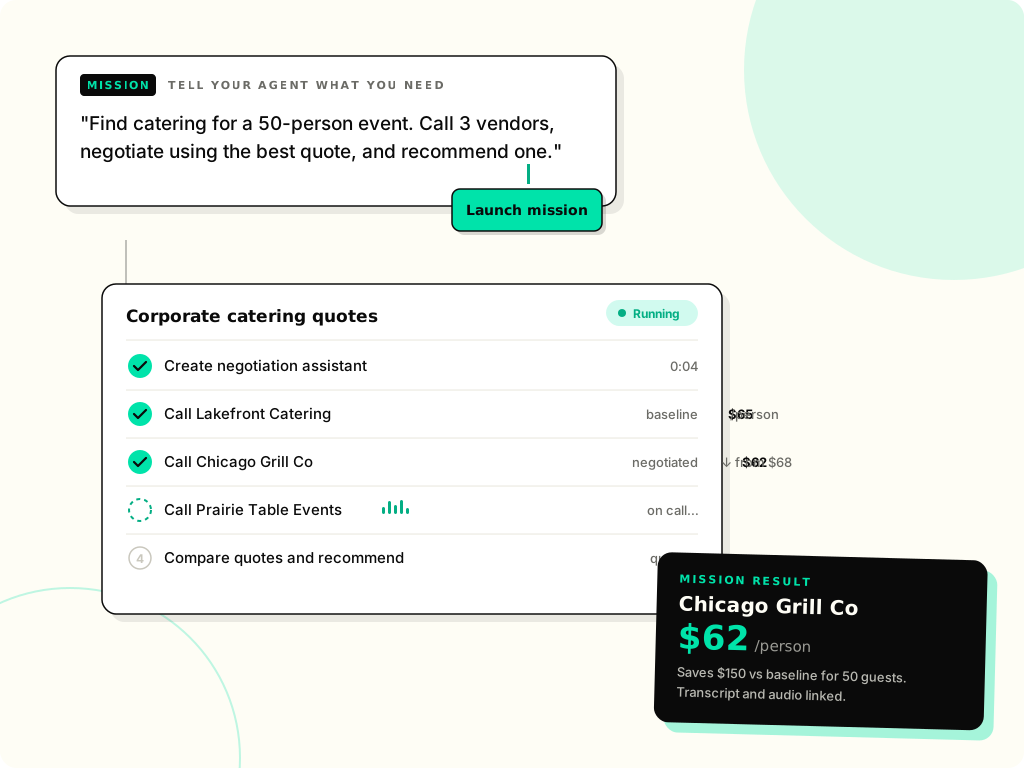
Every mission breaks into steps with pending, in progress, completed, or failed states. You see exactly where the work stands without monitoring the agent in real time.
Complete audit trail
Every action is logged as an event and persisted. Results return as structured payloads with conversation IDs linking to full transcripts and audio playback.
Voice assistants, created on the fly
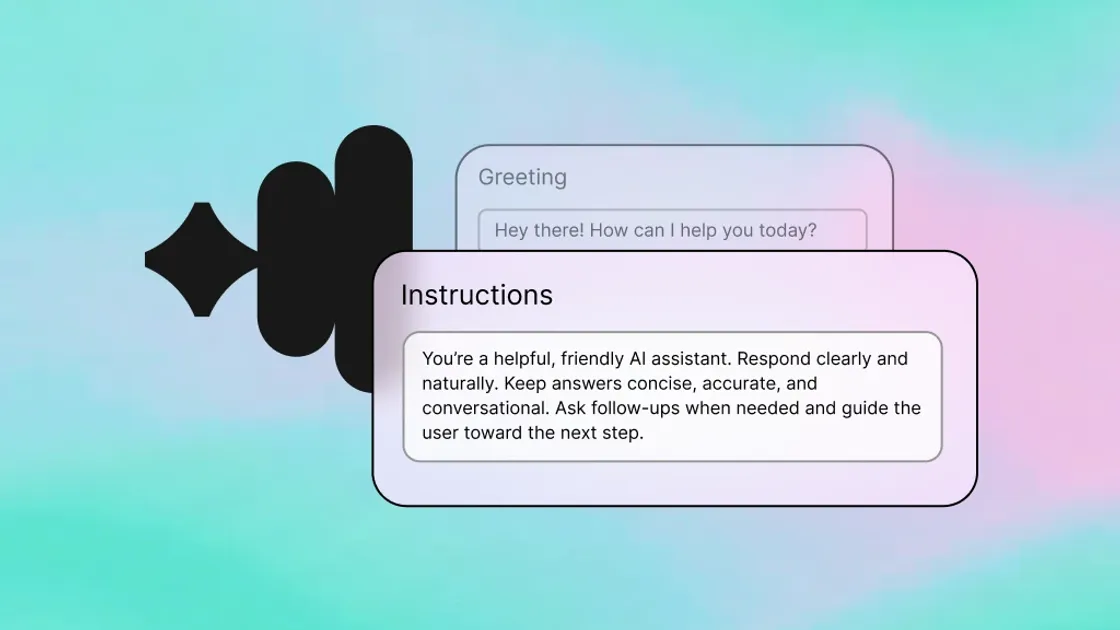
The agent spins up a Telnyx AI Assistant per task with a tailored prompt and greeting, plus dynamic variables that update between calls. A quote from call 1 becomes leverage in call 5.
Numbers assigned automatically
The agent picks an available number from your account and assigns it as caller ID. Outbound calls carry A-level STIR/SHAKEN attestation, so they get answered instead of spam-filtered.
Calls that sound human
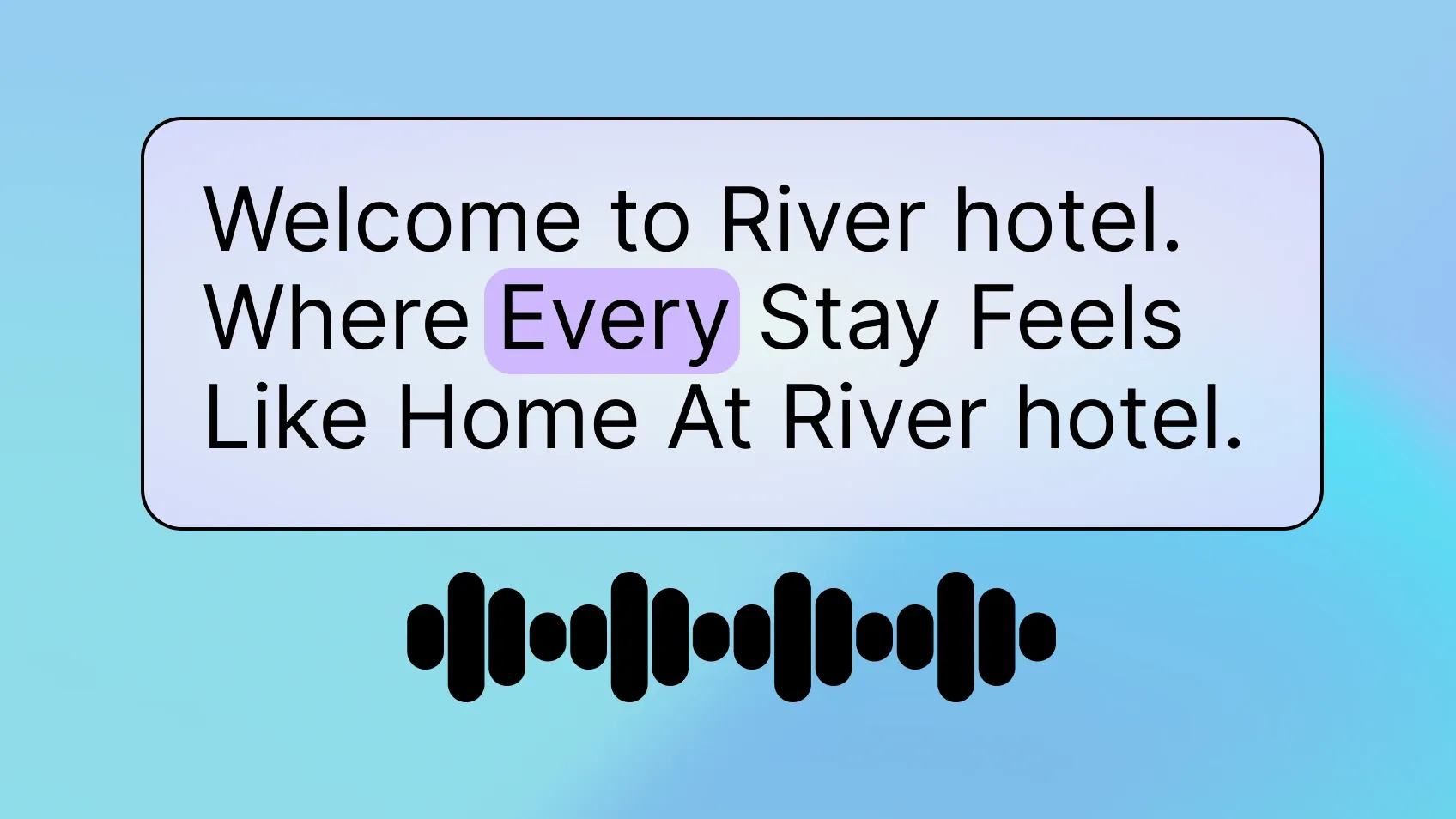
Telephony, speech processing, and inference run co-located on the Telnyx network. Sub-200ms round-trip latency keeps the conversation at natural pacing.
HOW IT WORKS
Give your agent a mission
Give your agent a task like "call three caterers and negotiate quotes for a 50-person event." It creates the mission, plans the calls, executes them in sequence, and returns a comparison with a recommendation.
PRICING
One rate for every agent call
Calls your agent places through Missions are billed at the Voice AI rate, with real-time STT and Telnyx TTS voices included. LLM usage is billed per token, with Telnyx-hosted models from $0.60 per million input tokens, and SIP trunking rates apply per call. No separate platform fee for creating, tracking, or auditing missions.
$0.05/ minute