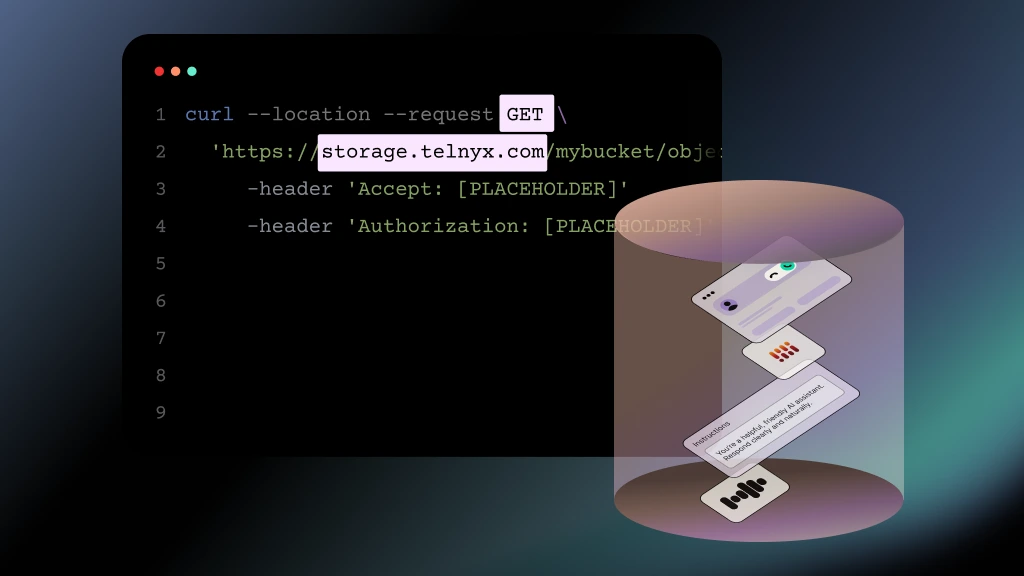









WHY TELNYX
Build on one platform, not a stack of vendors.
Compute, storage, database, inference, and telecom on one account, one API, one bill. CloudFS is the shared filesystem layer, connected through bindings, not API calls.
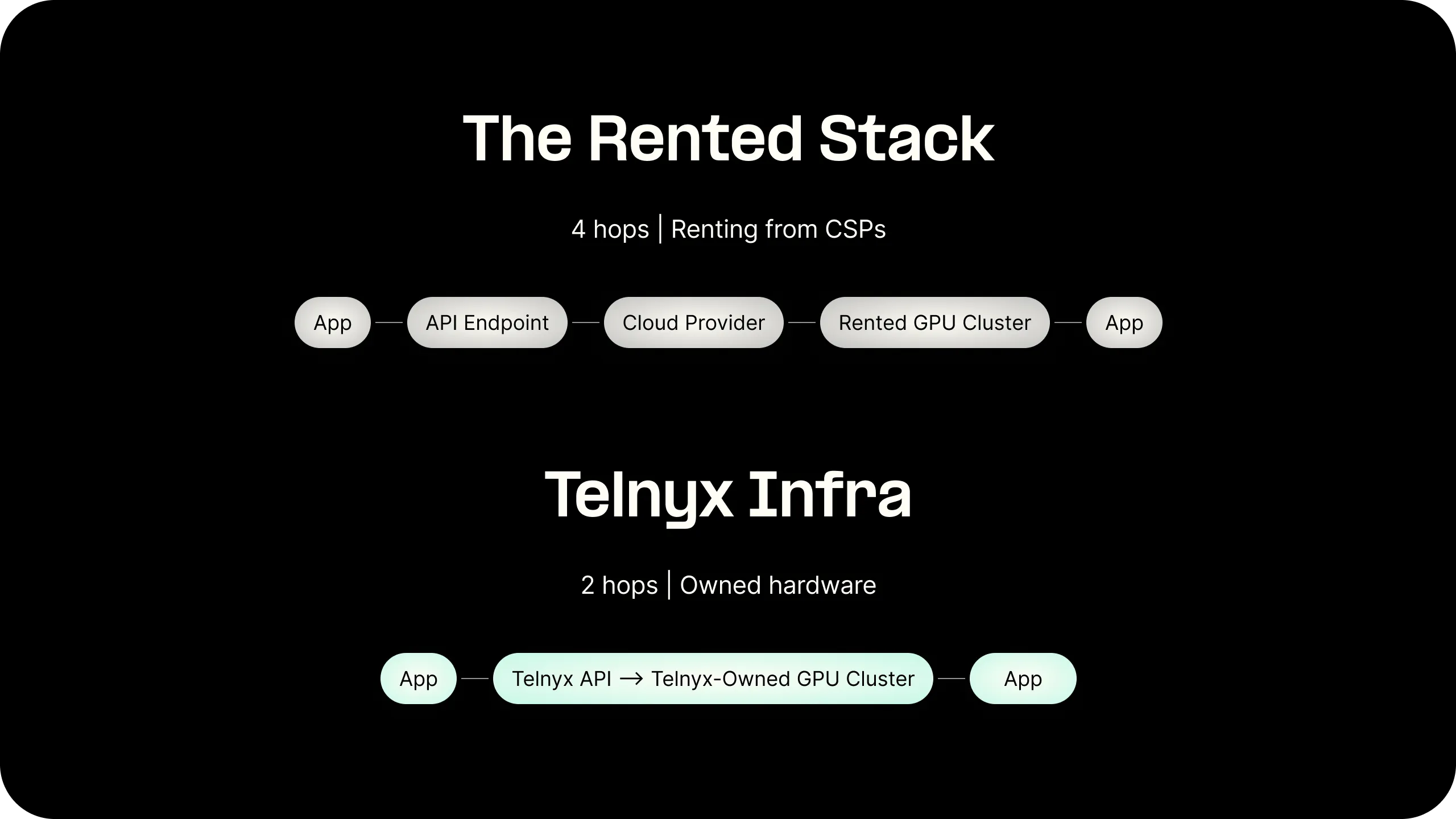
One platform, one bill
Functions, KV, SQLDB, Object Storage, and Inference on a single account. CloudFS is the shared filesystem layer. No external storage vendor in the path.

One runtime, no glue code
Mount CloudFS, query SQLDB, call inference, and send a message through the telecom API in the same request. No SDK per service, no glue code between layers.
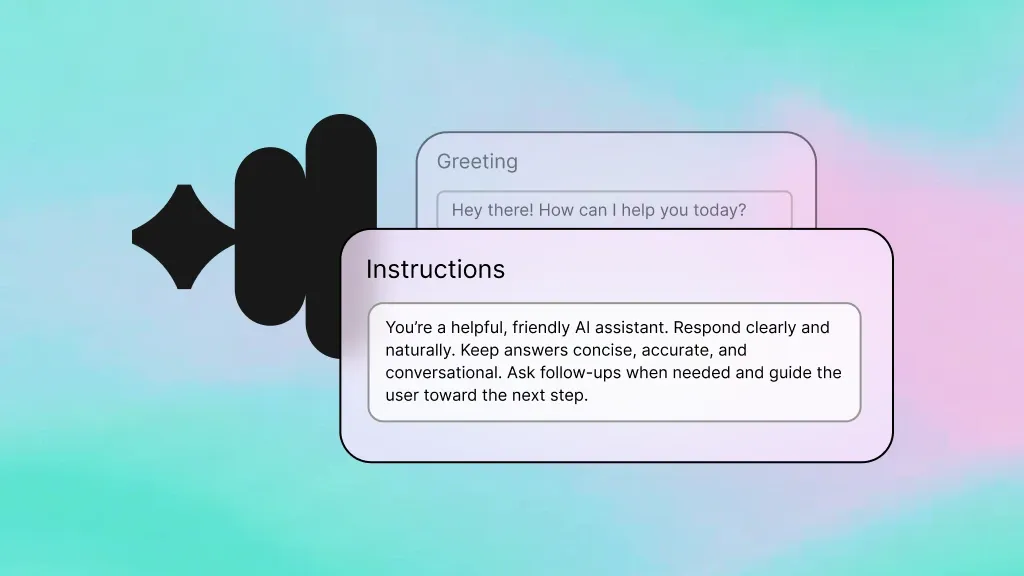
Built for real-time agents
Agents that need to call models, store state, and share files across runs. CloudFS gives them a persistent filesystem: clone repos, checkpoint state, no lost work.
FEATURES
A real filesystem, not a storage API
Mount it with one command. Use it like a local directory. Every file persists in Telnyx Cloud Storage and is available to every client that mounts it.
POSIX semantics
read, write, mkdir, rename, git init. Anything that works on a local directory works on CloudFS. No SDK to learn, no API to call. Your tools and your code already know how to use a filesystem.
Concurrent access by design
Mount the same filesystem from many clients at once. A fleet of agents can read shared configs, write to a shared workspace, and collaborate on the same files. JuiceFS handles the coordination.
Mount anywhere
Runs on any host or container that supports FUSE. Edge functions, bare metal, VMs, CI runners. If it can mount a filesystem, it can mount CloudFS.
Durable storage backend
Every byte lives in Telnyx Cloud Storage. The same S3-compatible object storage that powers your edge functions. Survives container eviction, pod replacement, and infrastructure failure.
Open-source client
CloudFS uses JuiceFS Community Edition (Apache-2.0). You run the client yourself. No proprietary agent, no vendor lock-in at the mount point. Telnyx provides the managed storage backend and the metadata database.
WebDAV for hosts without FUSE
For environments where you cannot mount a filesystem, CloudFS exposes a WebDAV endpoint. Read and write files over HTTP from any language, any platform, any runtime.
BINDINGS
What CloudFS connects to on the platform.
CloudFS is backed by Cloud Storage and mounts on any Edge Compute container. No credentials to manage, no external storage provider in the path.