
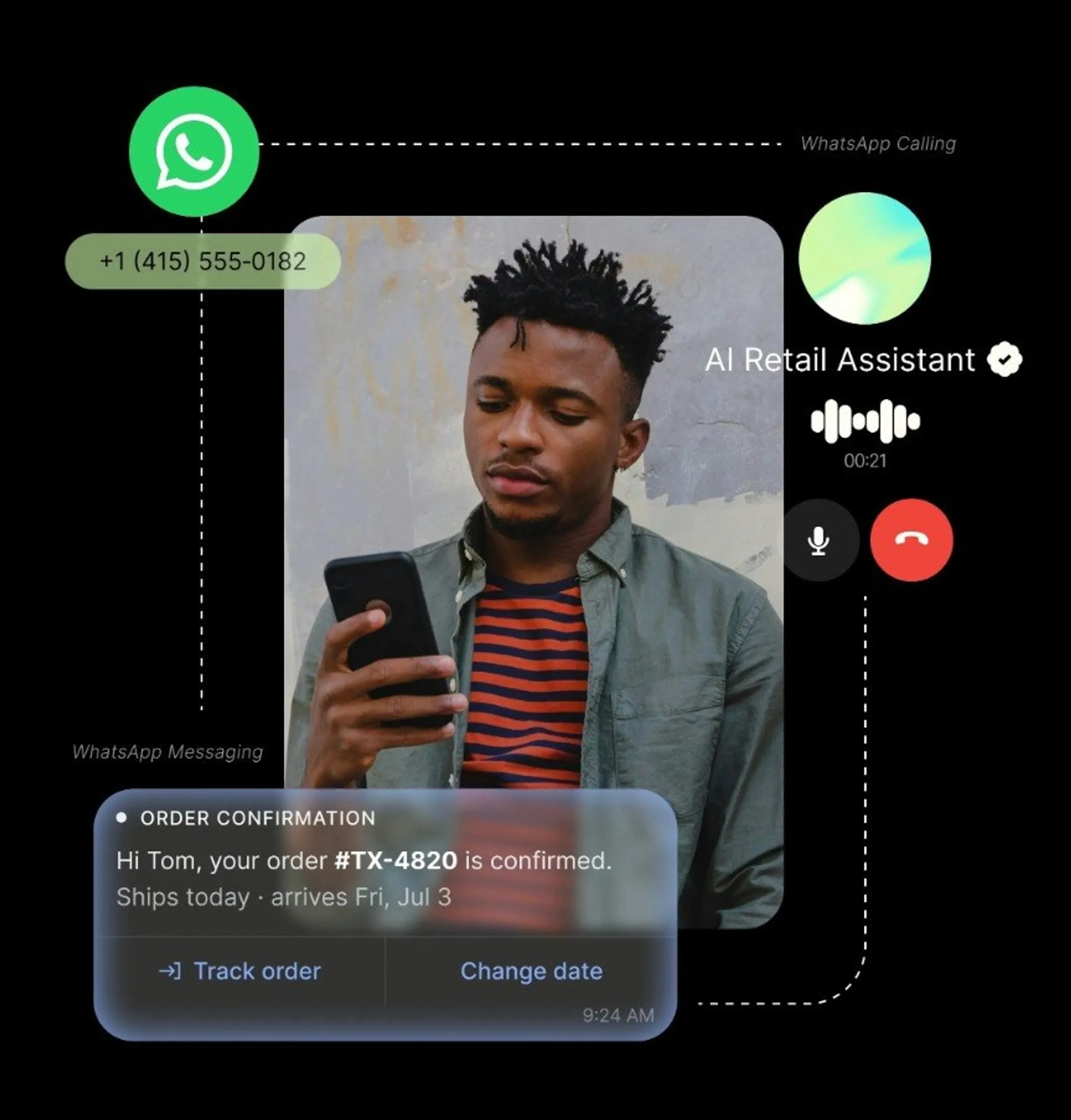
Build WhatsApp experiences easily
.png?width=2400&format=webp)
Built for AI
Programmable calling and messaging with a Telnyx AI Assistant that answers WhatsApp voice calls today.
One number, every channel
PSTN, SMS, WhatsApp messaging, and WhatsApp calls on a single Telnyx number. One stack, one set of analytics.
.webp?width=1024&format=webp)
Global reach
Local numbers in 130+ countries with telephony POPs worldwide. Meet customers where they are, on the channel they already use. 90%+ open rates on WhatsApp.
FEATURES
Everything you need for WhatsApp Business
Everything your business needs to send, receive, and manage WhatsApp messages and calls, on one platform.
Embedded Signup
Start onboarding from Mission Control. Complete Meta business verification and link your WhatsApp Business Account without switching tools.
Template Management
Create and manage message templates for authentication, utility, marketing, and service use cases. Submit for Meta approval directly from the portal.
Two-Way Messaging
Reply with free-form messages during the 24-hour customer conversation window. Handle real-time support, order updates, and appointment reminders.
Inbound calls
Any WhatsApp user can call your Telnyx number from inside the app. Routes to your existing SIP, Voice API, or TeXML connection — no additional setup.
Bring Your Own Number (BYON)
Import your existing WhatsApp number to Telnyx and keep the number you already have. Route inbound WhatsApp voice calls to any SIP Connection in your account from the Mission Control dropdown. BYON numbers get the same inbound calling treatment as Telnyx-provisioned numbers.
Outbound calls
Initiate to any WhatsApp number via the Telnyx API using a WhatsApp SIP domain. Same dial mechanics across SIP, Voice API, and TeXML.
Mission Control + API
Toggle calling per number, manage your WhatsApp Business Account, view real-time analytics — from the portal or programmatically.
Zero-config connections
WhatsApp calling connections are created automatically when you toggle calling on. No connection setup, no routing rules, no hidden complexity.
Pay as you go
Per-minute pricing on business-initiated calls. No monthly subscription. Telnyx platform cost and Meta fees billed on a single invoice.
AI Assistant on WhatsApp voice
Connect a WhatsApp-enabled Telnyx number to a Telnyx AI Assistant so it answers inbound WhatsApp calls and places outbound ones. AI on WhatsApp messaging arrives early October.
From zero to live in three steps.
- 1
Connect your WABA
In Mission Control, navigate to WhatsApp → Connect. Select your WhatsApp Business Account through Meta's embedded signup.
- 2
Verify your number
Pick an active Telnyx number. Meta sends a verification code to confirm ownership. Enter it.
- 3
Toggle calling on and start messaging
Flip WhatsApp Calling to enabled and assign the number to an AI agent. Create and submit your first message template to start messaging. You are live.
RESOURCES
Get started quickly
Everything you need to add WhatsApp messaging and calling to your existing Telnyx setup.

Voice API Docs
Programmable call control for Telnyx numbers, including WhatsApp Calling connections.
USE CASES
How teams use WhatsApp Business API

Customer notifications
Send order confirmations, shipping updates, and appointment reminders with 90%+ open rates. Customers see your verified business name, not an unknown number.

Customer support and service
Start with automated self-service over WhatsApp chat, then escalate to a voice call in the same thread without losing context. Faster resolution, more personalized support.

Verification and identity
Send one-time passcodes over WhatsApp instead of SMS. Lower cost, higher deliverability, no carrier filtering. Verify users over WhatsApp, SMS, RCS, and voice on the same platform.

AI-powered conversations
A Telnyx AI Assistant answers WhatsApp voice calls today, with no glue code between voice and AI. AI on WhatsApp messaging arrives early October, so the same AI logic that handles your calls will soon handle text conversations too.