
Messaging
How to give your Muse Agent an inbox
Muse has no inbox of its own. Give any AI agent a real email address with the Telnyx Email API, on the same platform as voice and SMS.

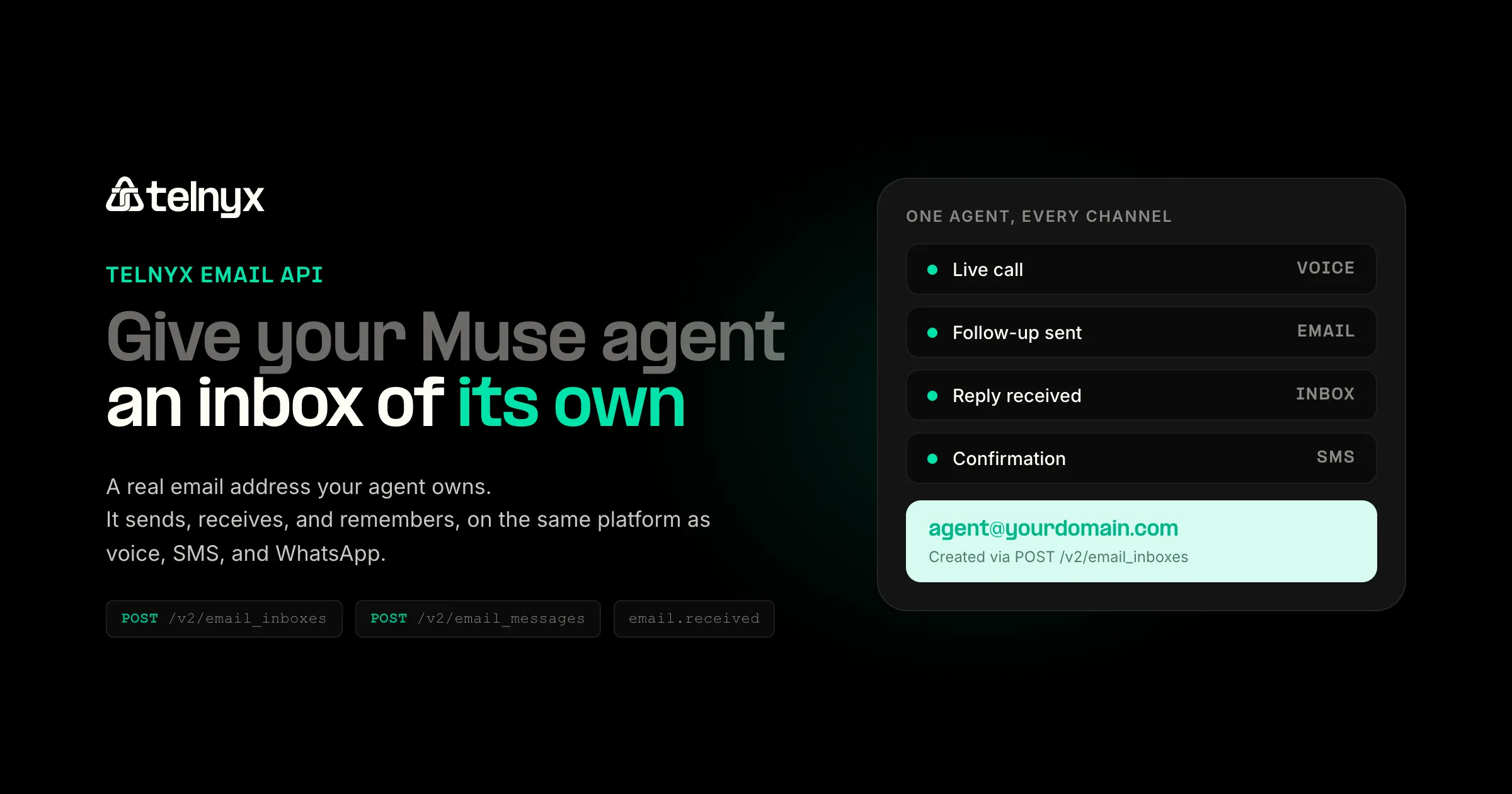
Muse, Meta's consumer AI assistant, launched on September 8 and hit a wall every AI agent shares: it cannot receive email. Meta strips verification codes, reset links, and magic links out of the inbox Muse is allowed to read, so the agent cannot act as you on other sites. The protection makes sense. It also blocks the useful part: an agent that wants to sign up for a service, request a quote, or chase a refund has nowhere to receive its mail.
The Telnyx Email API removes that wall without weakening the protection. You create an inbox on a domain you control, let the agent send from it and receive at it, and read every reply through the API. The inbox runs on the same platform that already carries your voice, SMS, and WhatsApp traffic. The setup takes about ten minutes.
What is an agent inbox?
An agent inbox is an email address an AI agent owns and operates, separate from any human's mailbox. The agent composes from it, receives replies at it, reads its own verification codes, and keeps thread history for its tasks. Mail addressed to the agent never touches your personal inbox, and mail addressed to you never becomes the agent's business.
Muse's documentation states the design plainly: the email connector strips verification codes, reset links, and magic links so the agent cannot act as you across other sites. An agent inbox preserves that protection and gives the codes somewhere to land. Only the agent reads them.
Give your agent an inbox in four steps
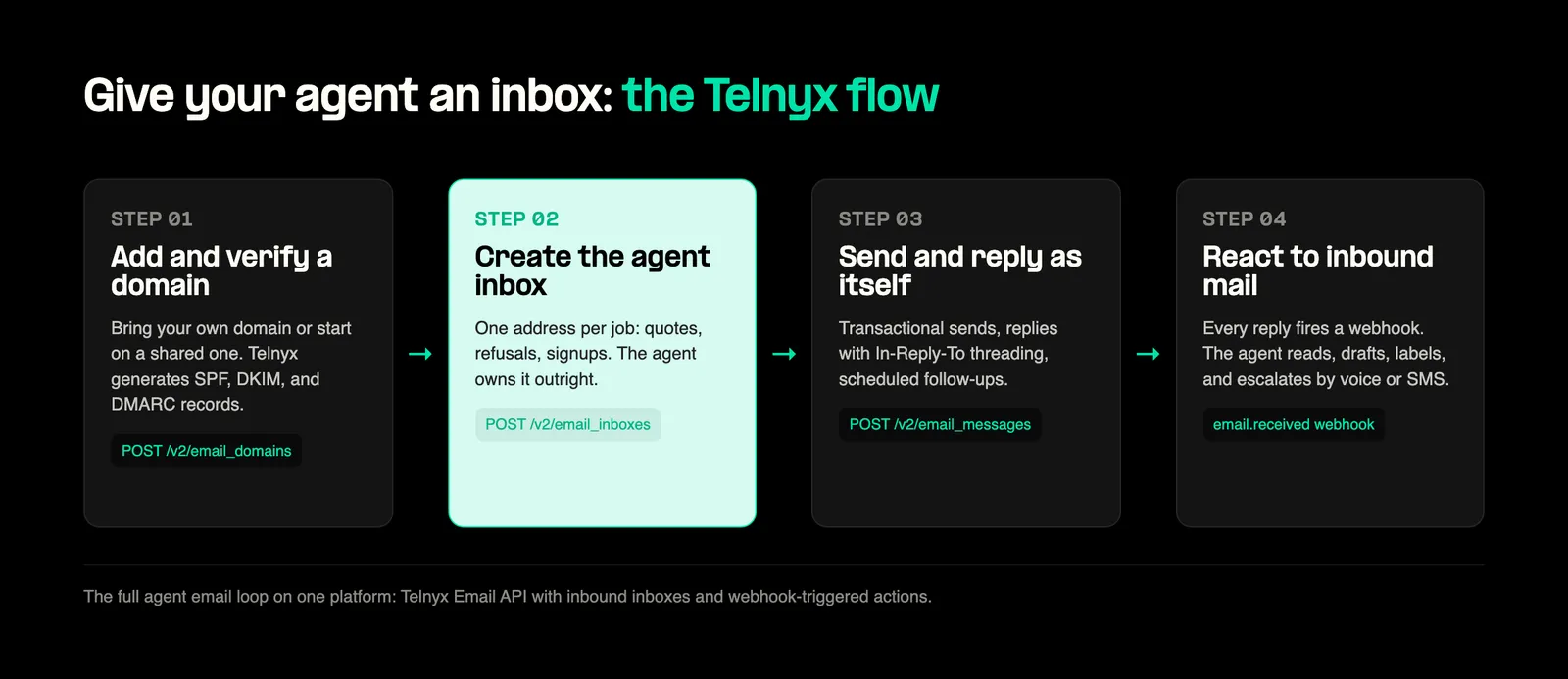
Step 1: Add and verify a sending domain
Sign in to the Telnyx portal, navigate to Email, and add your domain with inbound email enabled.
The flag is inbound_enabled on the domain: it pulls the MX record into verification, and without it the inbox call in Step 2 fails with a 422, domain not found. With inbound on, Telnyx generates the five DNS records, ownership, SPF, DKIM, MX, and DMARC, and monitors drift. Ownership and DKIM are mandatory, MX rides on inbound_enabled, and SPF and DMARC are optional but recommended for deliverability. If you want to test receiving before touching DNS, create an inbox without a domain_id and it lands on Telnyx's shared inbound subdomain; sending from your own address requires a verified domain.
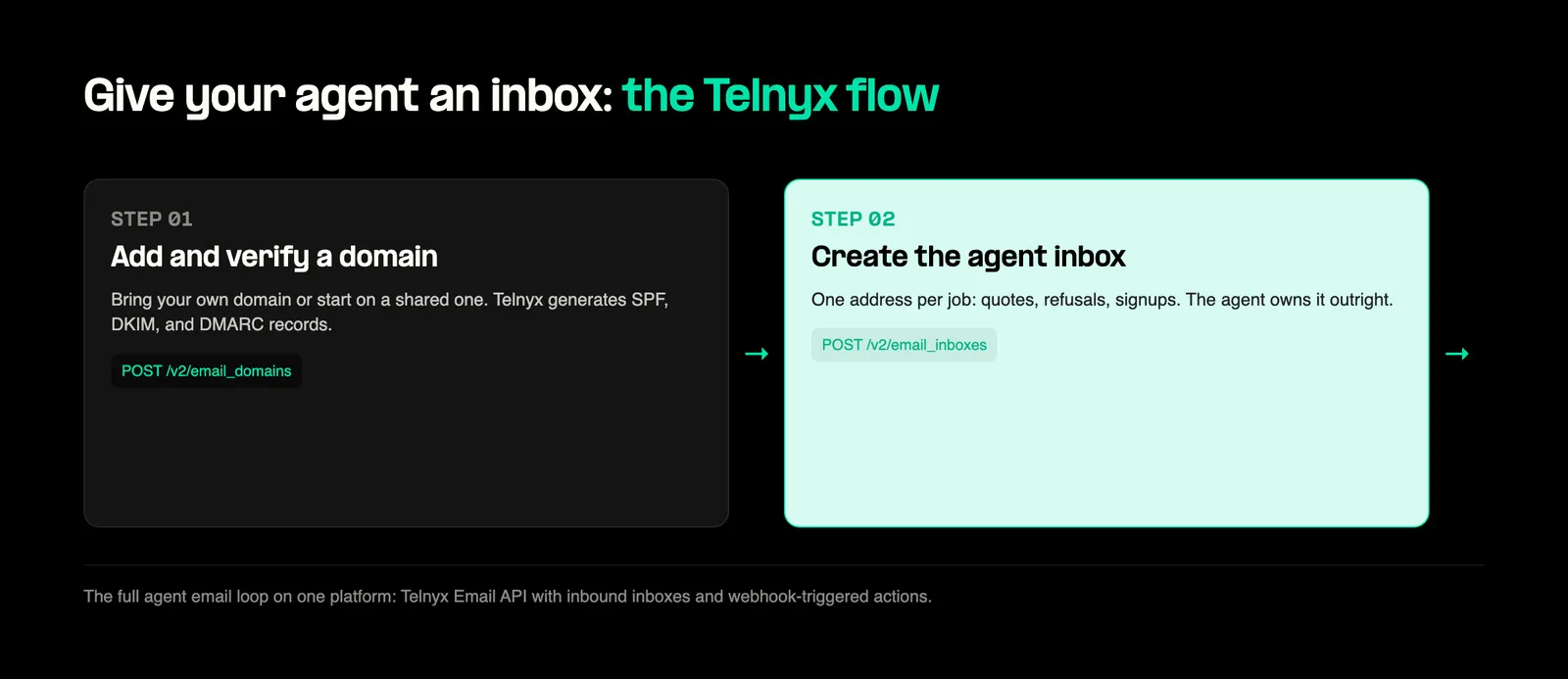
Step 2: Create the agent inbox
Create one inbox per job on the verified domain. The username becomes the local part: [email protected] for the quote-chasing agent, [email protected] for the return agent, [email protected] for the deep-dive agent.
The agent now owns [email protected]. Anything sent there is retrievable by the agent and invisible to your personal inbox.
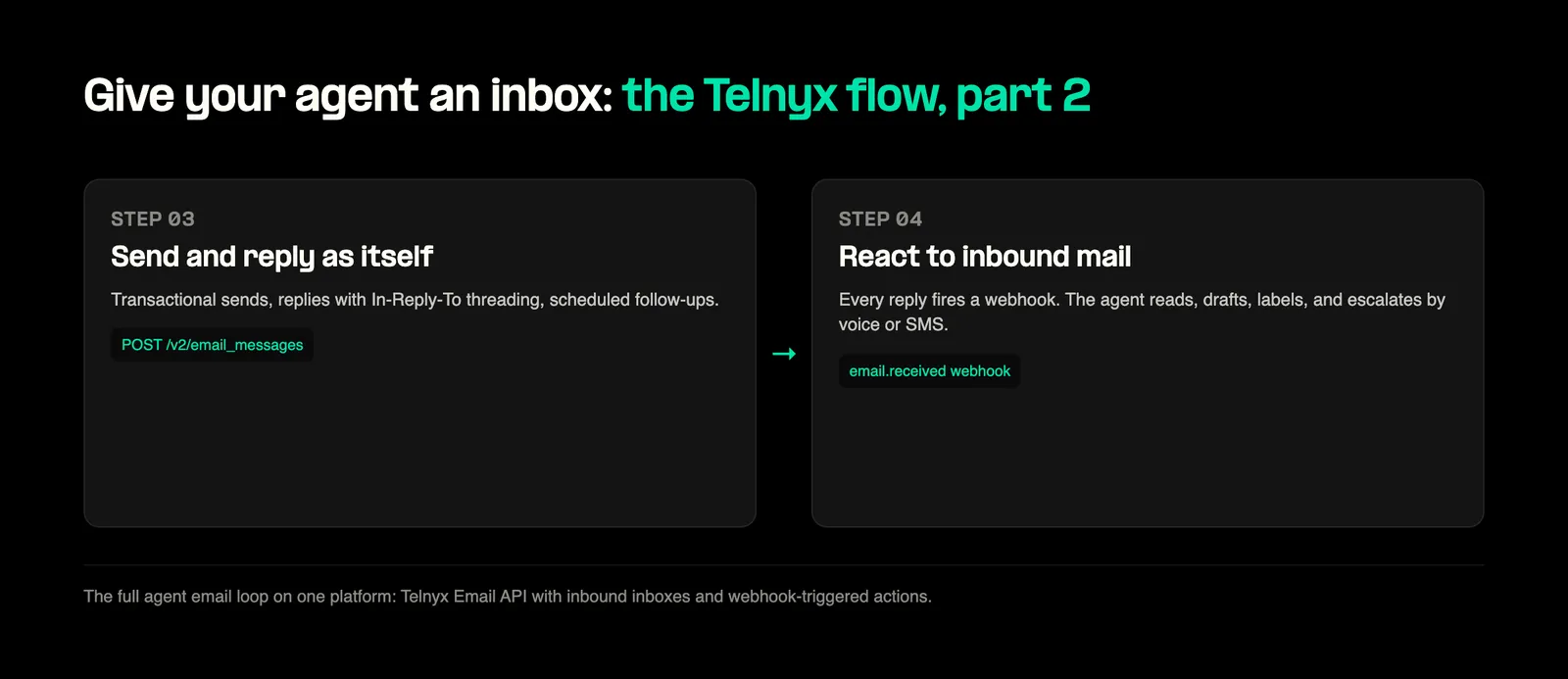
Step 3: Send and thread replies
Sending runs through one endpoint. Scheduled sends and thread replies are native:
When the agent replies inside a thread, pass in_reply_to_message_id set to the id of your own previous send, the id field returned by the POST /v2/email_messages response, not the id of the received inbox message. The API 404s an inbox message id here. Gmail and Outlook then thread the response correctly:
Step 4: React to inbound mail
The domain carries inbound_enabled, and once it verifies with the MX record published, the inbox is live. Register the webhook so inbound mail actually reaches your agent: subscriptions are registered per domain, and each needs a url plus an events allowlist.
From then on, every message arriving at your inboxes fires email.received at that URL. Your handler reads the message, extracts structured data, and acts on it: compare quotes, flag a refund approval, or escalate to an outbound voice call.
Prompts to run the inbox
Each prompt below is a complete instruction with an expected outcome. They run in Muse, Claude Code, Cursor, or any agent that can call a REST API. One account caveat: trial accounts can only send to the account owner's verified email, so the multi-vendor examples need a paid account.
- Sign up as itself. "Create an account on this site using [email protected]. When the verification email arrives, list my inbox messages, read the code, and finish signup. Tell me when it is ready." The code lands in the agent inbox through the email.received webhook, never in your personal Gmail.
- Get quotes. "Email five local moving companies from [email protected] asking for an October 18 quote. Track every reply. When three have answered, compare price, availability, and insurance, and send me the best two." Five sends through POST /v2/email_messages, replies collected on the inbox thread, comparison delivered to you.
- Chase a refund. "Forward my order confirmation, then email the store from [email protected] asking for a return label. Follow up every two days until they reply." Scheduled follow-ups run through scheduled_at, and the whole back-and-forth lives in the agent inbox.
- One inbox per job. "For this wedding-planning project, create an inbox called wedding and use it for every vendor. Each week, summarize open questions, deposits due, and who has not replied." Vendor mail never mixes with other jobs.
- CC the agent. "When someone CCs [email protected], read the full thread, work out what is being asked of me, and message me a one-line summary with a suggested reply. Do not reply unless I approve." The agent follows the thread with the inbox messages API and touches nothing else.
The system prompt
Paste this into your agent's instructions so it can operate its inbox without re-explaining:
The same key does more than email
Because the agent's credentials are Telnyx credentials, the same agent that emails a vendor can also:
- Call the vendor's sales line when email stalls, using the Voice API.
- Send an SMS confirmation when a deal closes.
- Run 1,000-message outreach or notification batches in a single API call, with per-message 207 multi-status results.
- Verify every recipient address before sending with free batch email validation.
The email thread, the call recording, and the SMS log all carry the same account identity, so the agent loses no context between channels. Email sends start at $0.30 per 1,000 and scale to $0.15 at volume.
Where this goes next
Agents that run errands, chase vendors, and sign up for services need an address of their own. The four steps above take about ten minutes, and the prompts above are a starting script set. Wire the same API key to voice, SMS, and WhatsApp while you are in there.
Ready to set this up? Sign up for Telnyx, add your domain, and create your first inbox in minutes.
Share on Social


%20(1).png?width=96&format=webp)
