
Email API
Email API: Send Transactional Email on One Platform
The Telnyx Email API is in beta, on the same carrier-owned platform that already runs your SMS, voice, and WhatsApp. One API key, one dashboard, one bill. This guide covers what it is, why we built it, and how to send your first email in five minutes.


Your voice agent just wrapped a call. It confirmed the order, answered two questions, and now it needs to send the receipt with the invoice attached. That last step is the one that used to require a different vendor, a different API key, and a different invoice of your own.
The Telnyx Email API is generally available, on the same carrier-owned platform that already runs your SMS API, Voice API, and WhatsApp. Same key, same dashboard, same bill. Your agents can talk, text, and email without leaving the platform, and act on what happens next, because bounces, opens, and clicks arrive as webhooks they are already listening to.
This guide covers what it is, why we built it, and how to send your first email in five minutes.
What is an email API?
An email API is a REST interface that lets you send email programmatically. Instead of connecting to an SMTP server and managing delivery yourself, you POST a JSON payload and the API handles routing, delivery, tracking, and bounce processing.
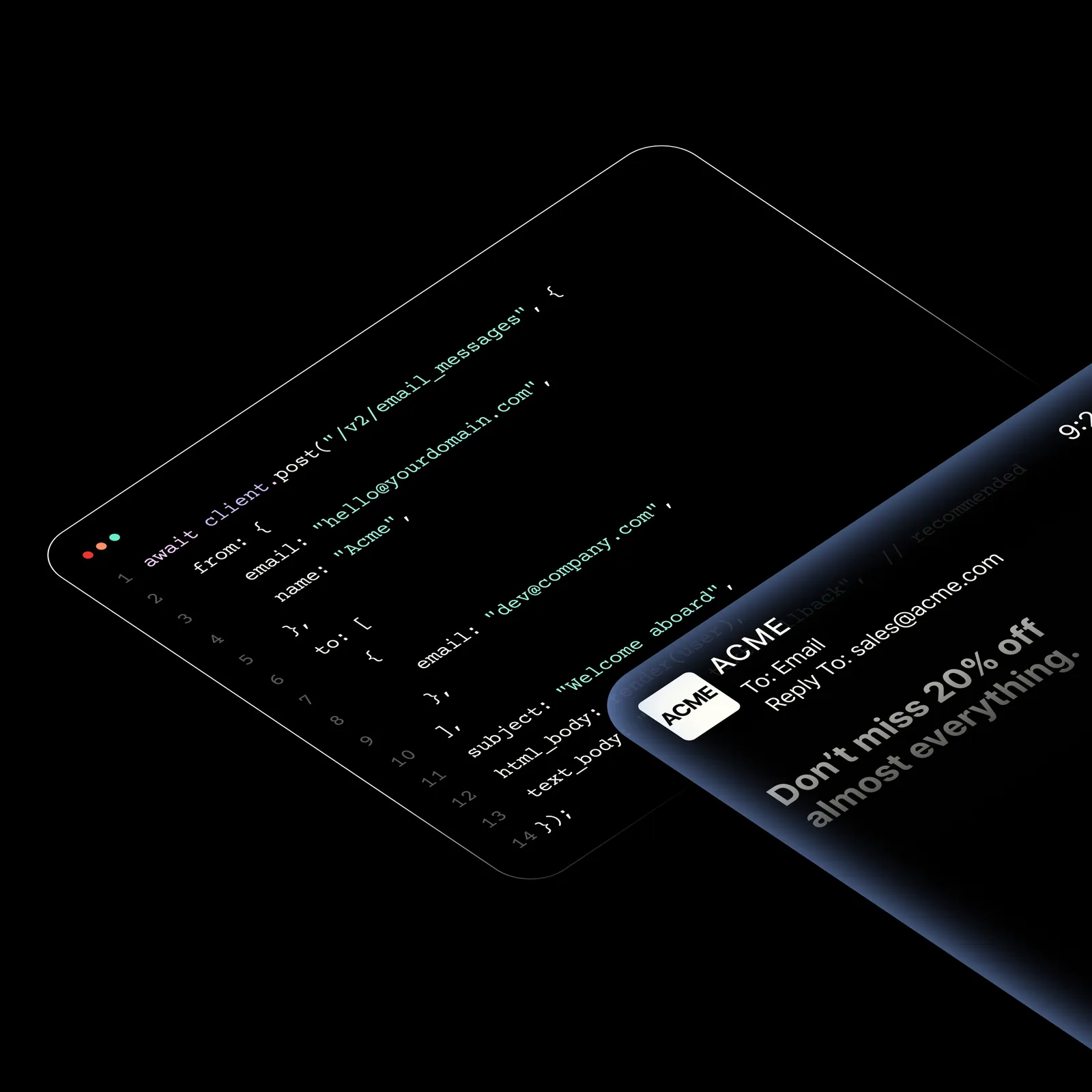
Developers use an email API instead of SMTP for the control it gives. You get delivery receipts, open and click tracking, templates, suppression management, and deliverability tooling, all through a single interface. SMTP gives you a pipe. An email API gives you a pipeline.
Transactional receipts
Order confirmations, invoices, and payment receipts sent automatically after a purchase.
Password resets
Secure reset links with expiration windows, delivered instantly through the same API.
OTP and 2FA codes
One-time passwords and verification codes for multi-factor authentication flows.
Account alerts
Threshold notifications, security alerts, and system status updates sent in real time.
Onboarding sequences
Welcome emails, drip campaigns, and progressive feature introduction for new users.
Programmatic marketing
Newsletters and promotional content sent through the same pipeline, with open and click tracking built in.
Why we built Email API
Every SaaS app sends transactional email. Most teams use a separate vendor for it, with a separate API key, a separate invoice, and a separate dashboard. That is one more vendor to manage, one more contract to renew, one more integration to maintain.
Telnyx already runs SMS, voice and WhatsApp on one platform. Email was the last primitive you needed a second vendor for. So we built it into the same infrastructure, on the same MTA stack, with the same API key.
Deliverability is built into the platform, not a separate tool you have to buy. Telnyx generates SPF, DKIM, and DMARC records for your sending domain, verifies them, and monitors for DNS drift so a silent change at your DNS provider does not tank your inbox placement. Two-tier suppression checks catch bounces and spam complaints at both the API and inject time, eliminating the check-to-send race.
The API works from any language over HTTP, with SDKs for Node.js and Python when you want one.
Email API is generally availableThere is no waitlist and no invite step. Open a Telnyx account, verify a sending domain, and send. Billing is per email, from $0.30 per 1,000, on the same invoice as your other channels. See the pricing tiers.
Start sendingGetting started: from zero to first email in 5 minutes
Here is the whole path, from an empty account to a tracked send.
Step 1: Set up your sending domain
Bring your own domain and verify via the API, or use a shared domain to get started immediately. Telnyx generates five DNS records: ownership, SPF, DKIM, MX, and DMARC. Publish them at your DNS provider and trigger verification. Telnyx verifies the records and monitors for drift going forward.
Step 2: Send your first email
Two things to note: from is an object with email and name, not a string. Use html_body, not html.
Step 3: Add a Liquid template
Create a template with Liquid variables for dynamic, personalized content:
Templates render server-side. Preview without sending by calling the render endpoint with your variables:
Full template CRUD. No visual editor or SDK required.
Step 4: Set up webhooks
Real-time notifications for every event. Webhooks are Ed25519 cryptographically signed using the telnyx-signature-ed25519 and telnyx-timestamp headers, with automatic retry on non-2xx responses.
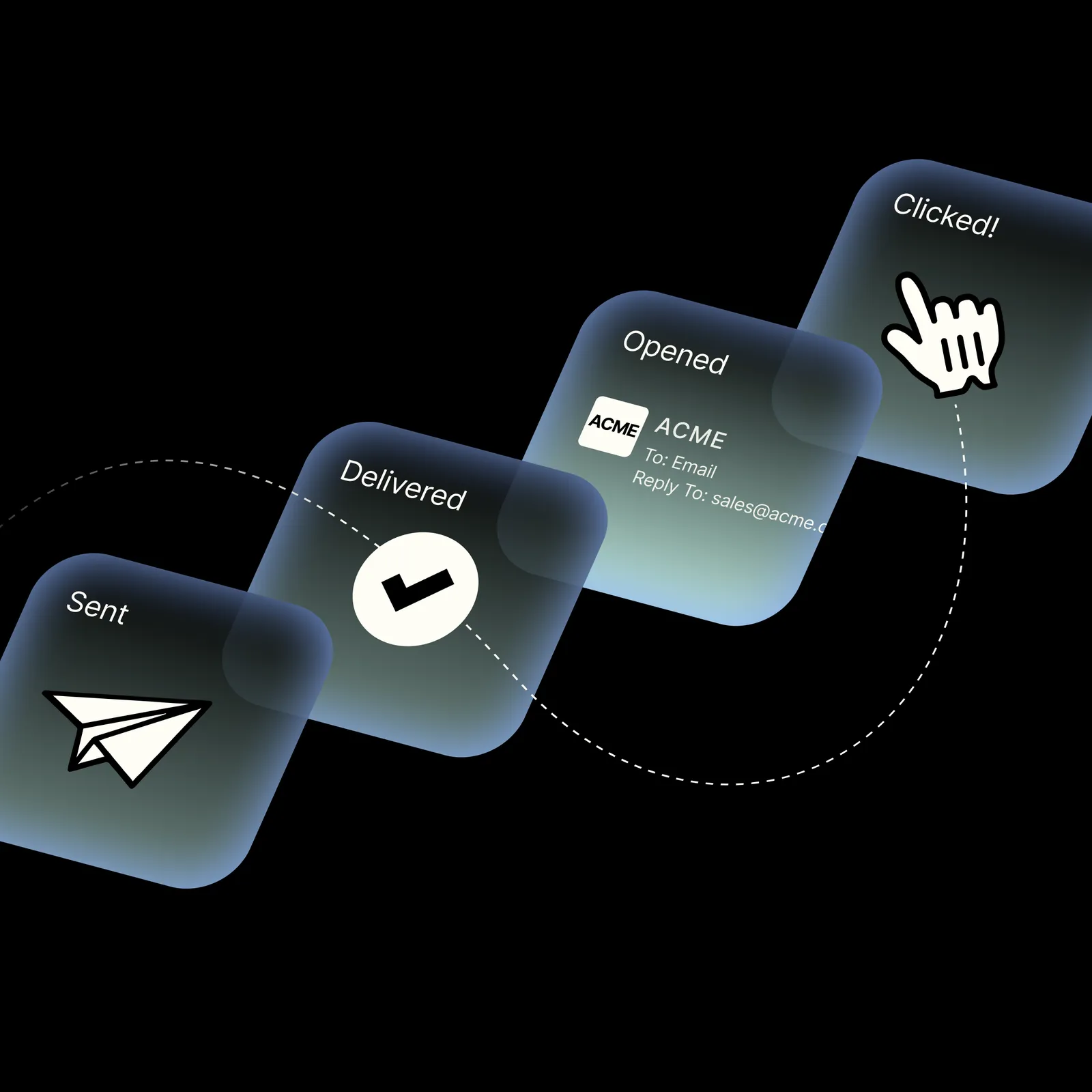
| Event | Description |
|---|---|
email.queued | Message accepted and queued for sending |
email.sending | Message is being processed by the MTA |
email.sent | Message handed off to the receiving server |
email.delivered | Receiving server confirmed delivery |
email.opened | Recipient opened the message (pixel tracked) |
email.clicked | Recipient clicked a tracked link |
email.bounced | Hard bounce, message could not be delivered |
email.deferred | Soft bounce, delivery retried on schedule |
email.failed | Sending failed after all retries |
email.unsubscribed | Recipient unsubscribed via link or header |
email.complained | Recipient marked as spam at their provider |
email.rejected | Pre-send rejection, reputation or validation |
Webhooks are configured per sender domain, not per message, using POST /v2/email_domains/{domain_id}/webhooks:
For services without a public webhook URL, use the event polling API via GET /v2/email_events. Poll for events on your schedule. This is a differentiator, most email providers do not offer polling alongside webhooks.
Step 5: Batch send
Send up to 50 messages in a single API call. The batch endpoint always returns 207 Multi-Status, with per-message success and error arrays:
Each message in the batch gets its own status. One call, one round trip, up to 50 messages.
Step 6: Or let your coding agent write it
If you would rather not write the requests yourself, there are official agent skills for Email API on GitHub. They teach Claude Code, Cursor, Windsurf, and any other agent that supports the Agent Skills specification how to call these endpoints correctly, instead of guessing from stale training data.
Add the Telnyx skills marketplace, then install the skills you need:
The Telnyx skills marketplace includes four curl-based skills for Email API:
- telnyx-email-curl: Send transactional email, batch sends, scheduled delivery, templates, email validation, and delivery event tracking.
- telnyx-email-domains-curl: Manage sending domains, verify DNS records (SPF, DKIM, DMARC, MX), check domain health, and configure domain-level webhooks.
- telnyx-email-inbound-curl: Manage inboxes, list and search inbound messages and threads, set sender filters, and reply or forward.
- telnyx-email-suppressions-curl: Manage suppressions (blocks), import and export suppression lists, and manage unsubscribe groups.
Browse the full set at github.com/team-telnyx/ai.
Feature deep-dive
| Feature | What it does | API endpoint |
|---|---|---|
| Liquid templates | Server-side rendering with variables, preview without sending, full CRUD | /v2/email_templates |
| Deliverability | SPF, DKIM, DMARC generation, DNS drift monitoring, per-provider throttling | /v2/email_domains/{id}/verify |
| Suppression | Auto-suppress bounces, spam complaints, unsubscribes. Two-tier check at API and inject time | /v2/suppressions |
| Email validation | Single and batch address validation, free, same API key | /v2/email_validations |
| Tracking | Real-time webhooks, event polling, per-message status history, open and click tracking | /v2/email_events |
Liquid templates
Reusable templates with Liquid variables for dynamic, personalized content. Server-side rendering with preview without sending. Full template CRUD via POST, GET, PUT, PATCH, DELETE on /v2/email_templates. No visual editor required. Create, render, and send from any language, or use the Node.js and Python SDKs.
Deliverability, built in
Telnyx generates SPF, DKIM, and DMARC DNS records for your sending domain. You publish them at your DNS provider. Telnyx verifies and monitors for drift. Per-provider throttling shapes sends for Gmail, Outlook, and other major receivers. Domain reputation enforcement: poor reputation is rejected before send with a 429, and a warning band triggers automatic throttling. The domain health summary endpoint gives you a single view of your sending reputation.
Deliverability built in, not bolted on. Not a separate tool, not an add-on.
Suppression management
Automatic suppression of hard bounces, spam complaints, unsubscribes, and invalid addresses. Two-tier check at API and inject time eliminates the race between checking and sending. Soft-bounce escalation triggers suppression after a configurable threshold.
CSV import and export with auto-detection of common provider export formats for one-step migration. Unsubscribe groups with group-scoped opt-outs. RFC 8058 one-click unsubscribe support, meeting Gmail and Yahoo bulk sender requirements.
Email validation
Single and batch validation, free. Validate addresses before you hit send and reduce your bounce rate. Available through the same API, same key, same dashboard.
Tracking
Real-time webhooks for every event from queued to opened. Event polling API via GET /v2/email_events for agents and firewalled services that cannot receive inbound webhooks. Per-message status and full event history lookup. Open, click, and unsubscribe tracking with per-domain toggles.
What the Email API costs
Pricing is pay as you go and flat rate per tier. Your whole monthly volume bills at the rate for the tier it falls into. A billable email is one message accepted by the Telnyx MTA for one recipient, so a send to three recipients counts as three. Messages rejected at the API are not billed.
| Monthly volume | Price per 1,000 emails |
|---|---|
| 0 to 10K | $0.30 |
| 10K to 50K | $0.27 |
| 50K to 100K | $0.25 |
| 100K to 500K | $0.20 |
| 500K to 1M | $0.17 |
| 1M to 2.5M | $0.15 |
Above 2.5M a month, volume pricing trades a monthly commitment for a discounted rate, 24/7 support, and a dedicated customer success manager.
One platform, every channel
Email alongside SMS, voice, WhatsApp, and fax under one API key. Same dashboard, same bill, same vendor. For existing Telnyx customers, email is an add-on. For new customers, a reason to consolidate. Pay as you go per email, on the same invoice as your other channels.
Start sending email in five minutesGet your API key at the Telnyx portal. Send your first message with a single curl call. Email API is generally available, billed per email from $0.30 per 1,000. Get started or check the developer docs.
Get your API keyShare on Social
Deniz is a Senior Product Marketing Manager at Telnyx with 10 years of experience in technology and healthtech marketing. She previously led go-to-market initiatives at Philips Healthcare, Vodafone, and The Coca-Cola Company. Originally from Türkiye and based in Amsterdam, she ho


