
WhatsApp Business API
WhatsApp for real estate: listings, viewings and calls on one number
WhatsApp for real estate explained: what a message costs, which templates each lead can receive, and how to add calls on the same number.

Takeaways
You get the most from WhatsApp for real estate when your listings, viewings and callbacks run on one verified business number. On Telnyx that is the number your agents already use for calls and SMS, messages start at $0.004 each with Meta's fee on the same invoice, and an approved template decides what each lead may receive.
- The free Business App stops at one phone plus four devices and 256 contacts per broadcast. The API removes those caps, but it has no screen of its own, so it needs your CRM, an inbox or code behind it.
- You can reply in free text only inside the 24-hour window after a buyer messages you. Outside it, you send an approved template in one of four categories: authentication, utility, marketing or service.
- When a buyer taps call inside WhatsApp, the call rings on the same SIP or Voice API connection as your phone calls, so a buyer can chat and then call without you adding a number.
What can you do with WhatsApp for real estate?
With WhatsApp for real estate, you run every conversation with a buyer, a seller, a landlord or a tenant on your agency's verified business number instead of on agents' personal phones. On Telnyx that number is the one already carrying your calls and SMS. Short-term rental hosts run the same pattern, covered in WhatsApp for hospitality.
From enquiry to viewing: the buyer side
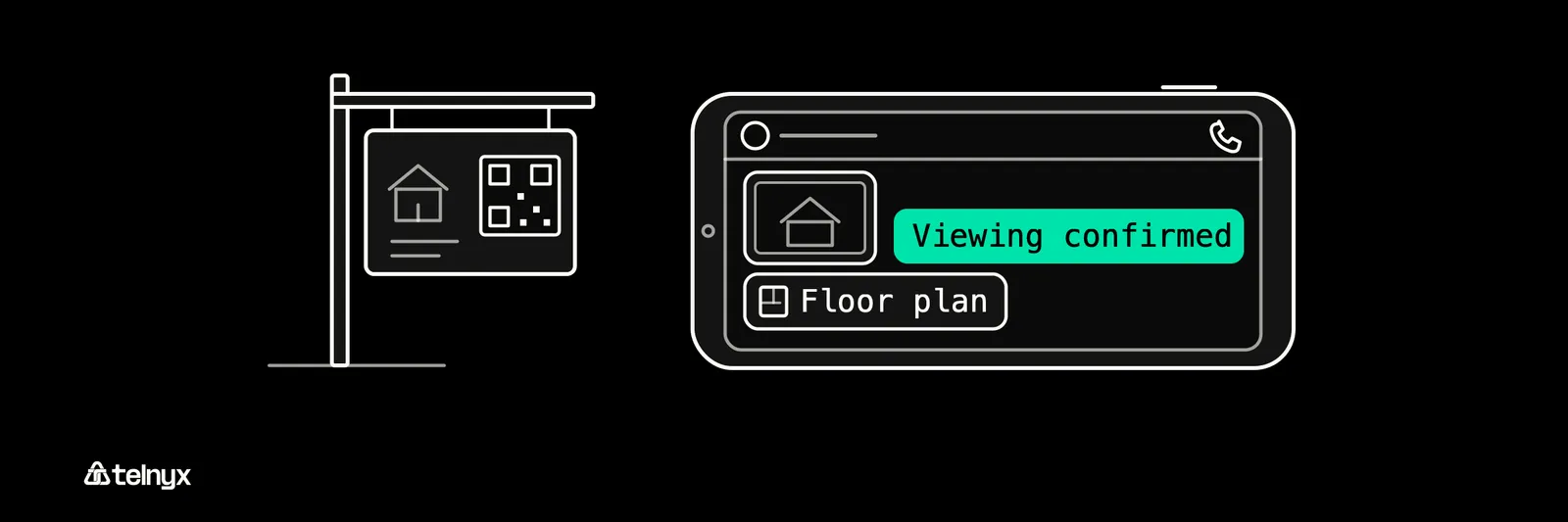
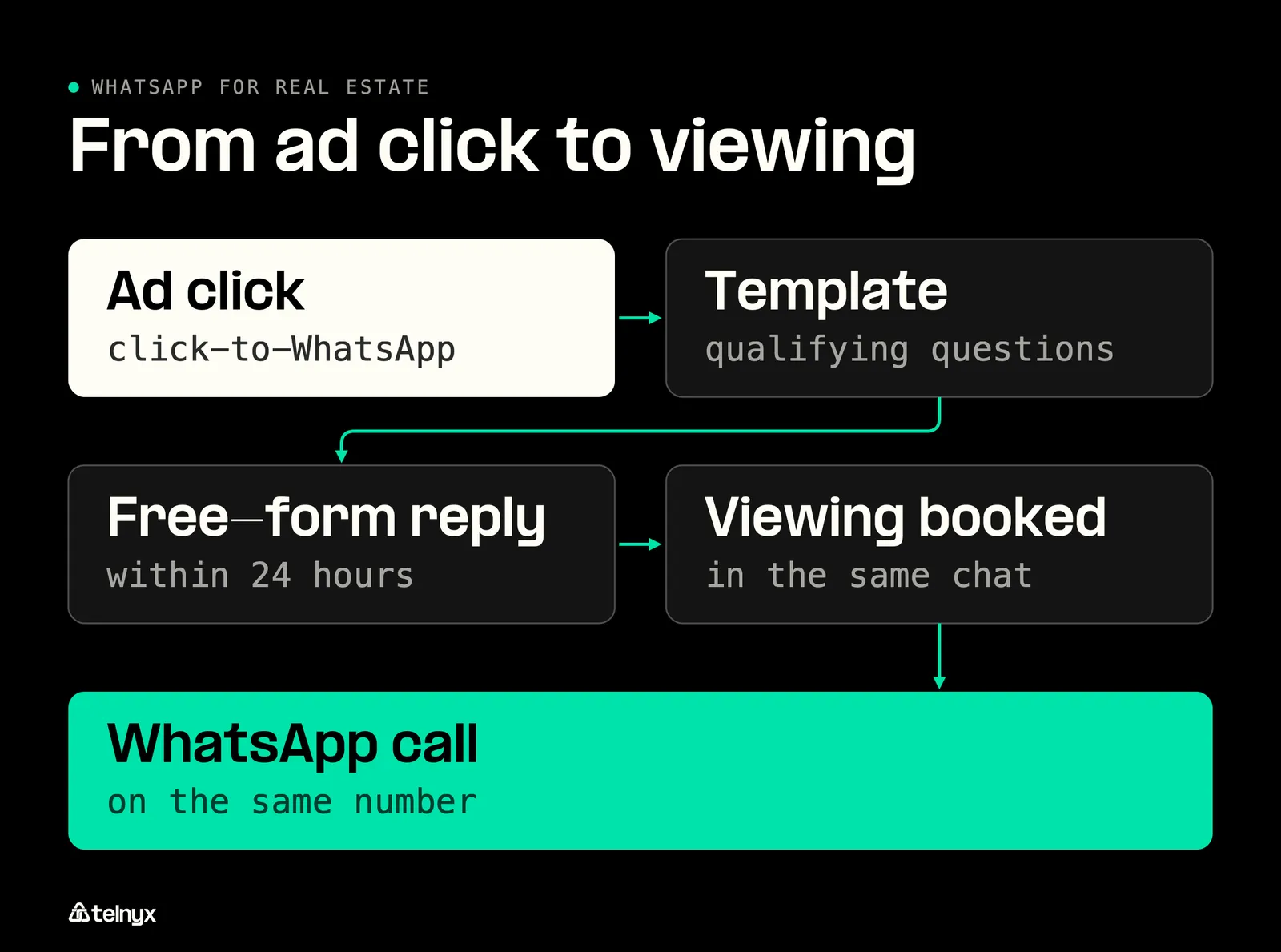
A buyer scans the QR code on your for-sale board, or taps a Click-to-WhatsApp ad, and a chat opens with your Telnyx number. Because the buyer wrote first, a 24-hour window opens in which your agent, or the software you plug in, replies in free text to qualify them on budget, area and timeline. Photos and the PDF floor plan go into the same thread. You confirm the viewing with a YES/NO button reply and remind the buyer the day before with a utility template Meta has approved.
When the buyer taps call inside WhatsApp, the call rings on your existing SIP trunk (99.999% uptime SLA), Voice API or TeXML connection. Out of hours, a Telnyx AI Assistant can answer that call and take the viewing request.
Sellers, landlords and tenants on the same thread

The same number carries the other side of the deal. A seller gets a progress update after each viewing, an offer notification the moment one lands and a completion update on exchange, all as utility templates sent from your number. A tenant sends a maintenance request with a photo, and the rent reminder and renewal notice go out the same way. Because the conversation lives on a number your agency owns, or imported with Bring Your Own Number, the client history and the number stay with you when an agent leaves. On a personal phone, the pipeline walks out of the door with them.
Marketing new listings: QR codes, ads and broadcasts
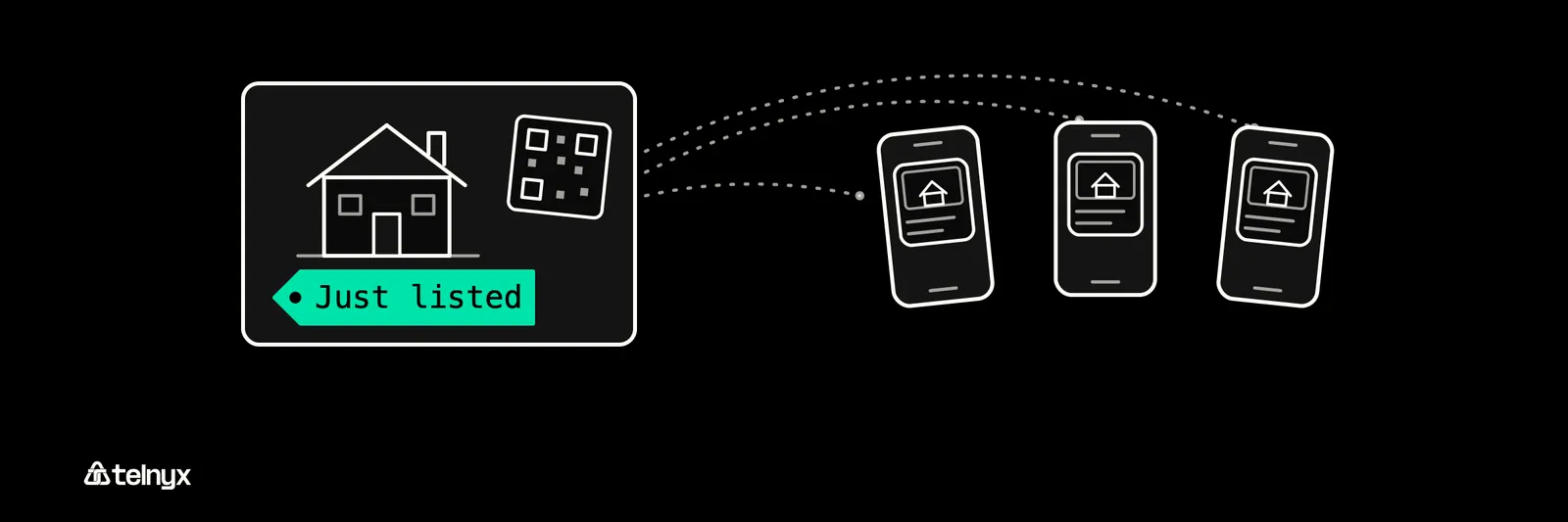
Three entry points bring leads onto your number, in order of setup cost: a QR code on boards and brochures, a WhatsApp link on your website, and a paid Click-to-WhatsApp ad. Tie each to a lead magnet such as a free valuation, and point all three at the same Telnyx number.
New-listing alerts and price-change broadcasts go out as marketing templates, created and submitted for Meta approval from the Telnyx portal, only to contacts with recorded opt-in, paid per message. WhatsApp Status is a Business App feature seen by people who saved your number, and the API does not post it. For overseas buyers, Telnyx local numbers in 130+ countries give you a number in the buyer's own country. The same entry points drive WhatsApp in retail, and sales and marketing teams run them next to SMS.
WhatsApp, SMS and calls on one Telnyx number
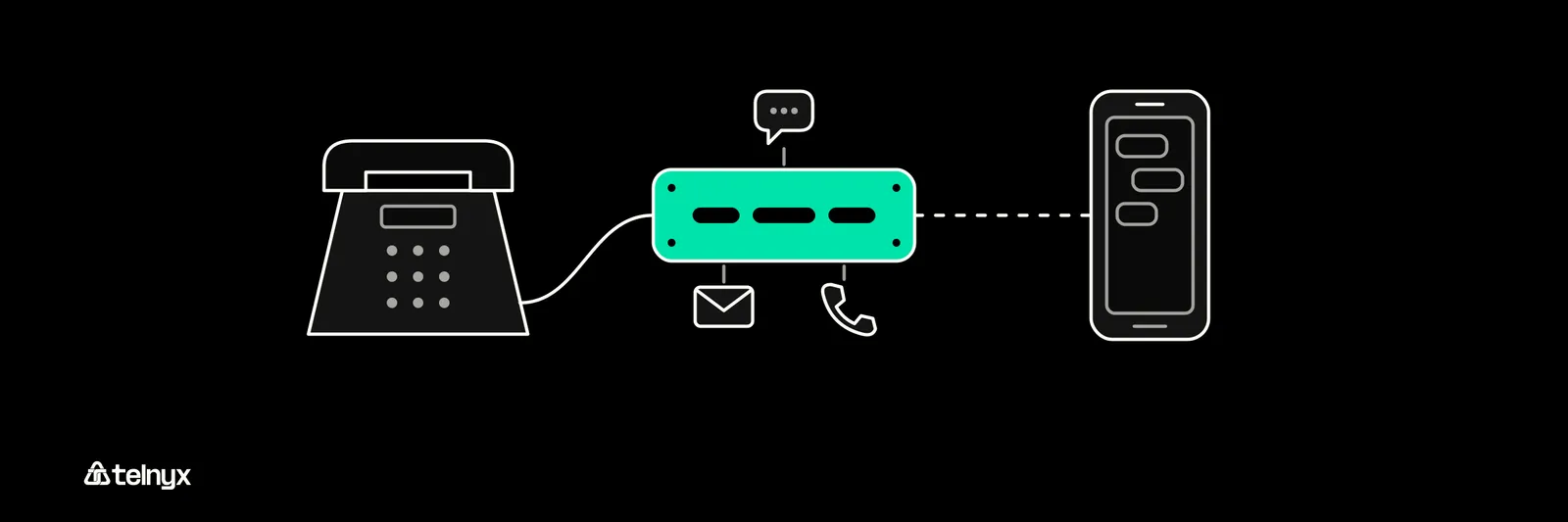
With Telnyx you do not choose WhatsApp over SMS. WhatsApp reaches the 3.3 billion people who have it, with 90%+ open rates, and shows them your verified business name. SMS from the same number reaches the buyer who does not have it. Either buyer can call the number they just messaged, and Mission Control shows one set of analytics for all of it.
WhatsApp calls and messages on your number
Add WhatsApp to the number you already own for a Telnyx fee from $0.004 per message, with Meta's fee on the same invoice.
How do you set up WhatsApp for real estate?
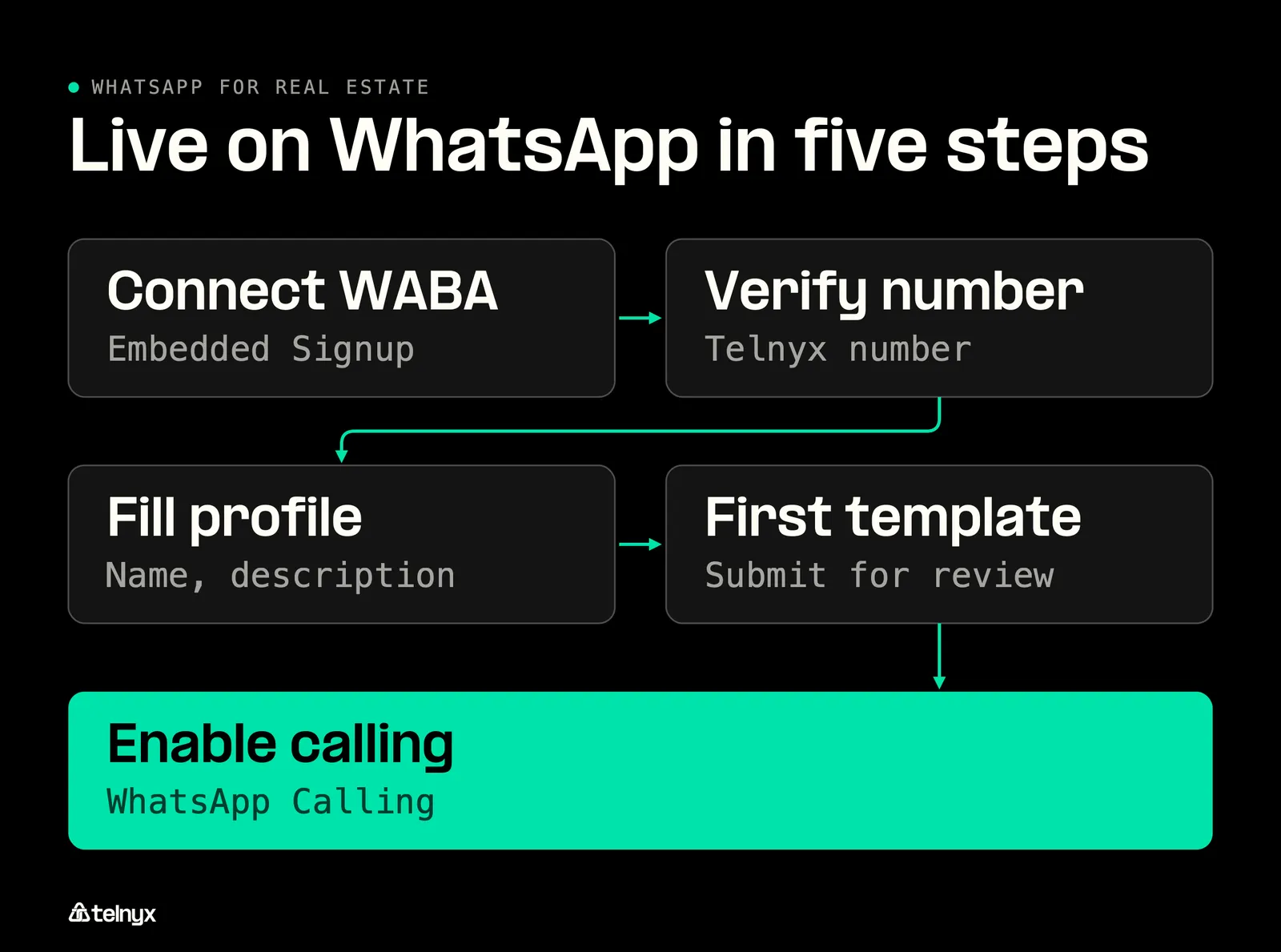
Getting your team live takes five steps, all of them in Mission Control.
- In Mission Control go to WhatsApp, then Connect, select your WhatsApp Business Account through Meta's Embedded Signup and complete Meta business verification.
- Verify your Telnyx number, one of its local phone numbers or one you import, by entering the code Meta sends.
- Fill the business profile: display name, description, address, hours and website.
- Create your first message template and submit it for Meta approval.
- Toggle WhatsApp Calling on and the calling connection is created for you.
What your business profile should tell buyers
You set the profile in Mission Control or through the API, where you can update the business profile for each branch number and keep them consistent. The display name and the WhatsApp business description are what a buyer sees instead of an unknown number, and a plain opt-out line reduces spam reports against a registered business.
Sample description: [Agency] sells and lets homes across [area]. Message us for viewings, valuations and tenancy support. Reply STOP to opt out.
- Registered name, exactly as it appears on your Meta business verification
- Areas served, so buyers outside them skip you
- Services: sales, lettings, management
- Licence or registration number where your market requires one
- Opt-out instruction, so a lead who wants out replies STOP
Keep the number buyers already have saved
Bring Your Own Number (BYON) lets you import the WhatsApp number your agents already give out and keep it, so saved contacts and the number printed on your boards keep working. BYON numbers get the same inbound calling treatment as Telnyx-provisioned numbers.
When do you need the WhatsApp Business API for real estate?
The Business App is for a solo agent on one phone. You need the API once more than one person answers your number, you broadcast to more than 256 contacts, you automate replies, or you take calls on the same line. The API has no screen of its own, so you run it behind an inbox, your CRM or your own code, which WhatsApp Business API explained walks through.
Business App or API: which do you need?
- Solo agent, one phone, under 256 contacts: stay on the free WhatsApp Business App, since nothing in your day needs the API yet.
- Two or more agents sharing one number: move to the WhatsApp Business API on Telnyx, so your CRM or inbox routes each lead to an agent.
- Buyers should call the number they chat with: turn on WhatsApp Calling, so the chat and the call share one number.
- SMS and voice already run on Telnyx: add WhatsApp to that same number, so one invoice and one set of analytics cover all three.
What changes when you move to the API
Match the need you hit first to its row.
| Need | WhatsApp Business App | WhatsApp Business API on Telnyx |
|---|---|---|
| Users and devices | 1 phone + 4 devices | Any number via your software |
| Broadcast size | 256 contacts per list | Any opted-in list via approved templates |
| Automation | Quick replies | Programmable, webhooks, AI |
| Calls | In-app only | Routed to SIP, Voice API or TeXML |
| Analytics | None | One set with SMS and voice |
| Identity | Small-business profile | Verified business name |
If you need the right-hand column in more than one row, start choosing a WhatsApp provider.
WhatsApp automation for real estate: qualifying and booking showings
Automate in the order a lead meets each step:
- Qualification on budget, area and timeline, asked the moment a lead writes to you
- Answers to your buyers' questions on financing and the buying process
- Showing booking and a reminder before the appointment
- Post-viewing follow-up asking your buyer for feedback or an offer
Telnyx publishes a working showing scheduler in Python that does the third step: your buyers call or text, the AI checks the listing's available times, books a showing and sends the buyer a confirmation from your agent's number. The Python showing scheduler code is on GitHub and runs on voice and SMS today.
Sending your first listing template through the API
Sending a template is one HTTP call to /v2/messages/whatsapp. The from field is your WhatsApp-enabled Telnyx number and to is the buyer, template holds the name and the language (policy deterministic, code en_US), and the body parameters fill the placeholders in order. The full field reference is under send a WhatsApp message.
The listing_alert template must already be approved by Meta, and because it is a marketing template, Maria must have opted in before you send it.
Taking the buyer's call on the same number
Any WhatsApp user can call your Telnyx number from inside the app, and inbound calls need no additional setup.
Outbound calls are initiated via the Telnyx API using a WhatsApp SIP domain, and the WhatsApp business calling docs cover both directions. If you run an inbound desk, WhatsApp becomes one more way into the queue your agents already answer through contact center solutions on Telnyx.
What does the WhatsApp API for real estate cost, and what can you send?
The cost has two parts, and the rules depend on who wrote first.
Per-message pricing and the 24-hour conversation window
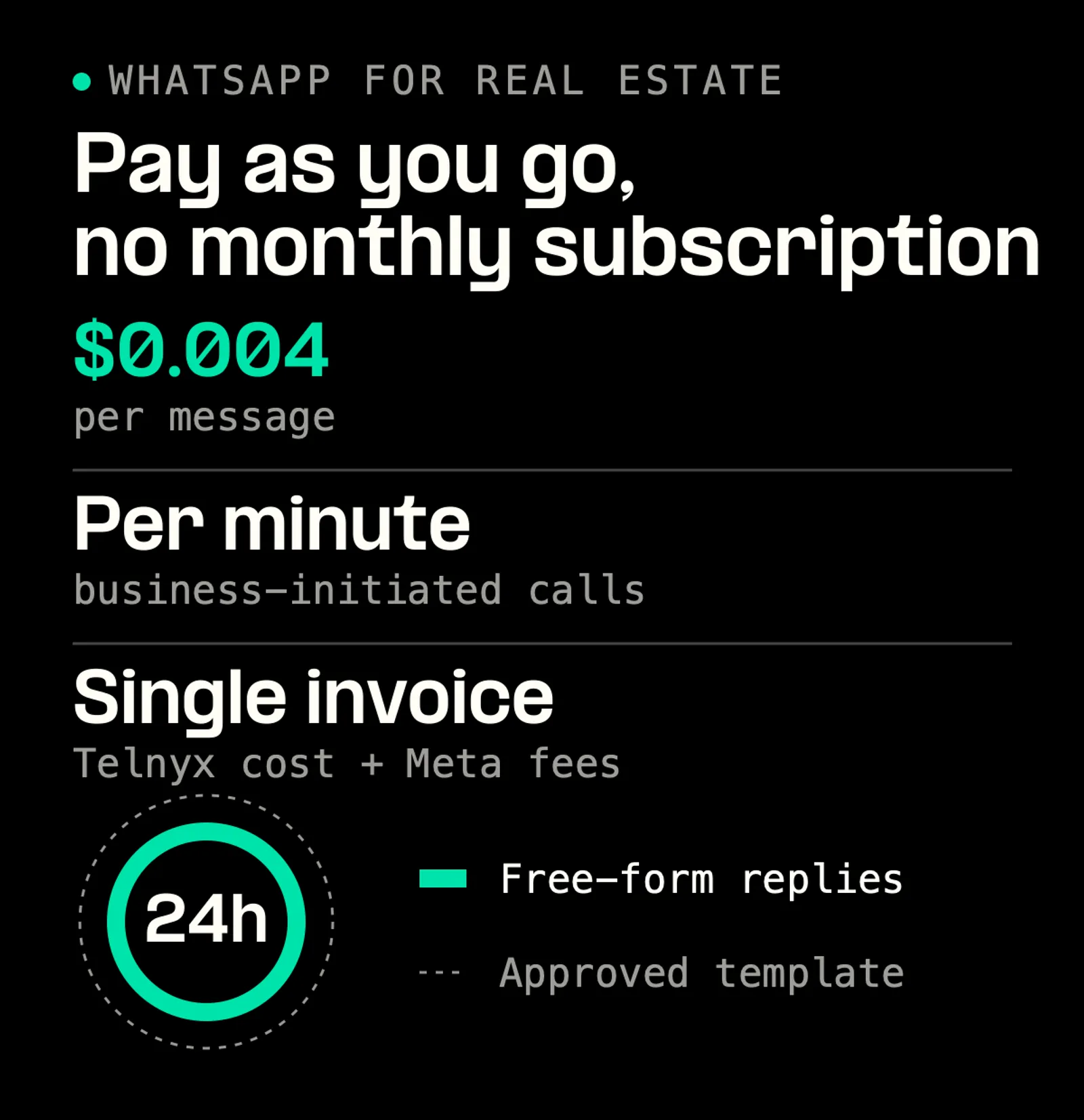
WhatsApp messaging on Telnyx starts at $0.004 per message. You pay as you go, with no monthly subscription, and business-initiated WhatsApp calls are billed per minute. Meta's per-message fee lands on the same single invoice as the Telnyx platform cost, with automatic volume discounts as you scale. That Meta fee is the same with every provider, published by country at Meta's WhatsApp pricing, so providers differ on platform cost, whether SMS and voice share the bill, and the AI you get. The WhatsApp API cost breakdown works a monthly volume through, and RCS messaging pricing covers Android-only reach.
Once a buyer messages you, a 24-hour customer conversation window opens and you can reply with free-form text, photos and documents. After it closes, or to start a conversation yourself, you send a Meta-approved template.
Template categories: which one each lead can receive
Meta's four categories map onto the messages you send like this.
| Template category | Real estate example | Who can receive it |
|---|---|---|
| Authentication | Portal login code | Any user signing in |
| Utility | Viewing reminder, document request, offer update | A lead or client in an active enquiry |
| Marketing | New listing matching saved criteria, price reduction | Opted-in contacts only, warm or cold |
| Service | Free-form reply | Anyone who messaged you in the last 24 hours |
You create templates and submit them for Meta approval from the Telnyx portal.
17 WhatsApp templates for real estate
Viewings, offers, rent reminders and listing alerts, written to pass Meta's review, with the category, sample values and buttons for each.
PDF · 11 pages · 465 KB
Opt-in, verification and spam complaints
Four rules protect your number.
Rules: Record an opt-in before any marketing template. Honour every opt-out. Meta business verification is required. Keep consent records next to the number.
Cold-messaging contacts who never opted in breaches the WhatsApp Business Messaging Policy and risks your number. Data protection law varies by region, and WhatsApp rules in Europe covers it.
WhatsApp for real estate FAQ
Run listings, viewings and calls on one number
WhatsApp messaging from $0.004 per message with Meta's fee on the same invoice, approved templates that decide what each lead receives, and WhatsApp calls that ring on the SIP or Voice API connection your agents already use.
Get the WhatsApp APIShare on Social
Deniz is a Senior Product Marketing Manager at Telnyx with 10 years of experience in technology and healthtech marketing. She previously led go-to-market initiatives at Philips Healthcare, Vodafone, and The Coca-Cola Company. Originally from Türkiye and based in Amsterdam, she ho


