
Figma
Overview
Connect your voice agent with Figma to capture design feedback and collaboration inputs during phone conversations. The integration allows agents to log feedback, attach notes to design files, and support design workflows triggered by real-time interactions.
How it works
This video shows how a Voice AI agent built on Telnyx voice captures feedback from a conversation and logs comments related to a design file in Figma. The agent records the feedback and confirms the entry within the Figma project interface.
Capabilities
The Figma integration supports the following operations across core objects:
Files
get_file
list_file
Comments
create_comment
get_comment
list_comment
Projects
get_project
list_project
Users
get_user
About Figma
Figma is a collaborative design platform that lets teams design, prototype, and build products together in real time on an AI-native canvas - from initial concept to production-ready code.
What moves between the agent and Figma
A Telnyx voice AI agent connected to Figma can search for and retrieve design files, project details, and component information during a phone call, helping callers look up design specifications or check project status without opening the Figma editor. "What's in the latest design review for the checkout flow?" prompts the agent to find and summarize the relevant file.
The agent can add comments to design files based on verbal feedback captured during a call, giving stakeholders a hands-free way to leave review notes. It can create new project entries or update existing file metadata - titles, descriptions, tags - as projects evolve.
For broader navigation, the agent can list team projects and file structures, helping callers find the right design resource. It can also search for specific components or styles across the Figma library, making it easier for non-designers to reference approved assets during conversations.
COMPOSITION
Pick the job. The primitives light up.
Four Figma assistants. Pick one and the blocks it runs on light up, and the create call attaches Figma in the same request, the meter prices it. Or click any single block: every primitive sells alone.
One request. Tools attached. You pay the minute, not the connector.
THE TELNYX PLATFORM
Powered by the Telnyx platform
Every Telnyx integration runs on the same infrastructure: voice AI agents for conversation, inference for reasoning, SIP trunking for transport, STT and TTS for understanding and speech, and phone numbers for provisioning.
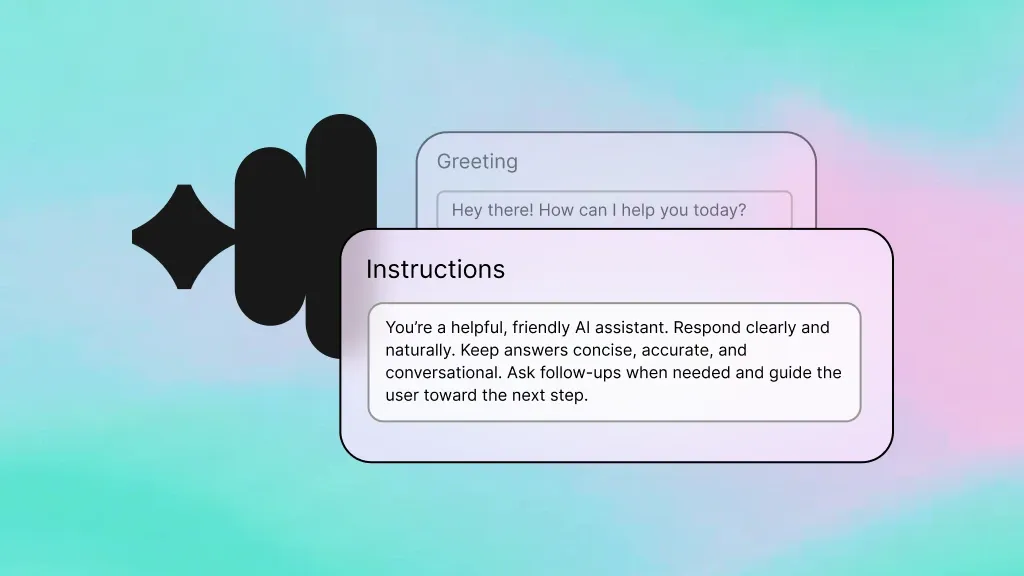
Voice AI Agents
Voice agents that search Figma files and relay design context during phone calls.
Learn more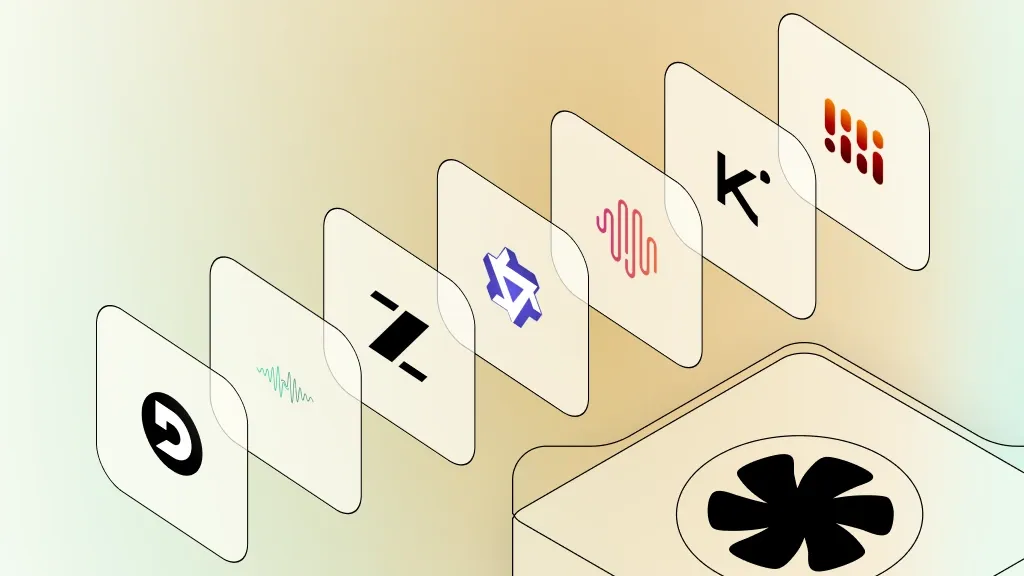
Inference
Reasoning that identifies which Figma file or component best matches the caller's request.
Learn more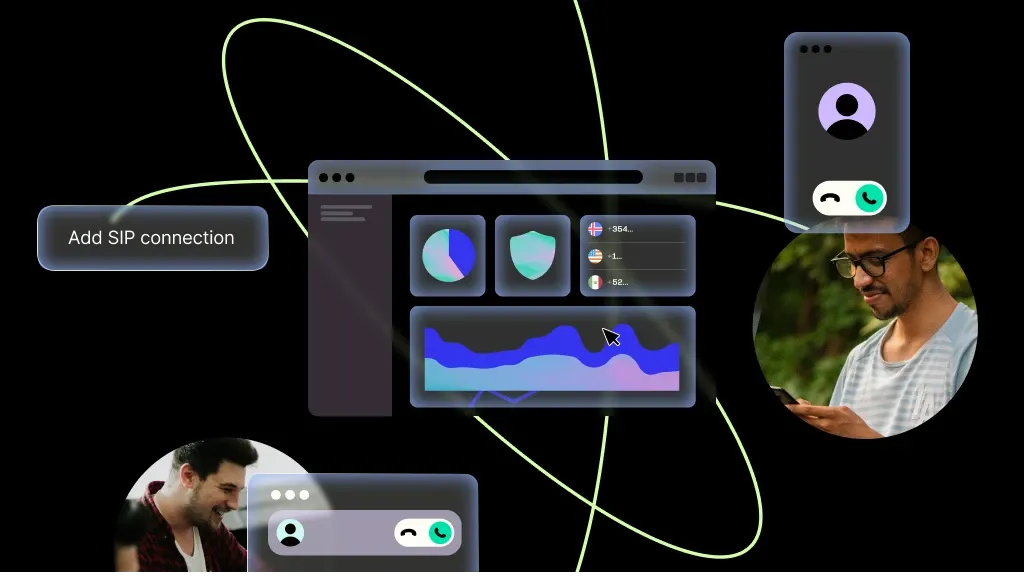
SIP Trunking
Carrier-grade SIP transport keeps design-review calls clear and connected.
Learn more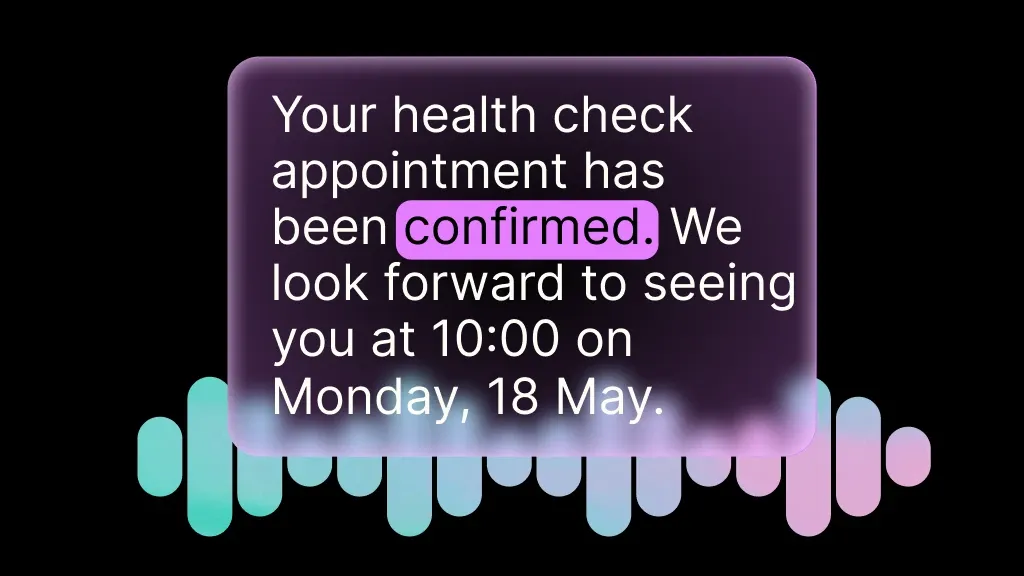
Speech-to-Text
Transcribe caller feedback in real time so the agent can post accurate Figma comments.
Learn more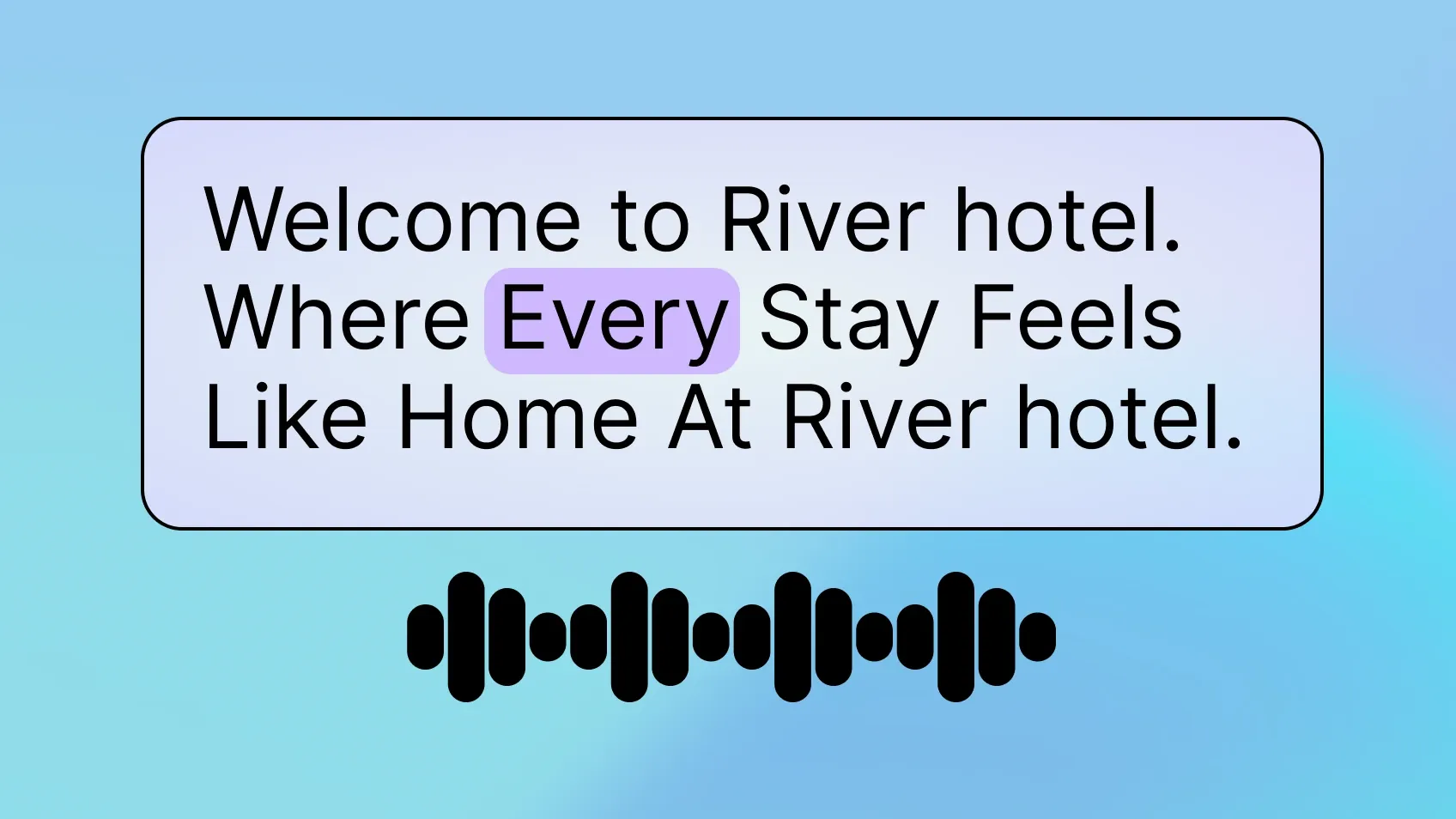
Text-to-Speech
Generate natural-sounding summaries of design file contents and project status.
Learn more
Phone Numbers
Provision local or toll-free numbers for a dedicated design-review feedback line.
Learn moreMORE INTEGRATIONS

Greenhouse
Optimize recruiting with voice-driven updates, scheduling, and candidate workflows.
Learn more



.svg)