
Jira Service Management
Overview
Connect your voice agent with Jira Service Management to automate service desk workflows during phone conversations. The integration allows agents to create service tickets, update requests, and track support cases in real time.
How it works
A Telnyx Voice AI agent can capture support requests during a conversation and interact with Jira Service Management through API tool calls. The agent can create service tickets, retrieve request details, or update incidents, helping support teams track and resolve issues more efficiently.
Capabilities
The Jira Service Management integration supports the following operations across core objects:
Requests
create_request
get_request
update_request
list_request
Incidents
create_incident
get_incident
update_incident
Users
get_user
list_user
About Jira Service Management
Jira Service Management is Atlassian's AI-powered IT service management platform that unites development, IT operations, and business teams on a single tool. It combines ITIL best practices with agile workflows for incident response, change management, and request fulfillment, helping organizations deliver service at enterprise scale.
What moves between the agent and Jira Service Management
A Telnyx voice AI agent can create and manage service requests and incidents in Jira Service Management through API tool calls during a phone conversation. When a caller reports an issue, the agent captures the description and opens a service ticket or incident record with appropriate categorization and priority.
The agent can retrieve existing requests to provide callers with real-time status updates, search user records to verify identity, and update incidents by changing priority, adding comments, or reassigning to the right team. This means callers can triage, create, and track IT issues entirely through natural conversation without navigating a self-service portal.
For recurring service needs, the agent can list open requests for a user, confirm which ones are still active, and escalate stalled tickets - turning every inbound call into an actionable service desk interaction.
COMPOSITION
Pick the job. The primitives light up.
Four Jira Service Management assistants. Pick one and the blocks it runs on light up, and the create call attaches Jira Service Management in the same request, the meter prices it. Or click any single block: every primitive sells alone.
One request. Tools attached. You pay the minute, not the connector.
THE TELNYX PLATFORM
Powered by the Telnyx platform
Every Telnyx integration runs on the same infrastructure: voice AI agents for conversation, inference for reasoning, SIP trunking for transport, STT and TTS for understanding and speech, and phone numbers for provisioning.
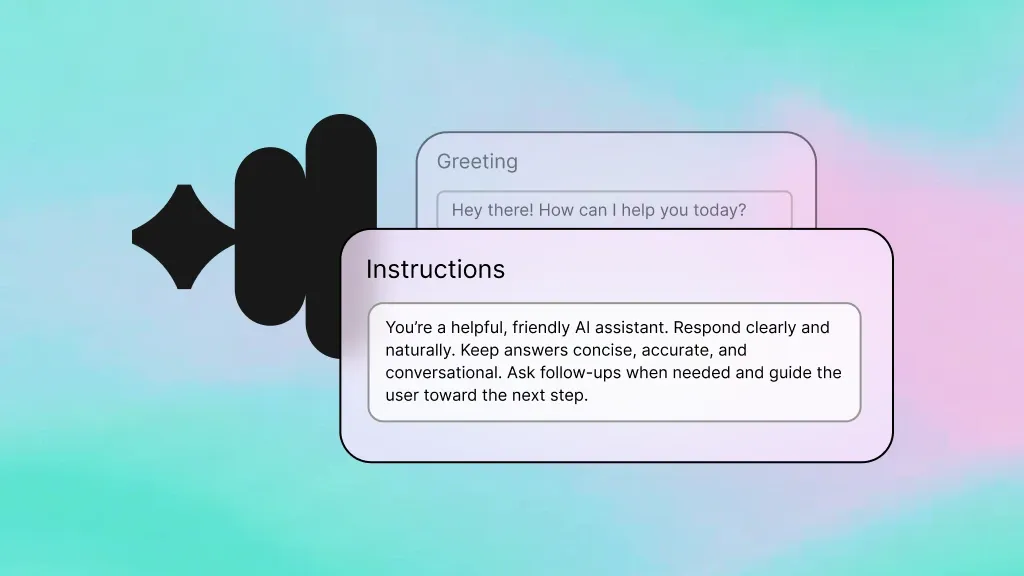
Voice AI Agents
Handle inbound service calls and create Jira tickets through natural conversation.
Learn more
Inference
Power intelligent ticket routing and prioritization decisions in real time.
Learn more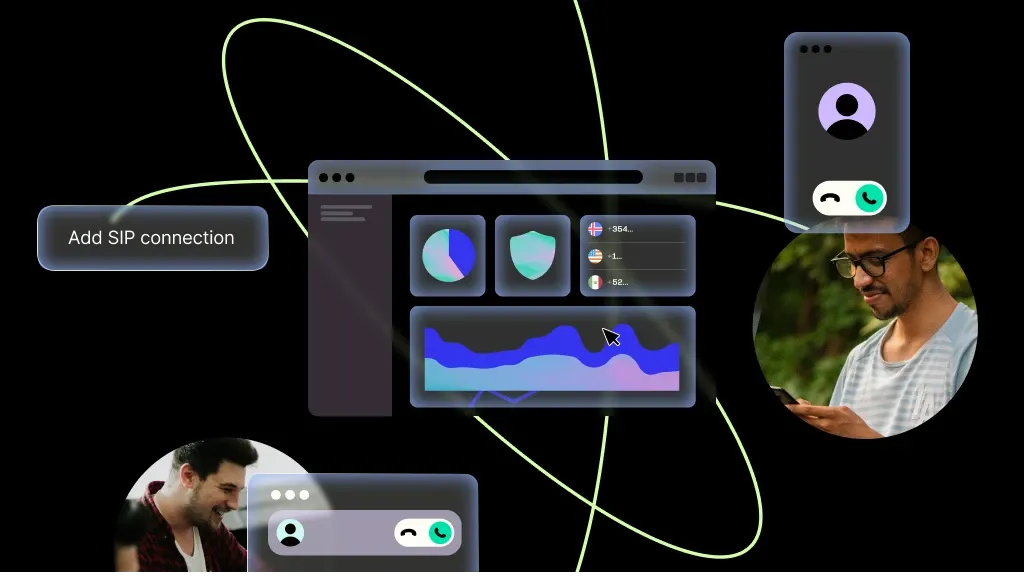
SIP Trunking
Reliable call transport for your service desk phone lines.
Learn more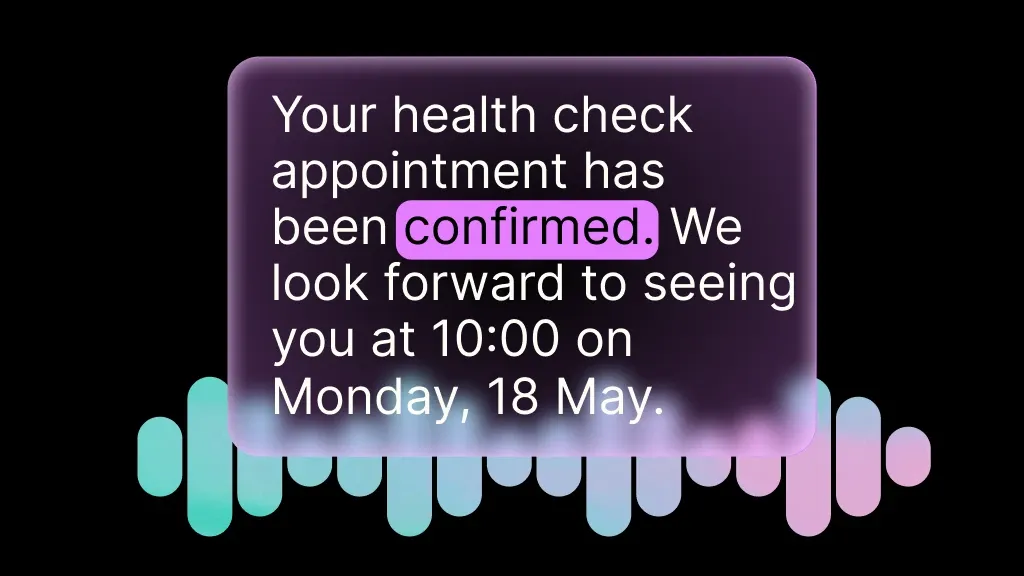
Speech-to-Text
Transcribe caller issues accurately for ticket descriptions and audit trails.
Learn more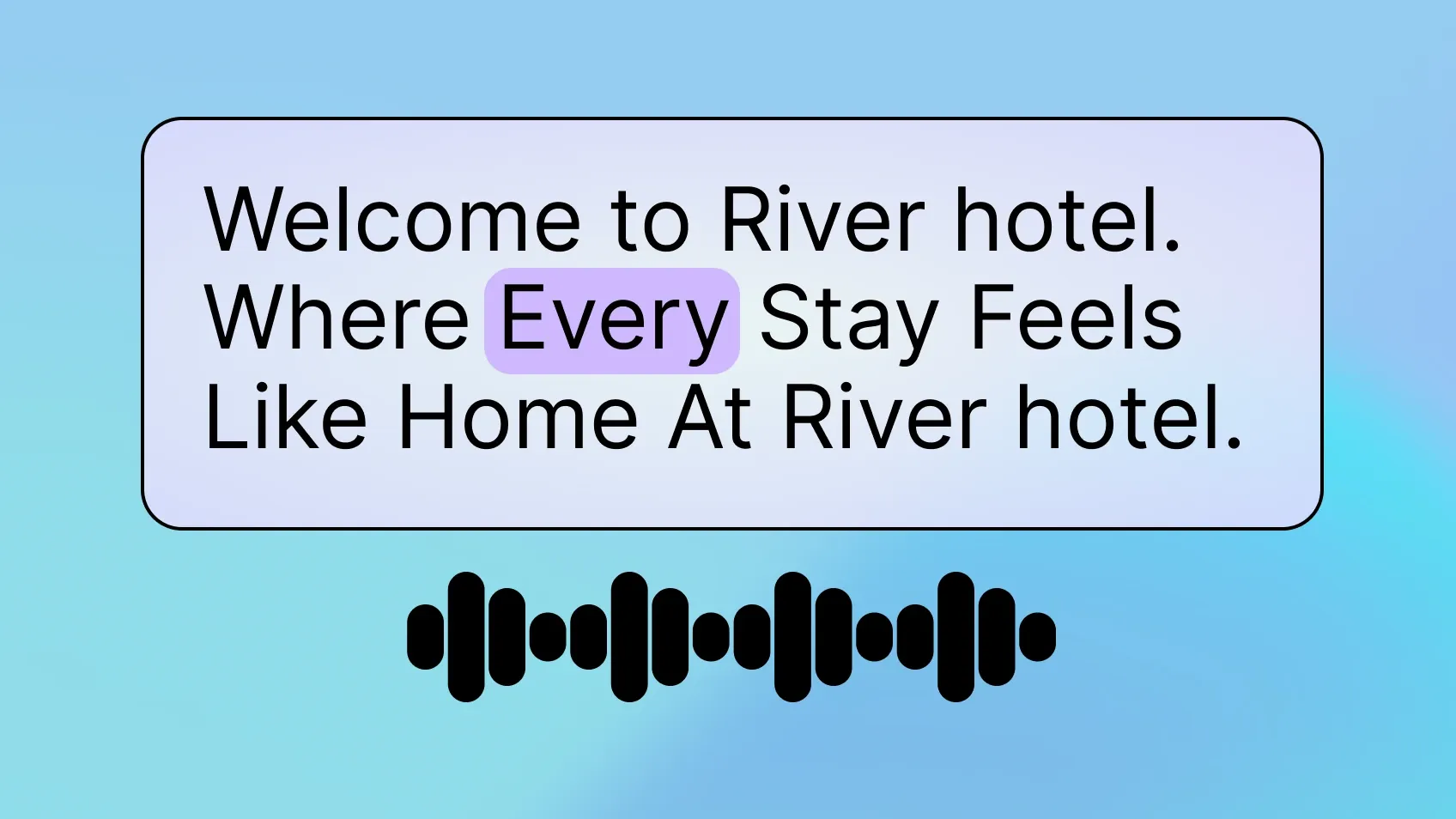
Text-to-Speech
Read back ticket details and status updates in natural-sounding speech.
Learn more
Phone Numbers
Dedicated support numbers for your IT service desk.
Learn moreMORE INTEGRATIONS

Greenhouse
Optimize recruiting with voice-driven updates, scheduling, and candidate workflows.
Learn more



.svg)