Microsoft Teams
Overview
Connect your voice agent with Microsoft Teams to automate collaboration workflows during voice interactions. The integration allows agents to send messages, notify teams, create meetings, and trigger internal workflows based on events that occur during calls. This ensures customer interactions can immediately reach the right team without manual coordination.
How it works
A Telnyx Voice AI agent can interact with Microsoft Teams during a conversation by sending messages, alerts, or meeting notifications through API tool calls. This allows teams to receive updates from customer interactions in real time and coordinate responses directly within their collaboration workspace.
Capabilities
The Microsoft Teams integration supports the following operations across core objects:
Teams
create_team
get_team
update_team
list_team
Channels
create_channel
get_channel
update_channel
list_channel
Messages
create_message
get_message
update_message
list_message
Meetings
create_meeting
get_meeting
update_meeting
list_meeting
Users
get_user
list_user
About Microsoft Teams
Microsoft Teams is a collaboration platform that combines workplace chat, video meetings, file storage, and application integration. Part of Microsoft 365, it serves as a hub for teamwork where organizations can communicate, coordinate, and share resources across departments and locations.
What moves between the agent and Microsoft Teams
A Telnyx voice AI agent can send messages, search channels, and manage notifications in Microsoft Teams through API tool calls during a phone conversation. When a caller needs information from a team channel, the agent can search messages and read back relevant results. The agent can post alerts to specific channels or individuals, notify on-call engineers about urgent issues, and create threaded conversations with call summaries.
During support or escalation calls, the agent can search Teams channels for recent discussions related to a topic, share call recordings or transcripts to a channel, and notify specific team members by mentioning them in a post. This bridges phone-based conversations with the team's existing collaboration workspace.
For coordination workflows, the agent can list members of a team, check who's available, and route information to the right channel - ensuring that phone interactions don't lose context once the call ends.
COMPOSITION
Pick the job. The primitives light up.
Four Microsoft Teams assistants. Pick one and the blocks it runs on light up, and the create call attaches Microsoft Teams in the same request, the meter prices it. Or click any single block: every primitive sells alone.
One request. Tools attached. You pay the minute, not the connector.
THE TELNYX PLATFORM
Powered by the Telnyx platform
Every Telnyx integration runs on the same infrastructure: voice AI agents for conversation, inference for reasoning, SIP trunking for transport, STT and TTS for understanding and speech, and phone numbers for provisioning.
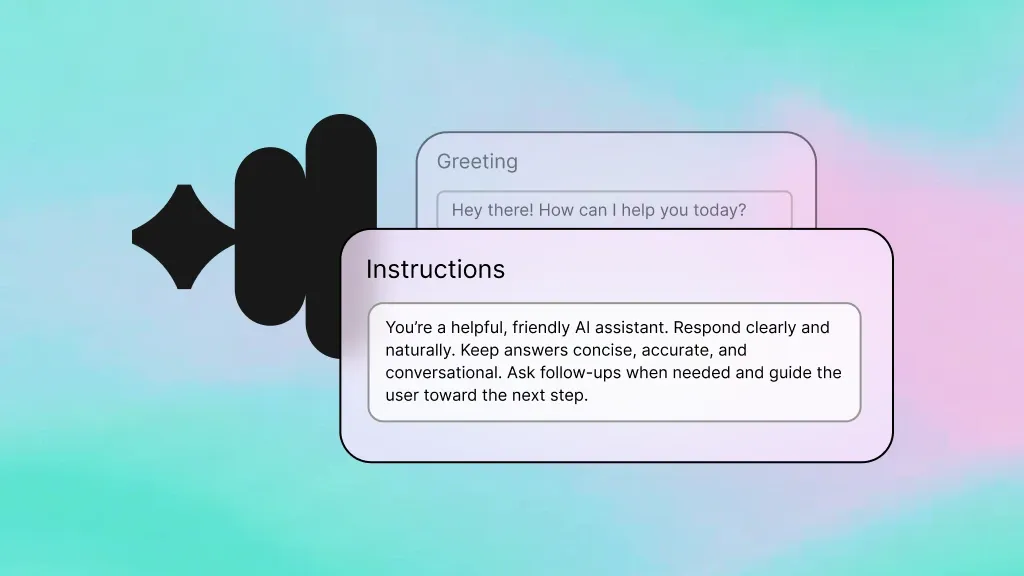
Voice AI Agents
Handle calls and post summaries, alerts, and updates directly to Teams channels.
Learn more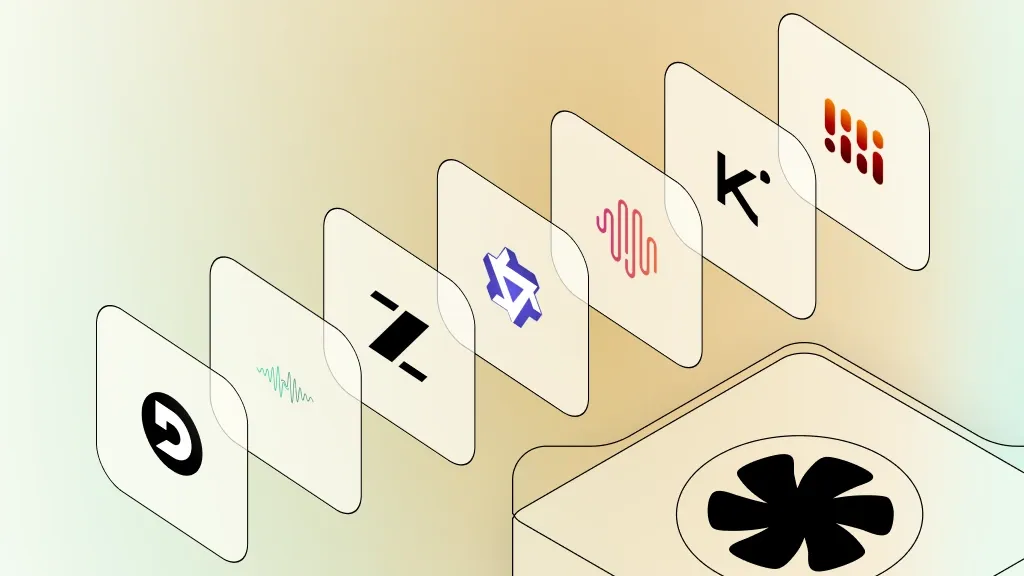
Inference
Analyze conversation context to route messages and notifications to the right team.
Learn more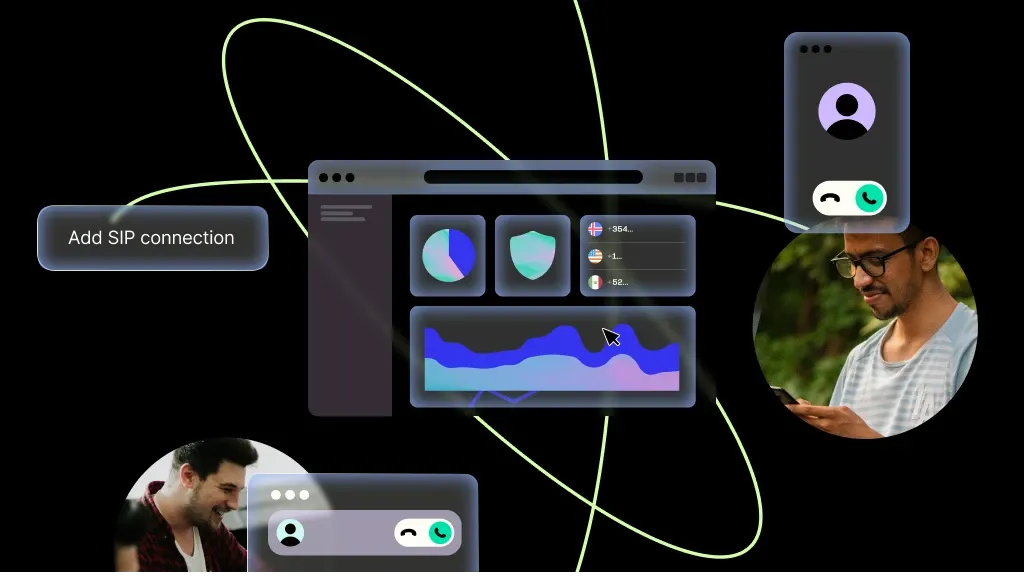
SIP Trunking
Connect your Teams Phone setup with reliable SIP trunking for enterprise voice.
Learn more
Speech-to-Text
Transcribe calls and share transcripts in Teams channels for async collaboration.
Learn more
Text-to-Speech
Read back channel messages and notifications to callers in natural-sounding speech.
Learn more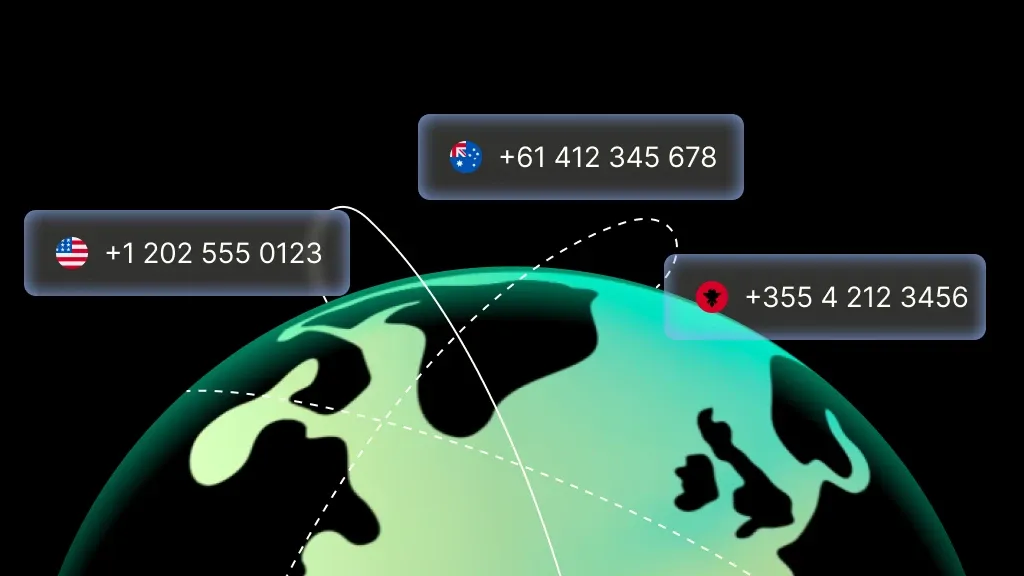
Phone Numbers
Provision dedicated numbers that route through Teams for your organization.
Learn moreMORE INTEGRATIONS

Greenhouse
Optimize recruiting with voice-driven updates, scheduling, and candidate workflows.
Learn more



.svg)