
Notion
Overview
Connect your voice agent with Notion to automatically store structured information captured during phone conversations. The integration enables agents to create pages, update records, and save call summaries directly in your Notion workspace.
How it works
This video shows how a Voice AI agent built on Telnyx voice captures information during a conversation and writes structured data into a Notion database. The agent records key details, creates a new page, and tags it - all without manual data entry.
Capabilities
The Greenhouse integration supports the following operations across core objects:
Candidates
create_candidate
get_candidate
update_candidate
list_candidate
Applications
create_application
get_application
update_application
Jobs
get_job
list_job
Users
get_user
list_user
About Notion
Notion is an AI-powered workspace that brings notes, documents, databases, and project management into a single system of record. Teams use it to capture knowledge, find answers, and automate tasks with AI agents built for collaborative work.
What moves between the agent and Notion
A Telnyx voice AI agent can search, create, and update content in Notion through API tool calls during a phone conversation. When a caller asks a question, the agent can search Notion pages and databases for relevant information and read back the results in natural language.
The agent can create new pages or database entries from call context - logging meeting notes, capturing action items, or recording customer feedback into a Notion database. It can update existing pages by appending content, changing property values, or adding the call summary to a project tracker.
For knowledge retrieval workflows, the agent can query Notion databases by property filters, retrieve page content, and synthesize answers from multiple sources - turning a Notion workspace into a voice-accessible knowledge base that callers can interact with hands-free.
COMPOSITION
Pick the job. The primitives light up.
Four Notion assistants. Pick one and the blocks it runs on light up, and the create call attaches Notion in the same request, the meter prices it. Or click any single block: every primitive sells alone.
One request. Tools attached. You pay the minute, not the connector.
THE TELNYX PLATFORM
Powered by the Telnyx platform
Every Telnyx integration runs on the same infrastructure: voice AI agents for conversation, inference for reasoning, SIP trunking for transport, STT and TTS for understanding and speech, and phone numbers for provisioning.
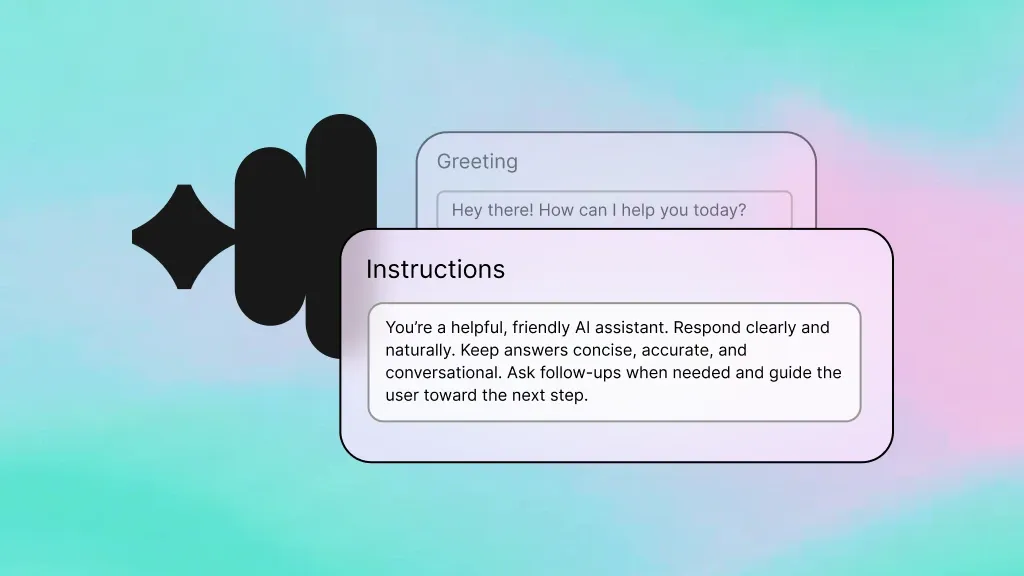
Voice AI Agents
The conversational layer that connects to Greenhouse, handles the call, and triggers tool calls to create candidates and update applications.
Learn more
Inference
Open-weight LLMs power the reasoning behind every tool call, so the agent knows when to create a candidate versus update an existing application.
Learn more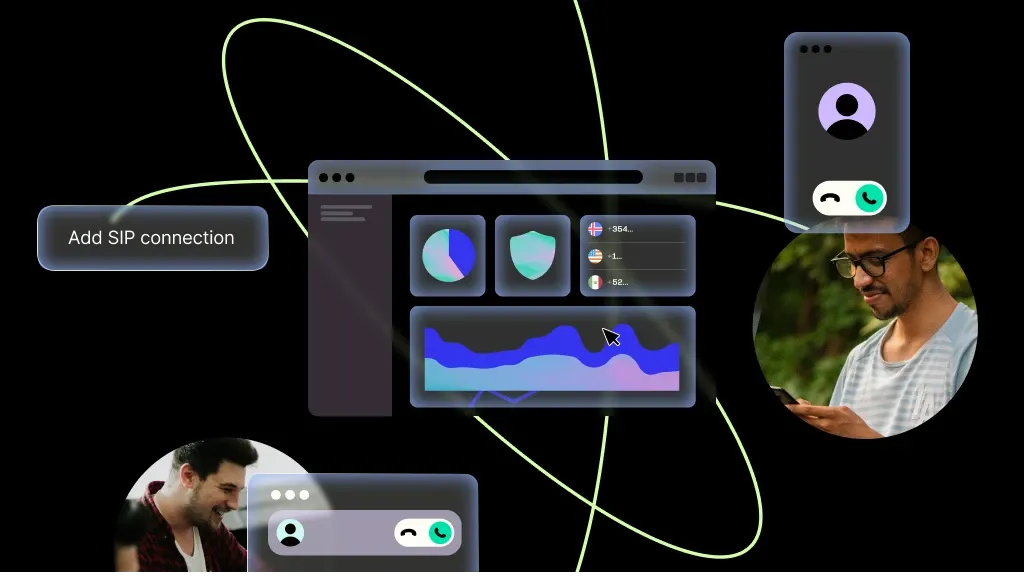
SIP Trunking
HD audio over SIP delivers clear call quality so the agent captures every detail a candidate shares, even on a noisy phone line.
Learn more
Speech-to-Text
Real-time transcription converts what candidates say into text the agent can reason over and act on inside Greenhouse.
Learn more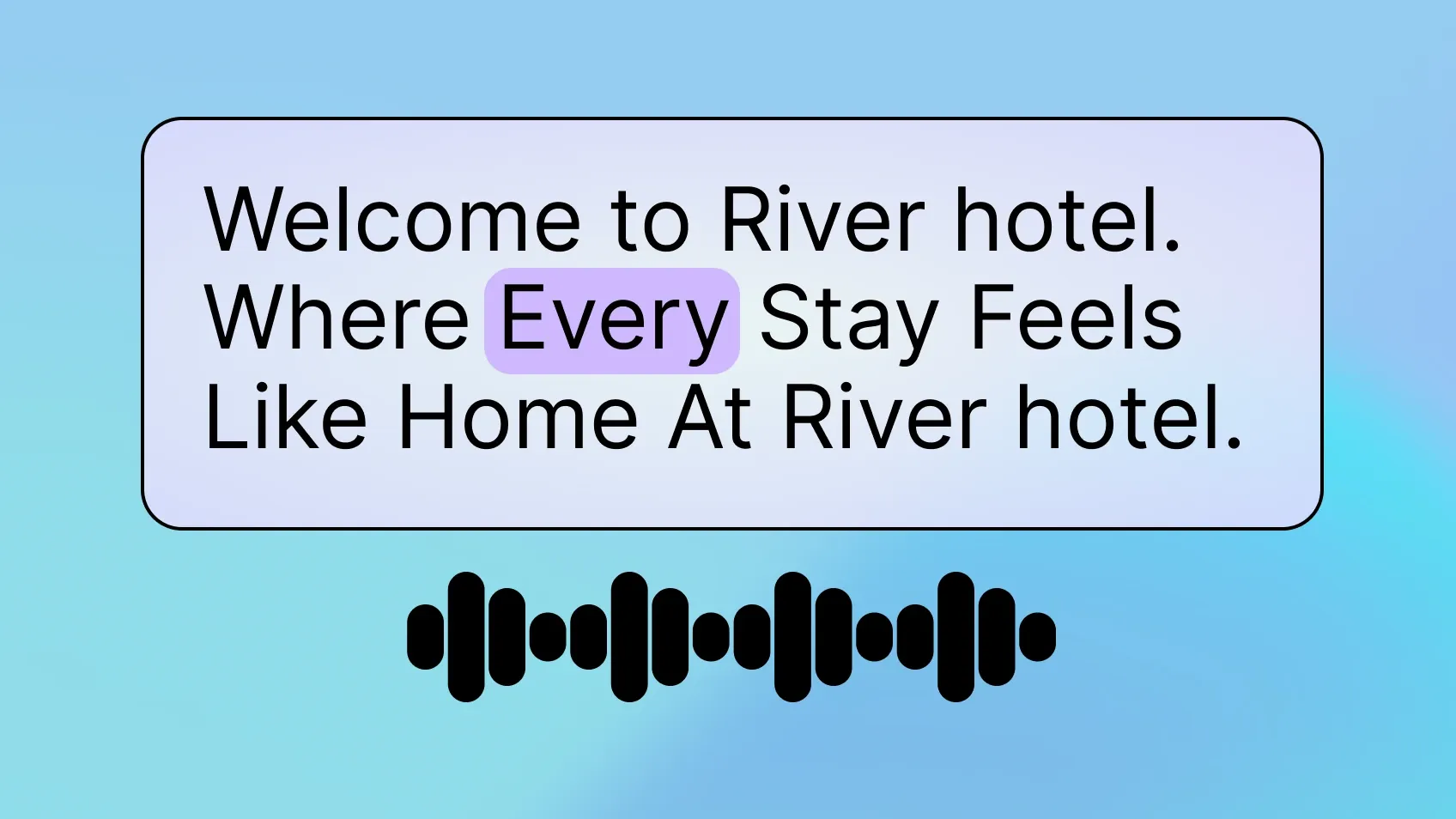
Text-to-Speech
Natural voice synthesis lets the agent ask screening questions and confirm candidate details in a conversational tone.
Learn more
Phone Numbers
Provision a dedicated recruiting line in seconds. Every Greenhouse integration needs a number for candidates to call.
Learn moreMORE INTEGRATIONS

Greenhouse
Optimize recruiting with voice-driven updates, scheduling, and candidate workflows.
Learn more



.svg)