
QuickBooks Online
Overview
Connect your voice agent with QuickBooks to automate accounting and billing workflows during phone conversations. The integration allows agents to create invoices, update customer records, and log billing interactions directly within the accounting system.
How it works
This video shows how a Voice AI agent built on Telnyx voice captures billing information from a caller and creates a new invoice or customer record in QuickBooks. The agent writes the data into the system and verifies the entry directly in the QuickBooks interface.
Capabilities
The QuickBooks integration supports the following operations across core objects:
Customers
create_customer
get_customer
update_customer
list_customer
Invoices
create_invoice
get_invoice
update_invoice
list_invoice
Payments
create_payment
get_payment
list_payment
Items
get_item
list_item
About QuickBooks Online
QuickBooks Online is Intuit's cloud-based accounting software for small and growing businesses. It handles invoicing, expense tracking, payroll, tax preparation, and financial reporting, giving business owners a real-time view of their finances from any device.
What moves between the agent and QuickBooks Online
A Telnyx voice AI agent can create, search, and update financial records in QuickBooks Online through API tool calls during a phone conversation. When a customer calls to ask about an invoice, the agent can search QuickBooks by customer name or invoice number and read back the balance, due date, and line items.
For order-taking workflows, the agent can create new invoices from call details, capturing product names, quantities, and pricing from the conversation. The agent can also create estimates, update invoice status when payment is confirmed over the phone, and log customer notes against their QuickBooks record.
For accounts receivable calls, the agent can list outstanding invoices for a customer, calculate total balances due, and send payment reminders - turning inbound calls into proactive collections and account management interactions without requiring the caller to log into a portal.
COMPOSITION
Pick the job. The primitives light up.
Four QuickBooks Online assistants. Pick one and the blocks it runs on light up, and the create call attaches QuickBooks Online in the same request, the meter prices it. Or click any single block: every primitive sells alone.
One request. Tools attached. You pay the minute, not the connector.
THE TELNYX PLATFORM
Powered by the Telnyx platform
Every Telnyx integration runs on the same infrastructure: voice AI agents for conversation, inference for reasoning, SIP trunking for transport, STT and TTS for understanding and speech, and phone numbers for provisioning.
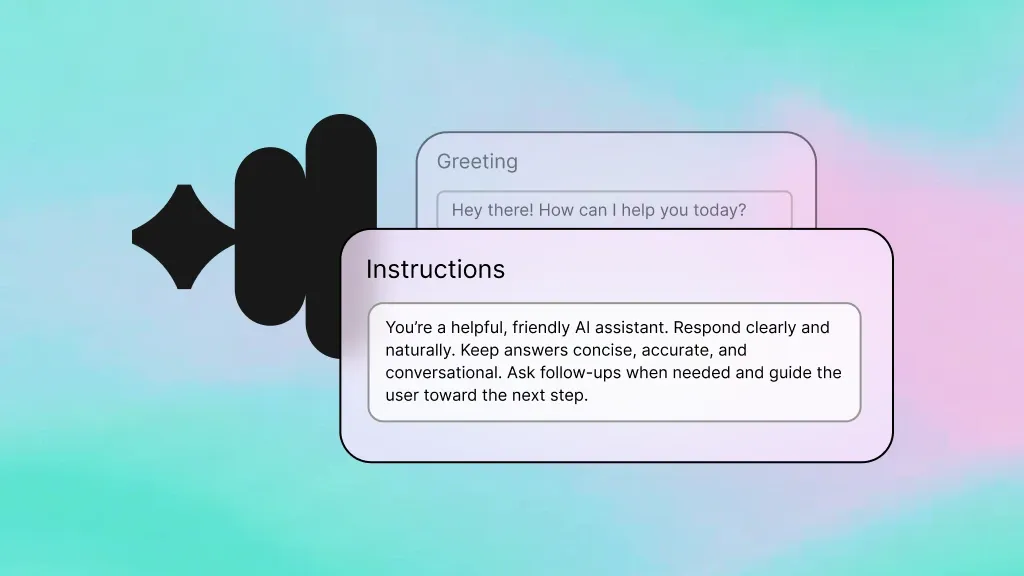
Voice AI Agents
Handle billing calls, create invoices, and manage accounts receivable through natural conversation.
Learn more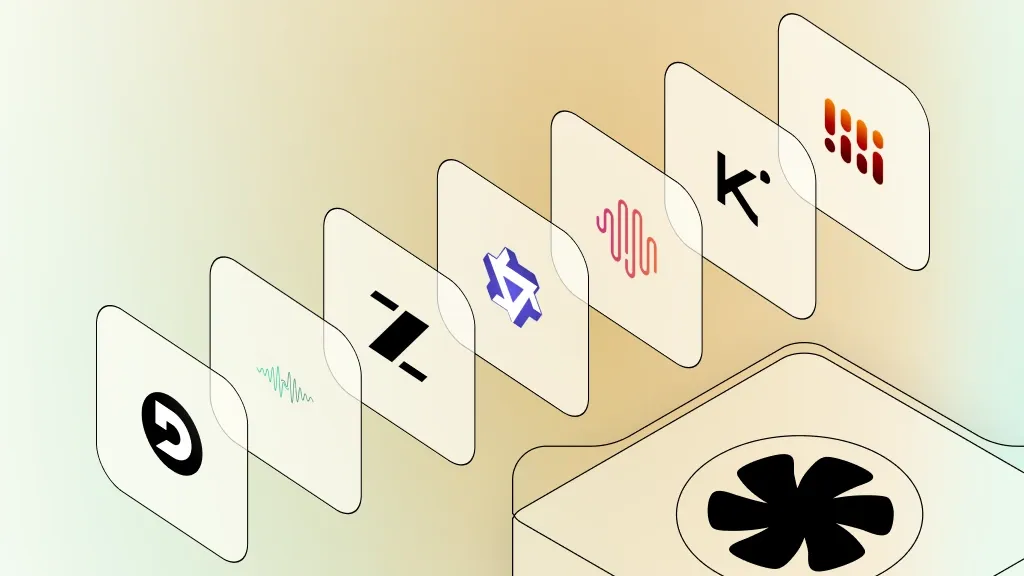
Inference
Understand payment inquiries and route complex accounting questions to the right team.
Learn more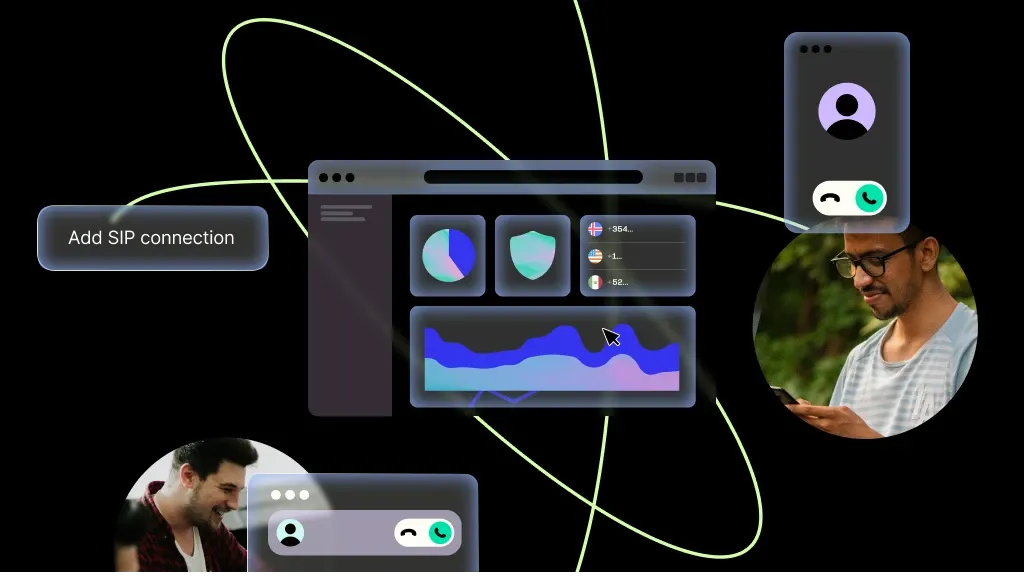
SIP Trunking
Reliable voice transport for your financial services phone lines.
Learn more
Speech-to-Text
Transcribe caller payment details and order information accurately for invoice creation.
Learn more
Text-to-Speech
Read back invoice details, balances, and payment histories in clear speech.
Learn more
Phone Numbers
Dedicated billing and support numbers that route to your QuickBooks-powered agents.
Learn moreMORE INTEGRATIONS

Greenhouse
Optimize recruiting with voice-driven updates, scheduling, and candidate workflows.
Learn more



.svg)