Salesforce
Overview
Connect your voice agent with Salesforce to synchronize customer data and automate CRM workflows during phone conversations. The integration allows agents to create leads, update accounts, and log activities in real time.
How it works
A Telnyx Voice AI agent can capture customer information during a call and interact with Salesforce through API tool calls. Based on the conversation, the agent can create leads, update accounts or opportunities, and log activities directly in the CRM, keeping customer data synchronized with real-time interactions.
Capabilities
The Salesforce integration supports the following operations across core CRM objects:
Accounts
create_account
get_account
update_account
list_account
search_account
delete_account
Contacts
create_contact
get_contact
update_contact
list_contact
search_contact
delete_contact
Leads
create_lead
get_lead
update_lead
list_lead
search_lead
delete_lead
Opportunities
create_opportunity
get_opportunity
update_opportunity
list_opportunity
search_opportunity
delete_opportunity
Cases
create_case
get_case
update_case
list_case
search_case
delete_case
Tasks
create_task
get_task
update_task
list_task
search_task
delete_task
Events
create_event
get_event
update_event
list_event
search_event
delete_event
Notes
create_note
get_note
update_note
list_note
search_note
delete_note
Users
get_user
list_user
About Salesforce
Salesforce is the world's leading customer relationship management platform, unifying sales, service, marketing, commerce, and analytics into a single source of truth. With its Data Cloud, Agentforce AI agents, and Customer 360 portfolio, Salesforce helps businesses of every size connect with customers through data-driven, intelligent workflows.
What moves between the agent and Salesforce
A Telnyx voice AI agent can read, create, update, and search across the core Salesforce CRM objects during a live phone call. When a caller identifies themselves, the agent can look up the matching account or contact, pull opportunity details, and review open cases to provide context-aware responses.
During the conversation, the agent can create new leads from inbound calls, update opportunity stages as deals progress, log tasks and events against the right records, and open or close support cases. Notes captured during the call are written back to Salesforce in real time so the CRM stays synchronized with every interaction.
The agent can also search across accounts, contacts, and leads by name, email, phone number, or other fields, making it possible to match callers to existing records and route them appropriately - all without a human touching the CRM.
COMPOSITION
Pick the job. The primitives light up.
Four Salesforce assistants. Pick one and the blocks it runs on light up, and the create call attaches Salesforce in the same request, the meter prices it. Or click any single block: every primitive sells alone.
One request. Tools attached. You pay the minute, not the connector.
THE TELNYX PLATFORM
Powered by the Telnyx platform
Every Telnyx integration runs on the same infrastructure: voice AI agents for conversation, inference for reasoning, SIP trunking for transport, STT and TTS for understanding and speech, and phone numbers for provisioning.
Voice AI Agents
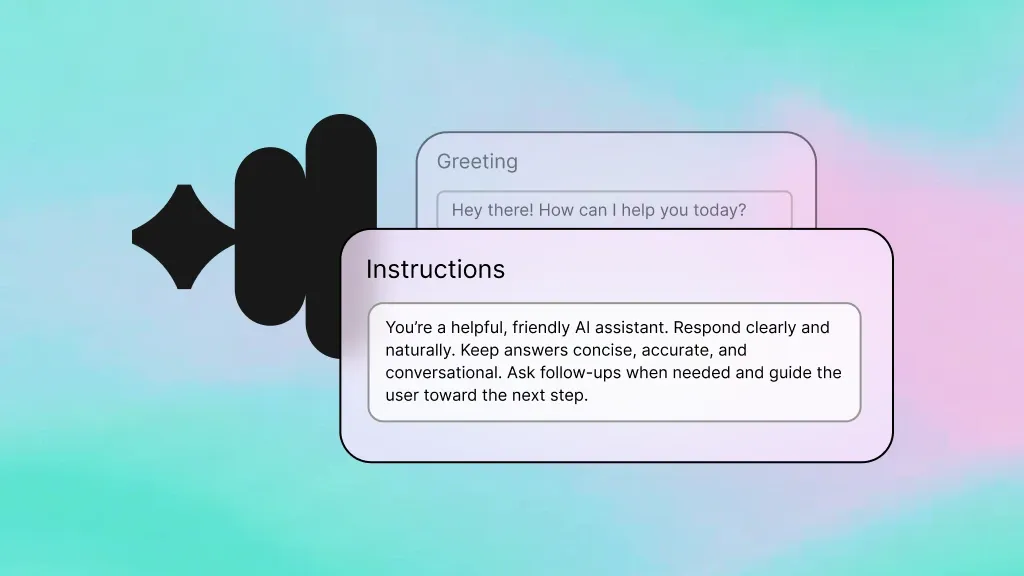
Handle inbound calls and interact with Salesforce records - creating leads, updating cases, and logging tasks during natural conversations.
Learn more
Inference
Power reasoning and decision-making so the agent knows when to create a lead versus update an existing contact in Salesforce.
Learn more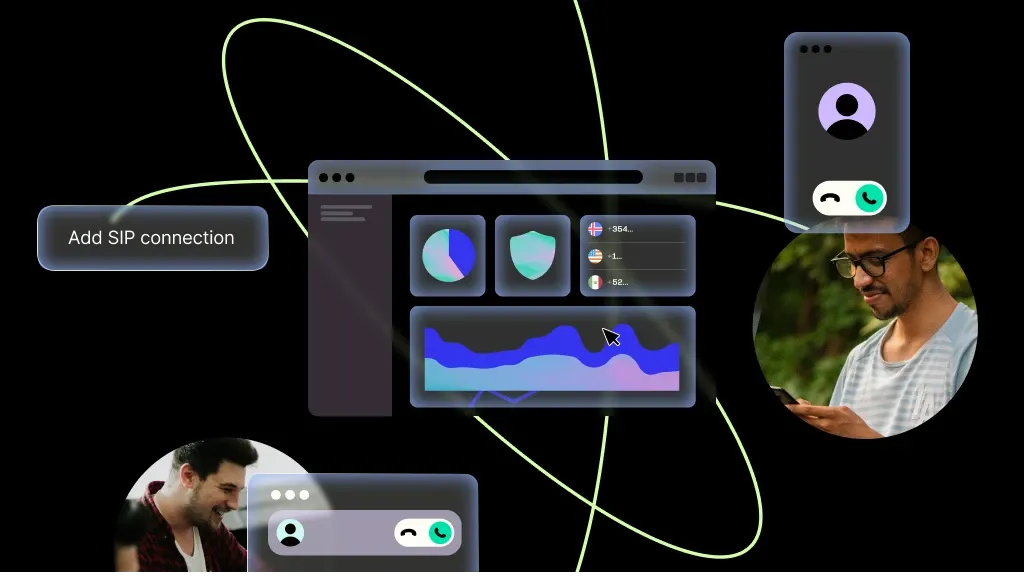
SIP Trunking
Carry every Salesforce-connected call over Telnyx SIP trunks with carrier-grade reliability and global reach.
Learn more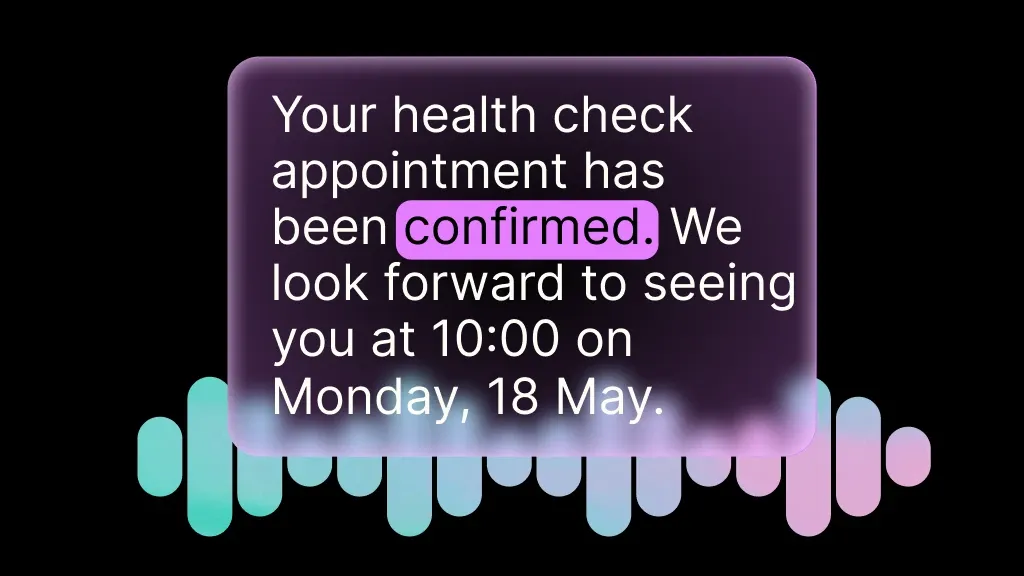
Speech-to-Text
Transcribe calls in real time so the agent can understand caller intent and write accurate notes back to Salesforce.
Learn more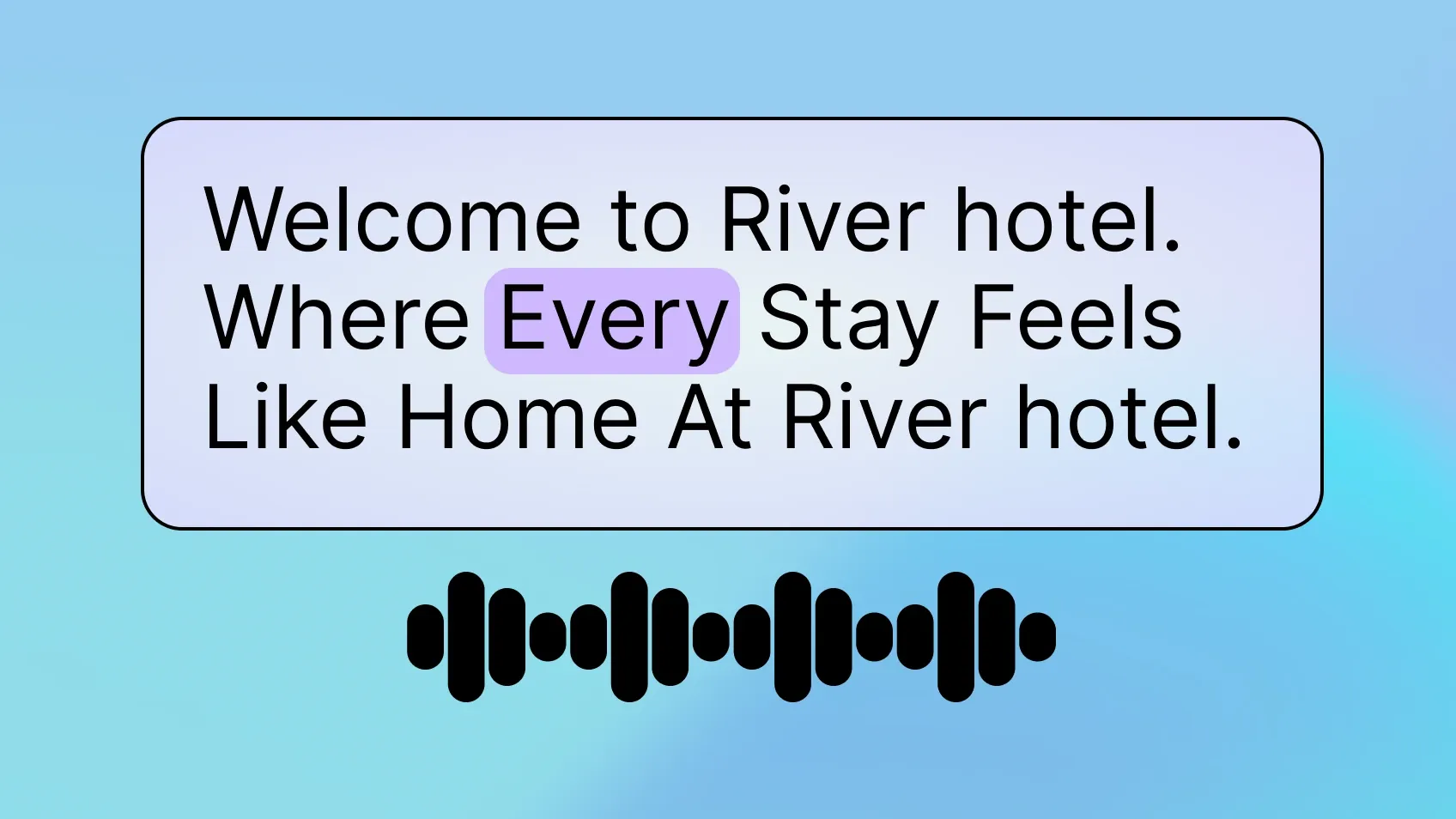
Text-to-Speech
Deliver natural-sounding responses that reflect Salesforce data - reading back account details, order statuses, and next steps.
Learn more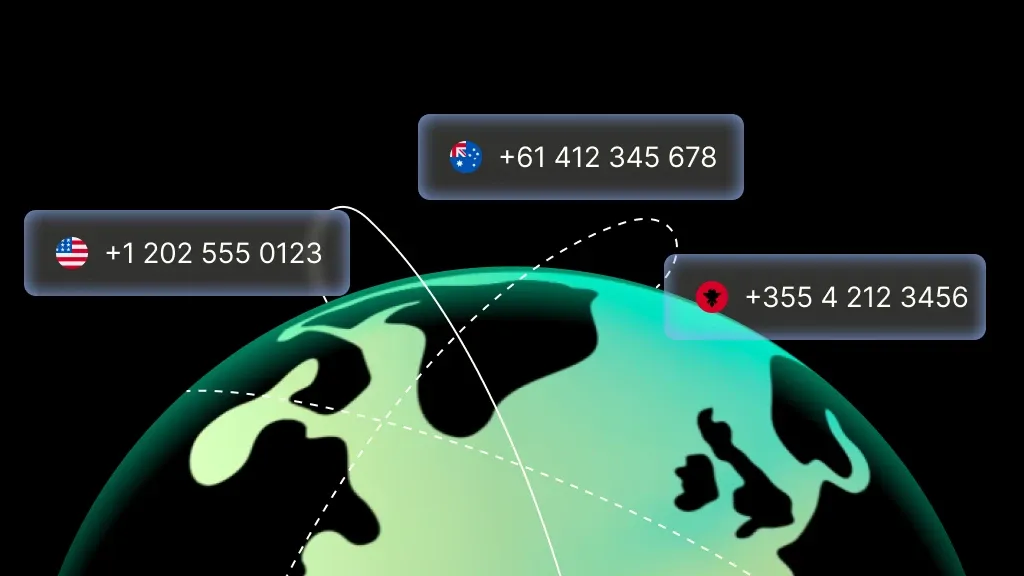
Phone Numbers
Provision local and toll-free numbers for your Salesforce-connected voice agent in minutes, with instant activation.
Learn moreMORE INTEGRATIONS

Greenhouse
Optimize recruiting with voice-driven updates, scheduling, and candidate workflows.
Learn more



.svg)