

SAP SuccessFactors
Overview
Connect your voice agent with SAP SuccessFactors to access and update employee information through voice interactions. The integration allows agents to retrieve HR records, update employee data, and support HR workflows during conversations.
How it works
A Telnyx Voice AI agent can retrieve or update HR data during a conversation by interacting with SAP SuccessFactors through API tool calls. The agent can access employee records, retrieve job information, or update HR data, supporting HR workflows through natural voice interactions.
Capabilities
The SAP SuccessFactors integration supports the following operations across core objects:
Employees
get_employee
update_employee
list_employee
Jobs
get_job
list_job
Users
get_user
About SAP SuccessFactors
SAP SuccessFactors is a cloud-based human capital management (HCM) suite that helps organizations manage the full employee lifecycle - from recruiting and onboarding to performance, compensation, and workforce analytics. Part of the SAP Business Technology Platform, it serves over 200 million users worldwide.
What moves between the agent and SAP SuccessFactors
A Telnyx voice AI agent can read, create, update, and search employee records within SAP SuccessFactors during a phone call. When an employee or manager calls in, the agent can look up the employee's profile, retrieve their job title, department, manager chain, and employment details to provide context-aware responses.
The agent can create time-off requests, update employee information such as contact details or emergency contacts, and search the employee directory by name or department. It can also read performance goals, check completion status of learning assignments, and log notes against employee records.
For HR service desks, the agent can create cases for employee inquiries, route them to the appropriate HR business partner based on the topic, and provide status updates on open requests - all while keeping the HCM system synchronized with every interaction.
COMPOSITION
Pick the job. The primitives light up.
Four SAP SuccessFactors assistants. Pick one and the blocks it runs on light up, and the create call attaches SAP SuccessFactors in the same request, the meter prices it. Or click any single block: every primitive sells alone.
One request. Tools attached. You pay the minute, not the connector.
THE TELNYX PLATFORM
Powered by the Telnyx platform
Every Telnyx integration runs on the same infrastructure: voice AI agents for conversation, inference for reasoning, SIP trunking for transport, STT and TTS for understanding and speech, and phone numbers for provisioning.
Voice AI Agents
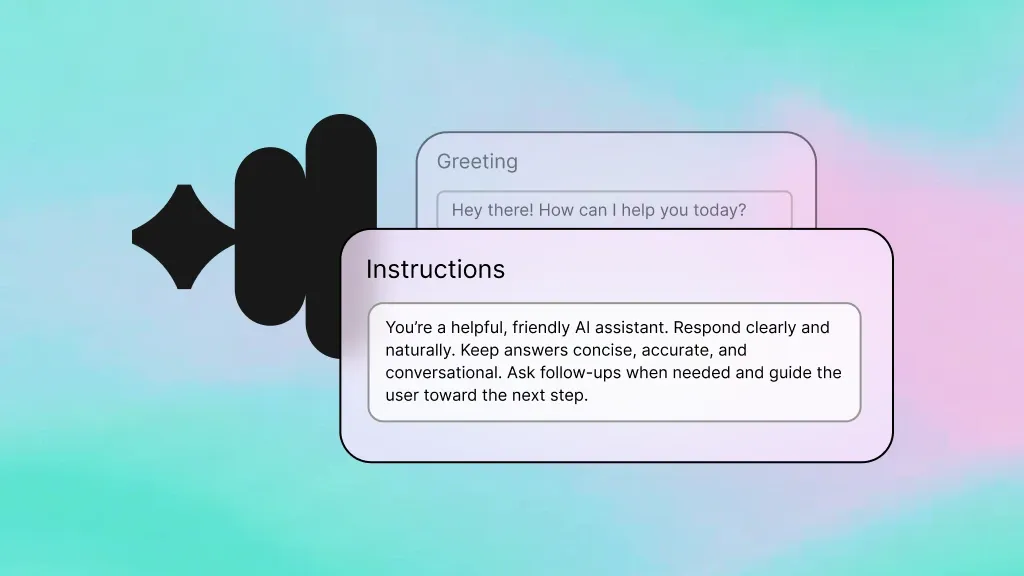
Handle HR hotline calls and interact with SuccessFactors - looking up employee records, submitting time-off requests, and creating cases.
Learn more
Inference
Reason over employee data so the agent can determine the right HR workflow - whether that is time-off approval, case routing, or an escalation.
Learn more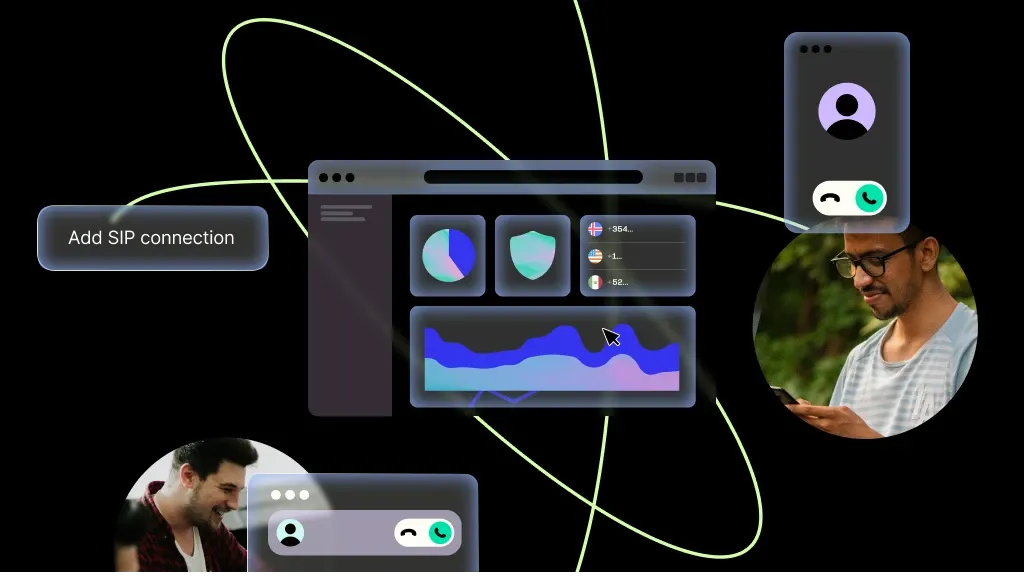
SIP Trunking
Carry every HR hotline call over Telnyx SIP trunks with enterprise-grade reliability and global coverage.
Learn more
Speech-to-Text
Transcribe employee calls in real time so the agent can capture details for case creation and note logging in SuccessFactors.
Learn more
Text-to-Speech
Read back employee details, policy information, and case statuses in a clear, natural voice.
Learn more
Phone Numbers
Provision dedicated HR hotline numbers in any country, giving employees a local number to call for HR support.
Learn moreMORE INTEGRATIONS

Greenhouse
Optimize recruiting with voice-driven updates, scheduling, and candidate workflows.
Learn more



.svg)