

ServiceNow
Overview
Connect your voice agent with ServiceNow to automate support and service workflows during phone conversations. The integration allows agents to create incidents, update tickets, and log support activity in real time, helping teams manage service operations more efficiently.
How it works
This video shows how a Voice AI agent built on Telnyx voice captures issue details from a caller and creates a new incident in ServiceNow. The agent records the information through tool calls and confirms the ticket directly in the ServiceNow interface.
Capabilities
The ServiceNow integration supports the following operations across core objects:
Incidents
create_incident
get_incident
update_incident
list_incident
Requests
create_request
get_request
update_request
list_request
Cases
create_case
get_case
update_case
Users
get_user
list_user
About ServiceNow
ServiceNow is a leading enterprise IT service management (ITSM) platform that helps organizations manage digital workflows across IT, employee experience, customer service, and security operations. Its Now Platform unifies business processes on a single cloud-based system of record, serving thousands of enterprises worldwide.
What moves between the agent and ServiceNow
A Telnyx voice AI agent can read, create, update, and search across ServiceNow tables during a live phone call. When a caller reports an IT issue, the agent can create an incident ticket, look up the caller's configuration items (CIs), and check the status of existing incidents or change requests.
The agent can search the service catalog, read knowledge base articles to provide first-call resolution, and escalate tickets by updating priority or assignment group. It can create and update service requests, manage task assignments, and log work notes against any ticket in real time.
For customer service management, the agent can create cases, link them to affected CIs, and provide status updates on open requests. Change management operations let the agent check change windows, read change records, and flag conflicts - all through natural conversation without the caller navigating the ServiceNow portal.
COMPOSITION
Pick the job. The primitives light up.
Four ServiceNow assistants. Pick one and the blocks it runs on light up, and the create call attaches ServiceNow in the same request, the meter prices it. Or click any single block: every primitive sells alone.
One request. Tools attached. You pay the minute, not the connector.
THE TELNYX PLATFORM
Powered by the Telnyx platform
Every Telnyx integration runs on the same infrastructure: voice AI agents for conversation, inference for reasoning, SIP trunking for transport, STT and TTS for understanding and speech, and phone numbers for provisioning.
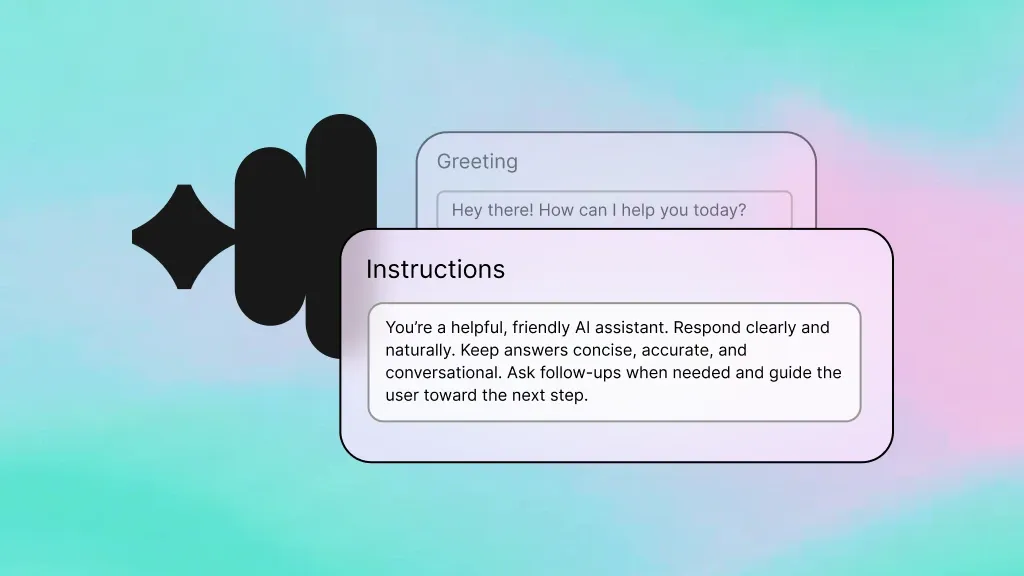
Voice AI Agents
Handle IT help desk calls and interact with ServiceNow - creating incidents, reading knowledge articles, and escalating tickets during natural conversations.
Learn more
Inference
Reason over IT context so the agent can determine whether to resolve an issue with a knowledge article or escalate to a specialist.
Learn more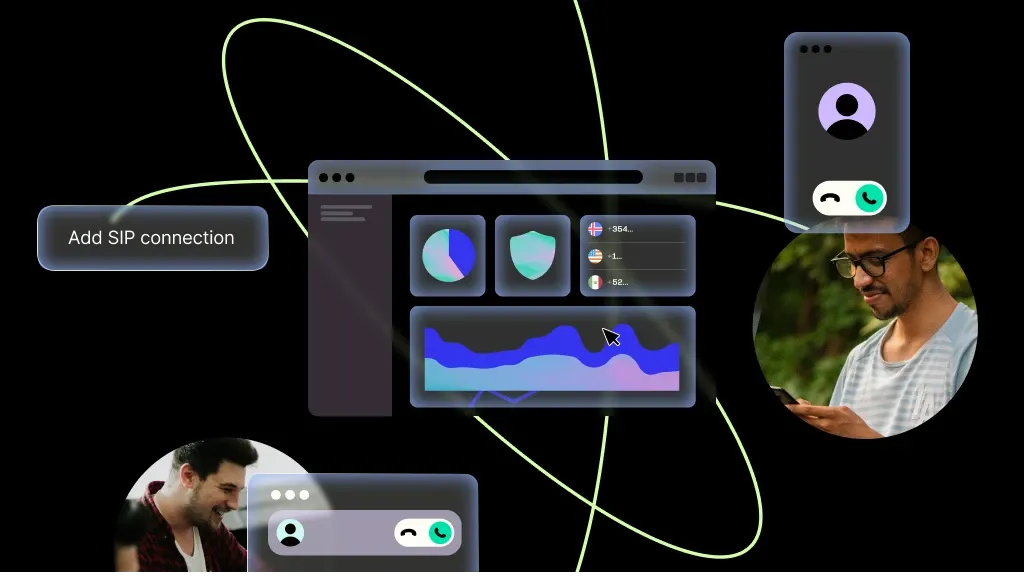
SIP Trunking
Carry every service desk call over Telnyx SIP trunks with carrier-grade reliability and global reach.
Learn more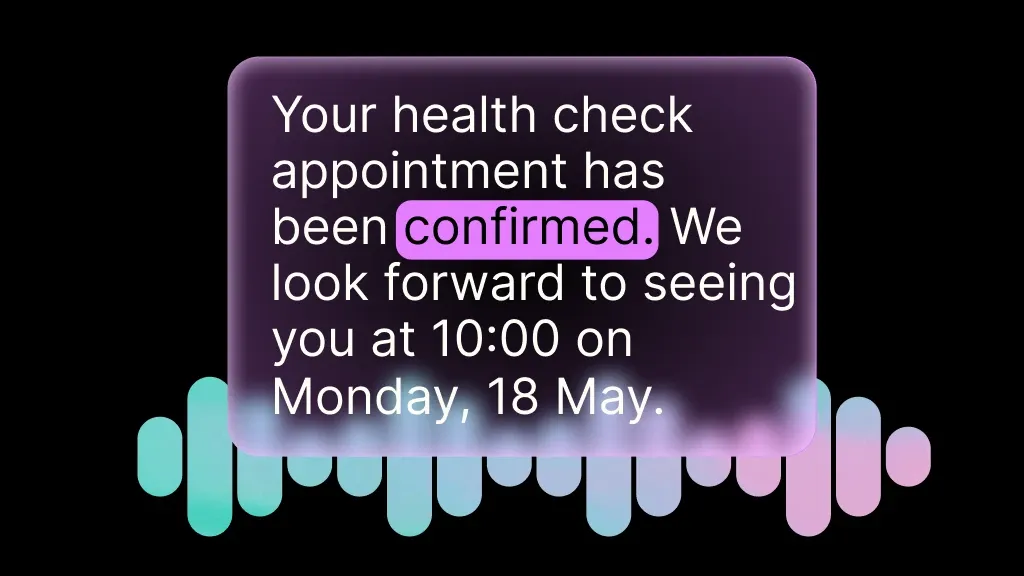
Speech-to-Text
Transcribe issue descriptions in real time so the agent can capture accurate details for incident tickets and work notes.
Learn more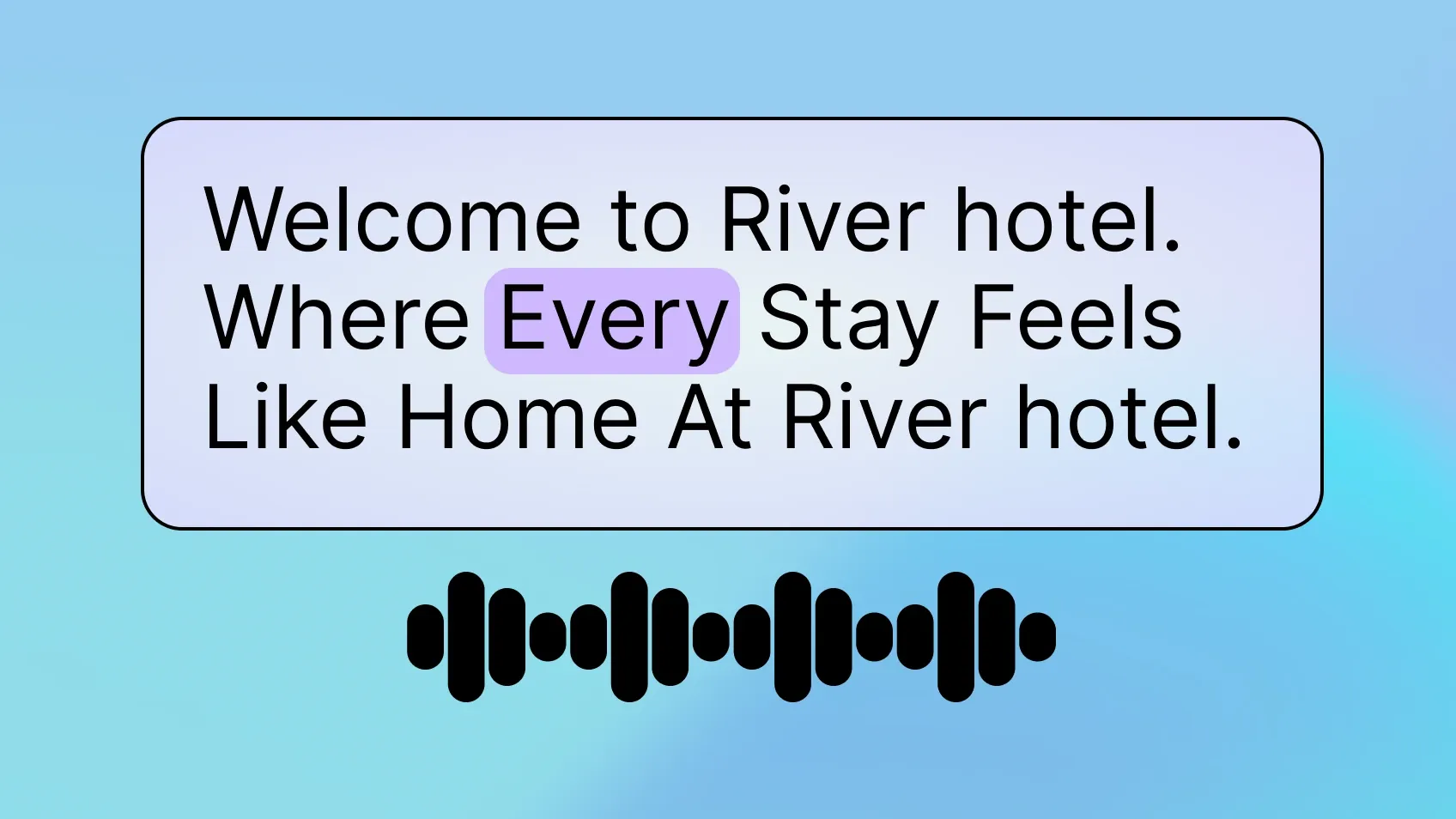
Text-to-Speech
Read back ticket numbers, status updates, and knowledge base solutions in a clear, natural voice.
Learn more
Phone Numbers
Provision local and toll-free service desk numbers in minutes, with instant activation in any region.
Learn moreMORE INTEGRATIONS

Greenhouse
Optimize recruiting with voice-driven updates, scheduling, and candidate workflows.
Learn more



.svg)