.svg)
Sharepoint
Overview
Connect your voice agent with Microsoft SharePoint to access and manage documents during voice interactions. The integration allows agents to retrieve files, update records, and capture notes directly within shared document repositories.
How it works
A Telnyx Voice AI agent can retrieve documents or store information in SharePoint during a conversation. Using API tool calls, the agent can access files, update records, or log notes directly in shared document repositories, helping teams manage documentation and knowledge workflows.
Capabilities
The SharePoint integration supports the following operations across core objects:
Files
create_file
get_file
update_file
list_file
Folders
create_folder
get_folder
list_folder
Users
get_user
About SharePoint
Microsoft SharePoint is a cloud-based document collaboration and content management platform that enables organizations to store, organize, share, and co-author documents across teams. Integrated with Microsoft 365, SharePoint serves millions of users with intranet sites, document libraries, lists, and workflow automation.
What moves between the agent and SharePoint
A Telnyx voice AI agent can read, create, update, and search documents and list items within SharePoint during a phone call. When a caller requests information, the agent can search document libraries by keyword, retrieve document metadata, and read summaries of relevant files stored in SharePoint sites.
The agent can create new list items - such as adding entries to a tracking list or creating a task in a SharePoint task list - and update existing items with new information gathered during the call. It can also search across SharePoint lists to find specific records, such as looking up a project status or a policy document.
For document-heavy workflows, the agent can check whether a file exists in a given library, read its properties, and provide a verbal summary of its contents. Notes and action items captured during the call can be written back to SharePoint lists, ensuring the team's shared workspace stays current with every conversation.
COMPOSITION
Pick the job. The primitives light up.
Four SharePoint assistants. Pick one and the blocks it runs on light up, and the create call attaches SharePoint in the same request, the meter prices it. Or click any single block: every primitive sells alone.
One request. Tools attached. You pay the minute, not the connector.
THE TELNYX PLATFORM
Powered by the Telnyx platform
Every Telnyx integration runs on the same infrastructure: voice AI agents for conversation, inference for reasoning, SIP trunking for transport, STT and TTS for understanding and speech, and phone numbers for provisioning.
Voice AI Agents
Handle internal information calls and interact with SharePoint - searching document libraries, reading list items, and creating entries during natural conversations.
Learn more
Inference
Reason over document context so the agent can determine which SharePoint file or list is most relevant to the caller's request.
Learn more
SIP Trunking
Carry every internal service call over Telnyx SIP trunks with carrier-grade reliability and global reach.
Learn more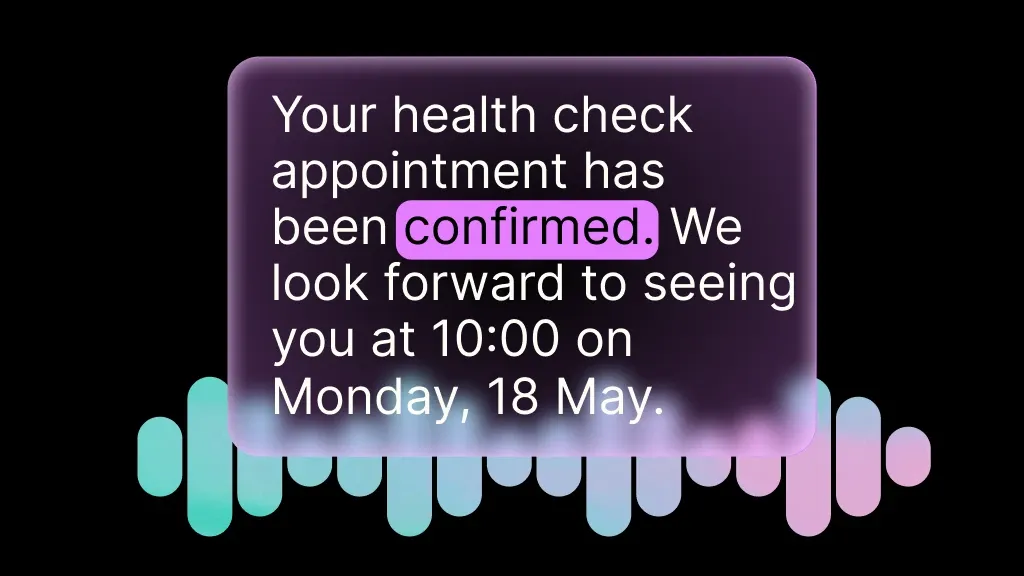
Speech-to-Text
Transcribe caller requests in real time so the agent can capture accurate details for SharePoint list items and notes.
Learn more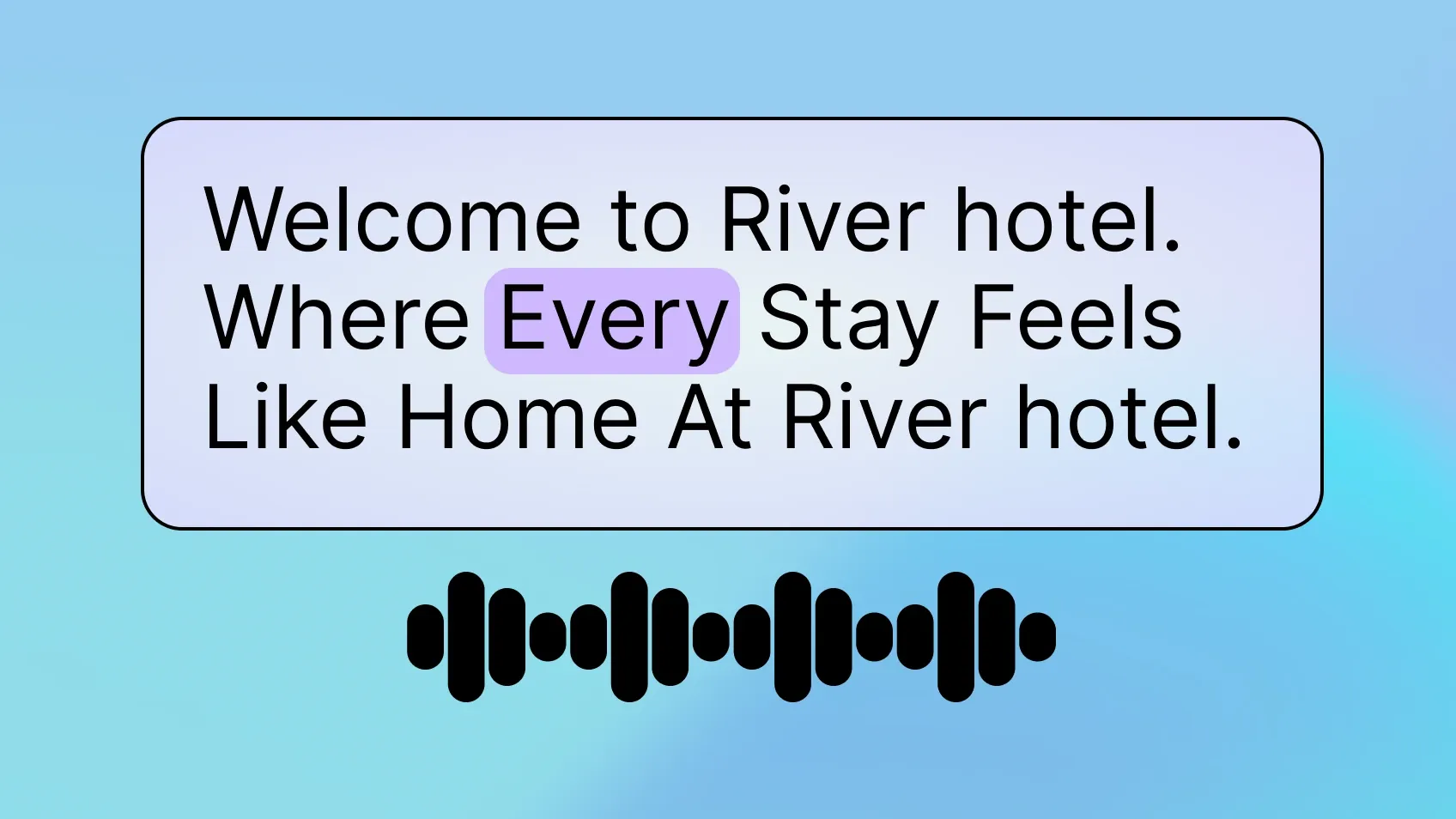
Text-to-Speech
Read back document summaries, list contents, and confirmation messages in a clear, natural voice.
Learn more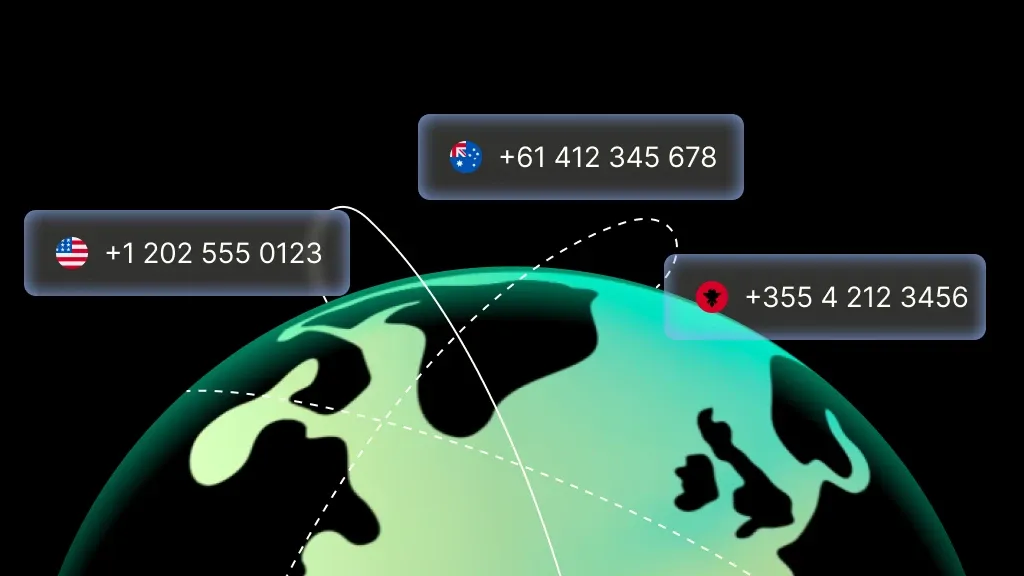
Phone Numbers
Provision local and toll-free internal service numbers in minutes, with instant activation.
Learn moreMORE INTEGRATIONS

Greenhouse
Optimize recruiting with voice-driven updates, scheduling, and candidate workflows.
Learn more



.svg)