
Overview
Connect your voice agent with Zoho CRM to sync leads, contacts, accounts, and deals in real time. The integration allows your agent to create and update CRM records automatically from calls, log notes, and tasks, and keep sales pipelines aligned with live customer interactions. This reduces manual data entry, improves CRM accuracy, and ensures every voice interaction feeds directly into your revenue workflows.
How it works
This video shows how a Voice AI agent built on Telnyx voice automates lead creation in Zoho CRM. During the conversation, the agent captures contact details in real time, writes data into Zoho through tool calls, and confirms the new lead directly in the CRM interface.
Capabilities
The Zoho integration supports the following operations across core CRM objects:
Leads
create_lead
get_lead
update_lead
list_lead
Contacts
create_contact
get_contact
update_contact
list_contact
Deals
create_deal
get_deal
update_deal
list_deal
Accounts
create_account
get_account
update_account
Notes
create_note
get_note
list_note
Tasks
create_task
get_task
update_task
About Zoho
Zoho is a comprehensive suite of cloud-based business software covering CRM, help desk, finance, HR, project management, and more. With over 75 million users, Zoho's integrated platform helps small and mid-size businesses run their entire operation - from sales and marketing to support and accounting - on a single ecosystem.
What moves between the agent and Zoho
A Telnyx voice AI agent can read, create, update, and search across Zoho CRM modules - contacts, accounts, deals, leads, and tasks - during a phone call. When a caller identifies themselves, the agent can look up their contact record, pull deal details, and review open tasks to provide context-aware responses.
The agent can create new leads or contacts from inbound calls, update deal stages as conversations progress, and log calls as activities against the right records. It can also search across modules by name, email, or phone number to match callers to existing records.
For Zoho Desk integration, the agent can create and update support tickets, read ticket threads, and provide status updates. It can search the knowledge base for solutions and escalate tickets to the appropriate agent when needed - keeping the CRM and help desk synchronized with every interaction.
COMPOSITION
Pick the job. The primitives light up.
Four Zoho assistants. Pick one and the blocks it runs on light up, and the create call attaches Zoho in the same request, the meter prices it. Or click any single block: every primitive sells alone.
One request. Tools attached. You pay the minute, not the connector.
THE TELNYX PLATFORM
Powered by the Telnyx platform
Every Telnyx integration runs on the same infrastructure: voice AI agents for conversation, inference for reasoning, SIP trunking for transport, STT and TTS for understanding and speech, and phone numbers for provisioning.
Voice AI Agents
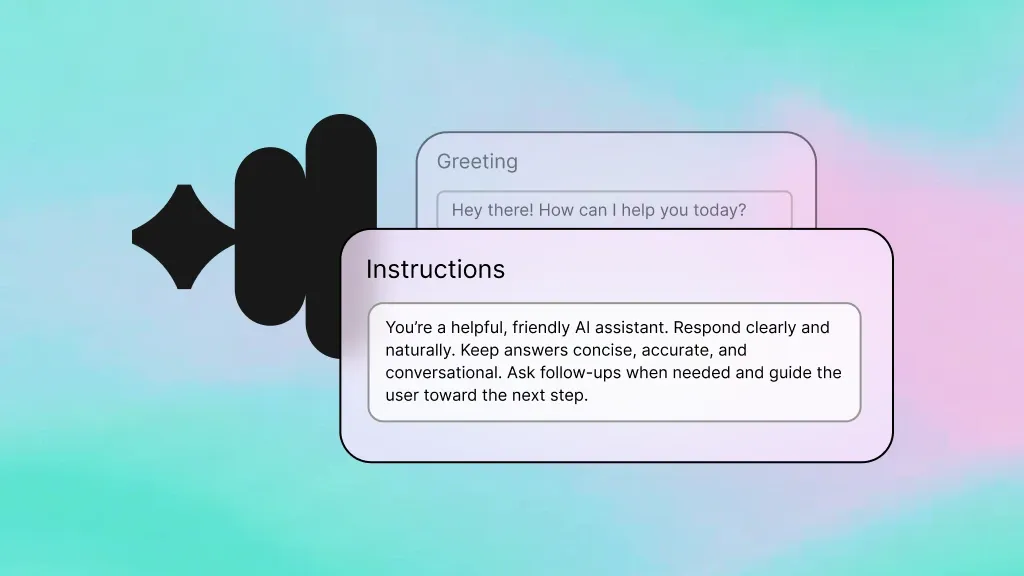
Handle inbound calls and interact with Zoho - creating leads, updating deals, and logging activities in Zoho CRM during natural conversations.
Learn more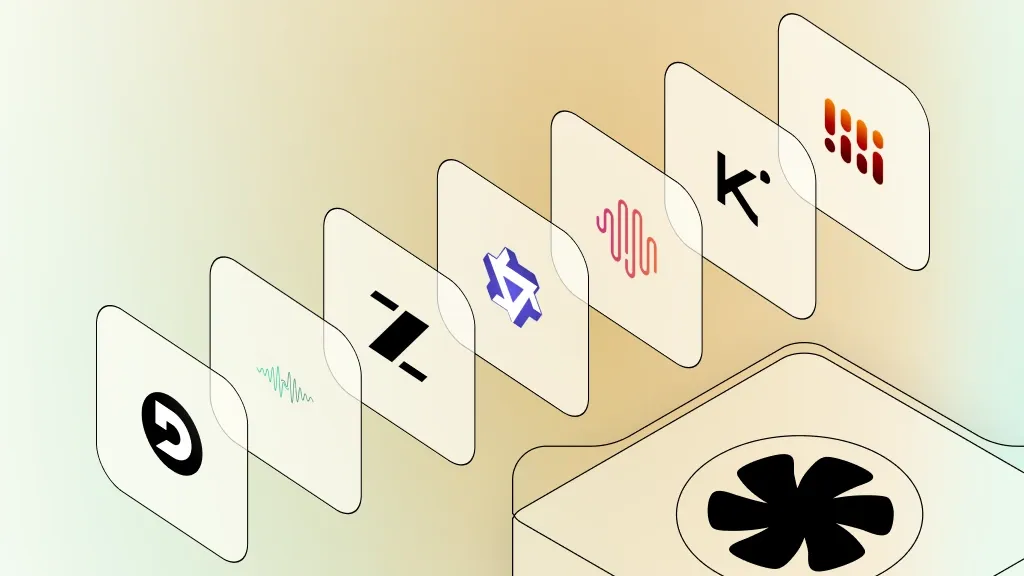
Inference
Reason over CRM context so the agent can determine whether a caller is an existing contact or a new lead, and route accordingly.
Learn more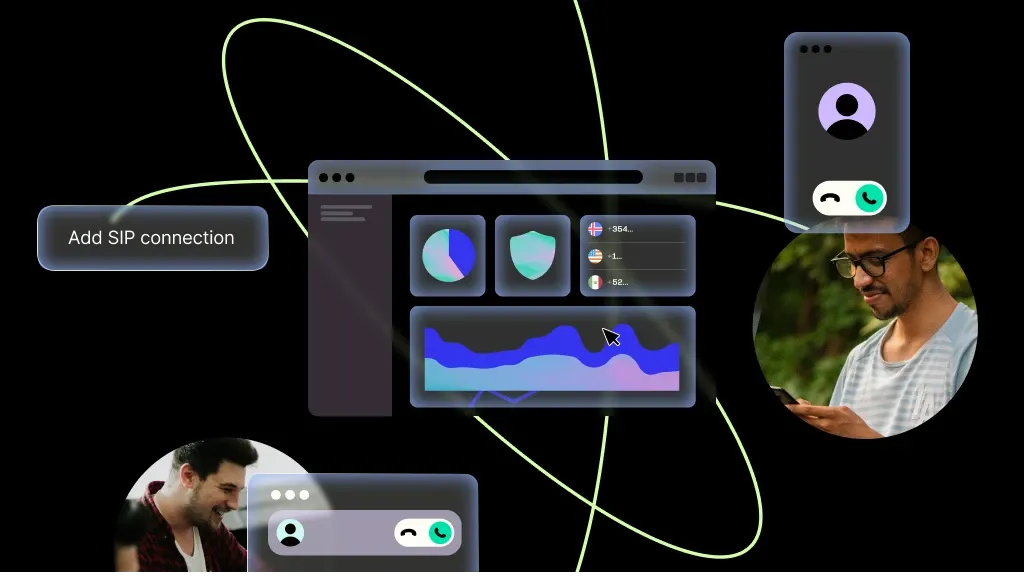
SIP Trunking
Carry every Zoho-connected call over Telnyx SIP trunks with carrier-grade reliability and global reach.
Learn more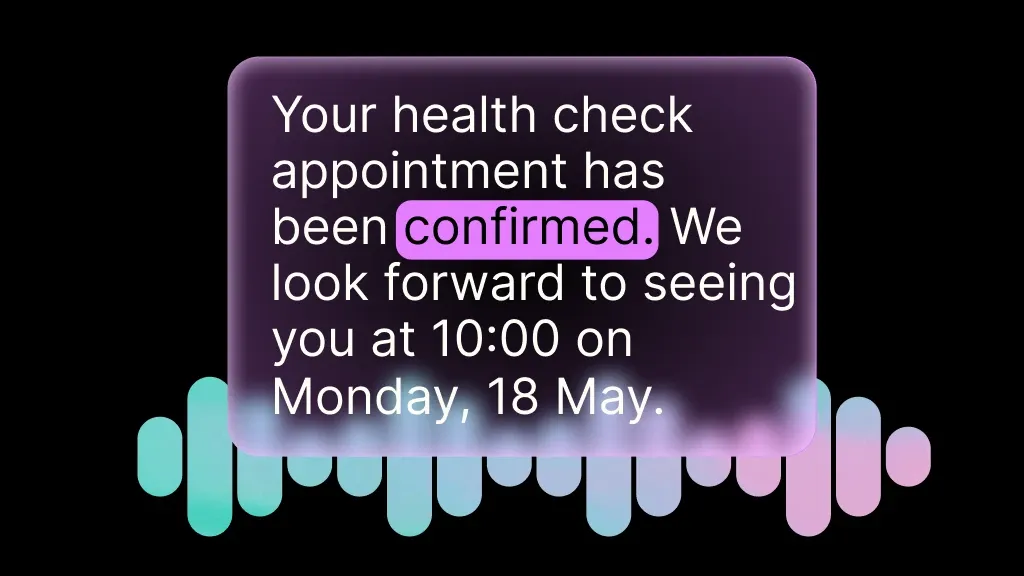
Speech-to-Text
Transcribe calls in real time so the agent can capture accurate lead details and call notes for Zoho CRM records.
Learn more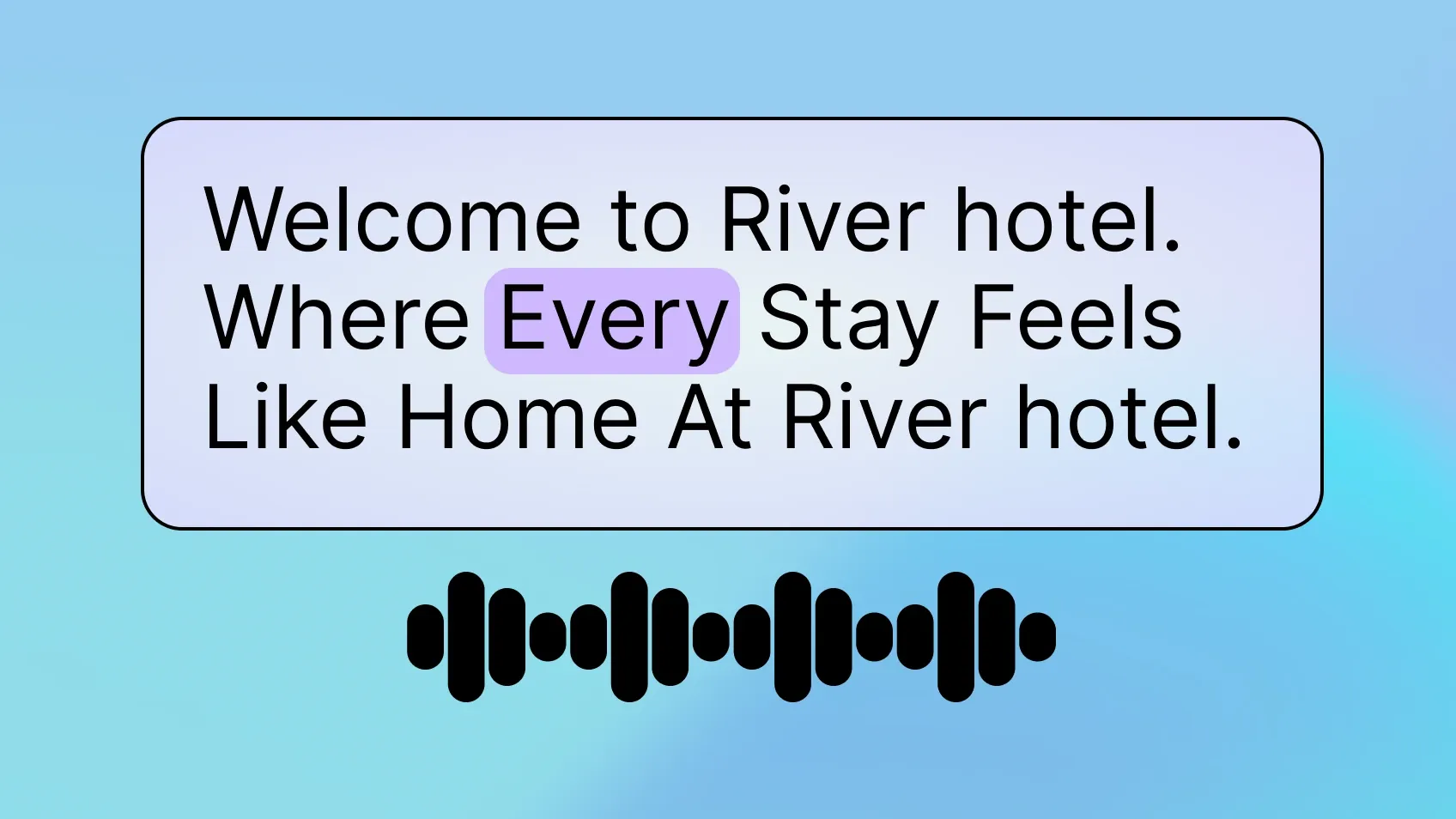
Text-to-Speech
Read back deal statuses, ticket updates, and appointment confirmations from Zoho in a clear, natural voice.
Learn more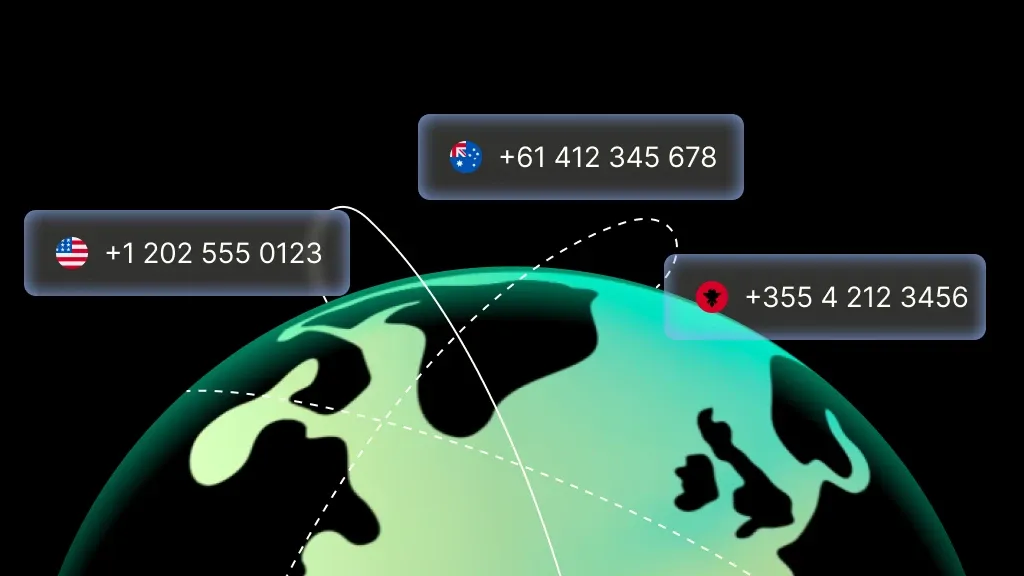
Phone Numbers
Provision local and toll-free business numbers in minutes, with instant activation in any region.
Learn moreMORE INTEGRATIONS

Greenhouse
Optimize recruiting with voice-driven updates, scheduling, and candidate workflows.
Learn more



.svg)